

Smart TV IPTV setup: choose the route for your television
Start a smart TV setup by identifying the operating system, then choose a player available for that television and confirm the account format it accepts.
Read the guideIdentify the exact model, its operating system and the player route before installing software.

These rows describe installation boundaries. Manufacturer documentation and a physical test of a particular Dream account are different evidence. No universal app or device support is asserted.
| Platform | Installation route | Dream Android package | Guide |
|---|---|---|---|
| Google TV / Android TV | Platform app installation documented; use the exact model and player record. | Dream APK on the individual model: not physically tested. | Open guide |
| Fire OS devices | Android-based Fire TV installation depends on the actual generation. | Exact Dream package and device combination: not verified by a physical test. | Open guide |
| Vega OS devices | Vega-native application route. | Fire OS Android APKs do not run on Vega. | Open guide |
| Samsung Tizen | Television app-store ecosystem. | Android APK is not a native Tizen package. | Open guide |
| LG webOS | Television app-store ecosystem. | Android APK is not a native webOS package. | Open guide |
| Roku OS | Roku app/channel ecosystem. | Android APK is not a native Roku package. | Open guide |
| Apple TV / tvOS | tvOS App Store and the selected player’s account method. | Android APK is not a tvOS package. | Open guide |
| iPhone / iPad | Apple app-store routes for iOS or iPadOS. | The Android download is not an Apple installation package. | Open guide |
| Windows / macOS / Linux | Use software documented for the computer’s OS and architecture. | The supplied Android APK is not a native desktop installer. | Open guide |
| Receivers and external HDMI devices | Model-specific firmware, middleware or player. | A connector, brand or player logo does not prove account compatibility. | Open guide |
33 guides in this collection.
Start a smart TV setup by identifying the operating system, then choose a player available for that television and confirm the account format it accepts.
Read the guideAirPlay can stream video, share audio or mirror a device’s screen, depending on the sender, receiver and app.
Read the guide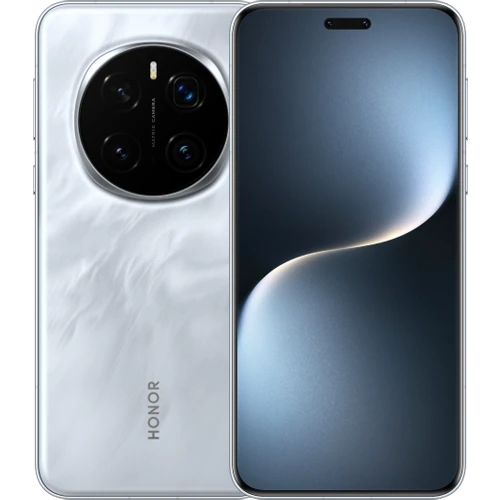
Phone manufacturers use names such as MagicOS, ColorOS and HyperOS for their software experience.
Read the guide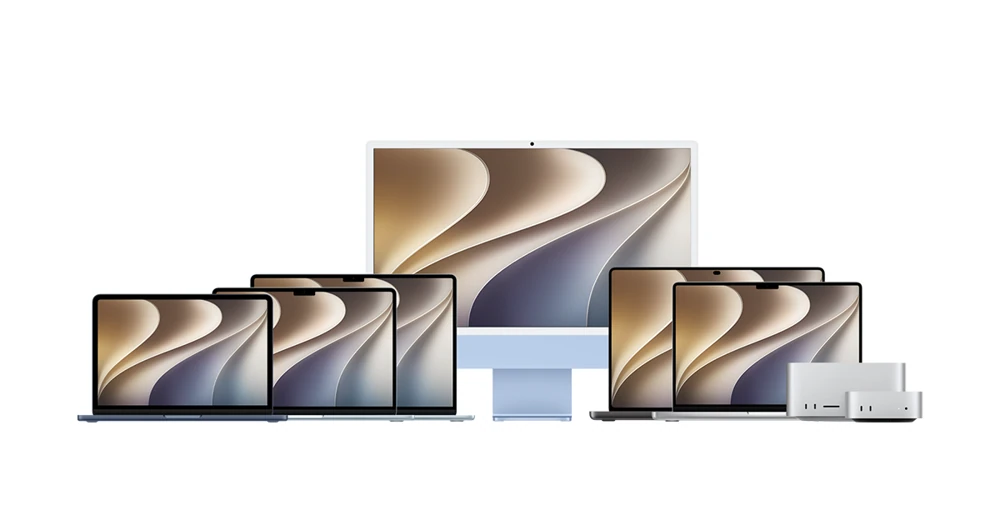
Mac mini, Mac Studio, iMac, MacBook Air, MacBook Pro and Mac Pro share macOS application concepts while differing in processors, ports and supported displays.
Read the guide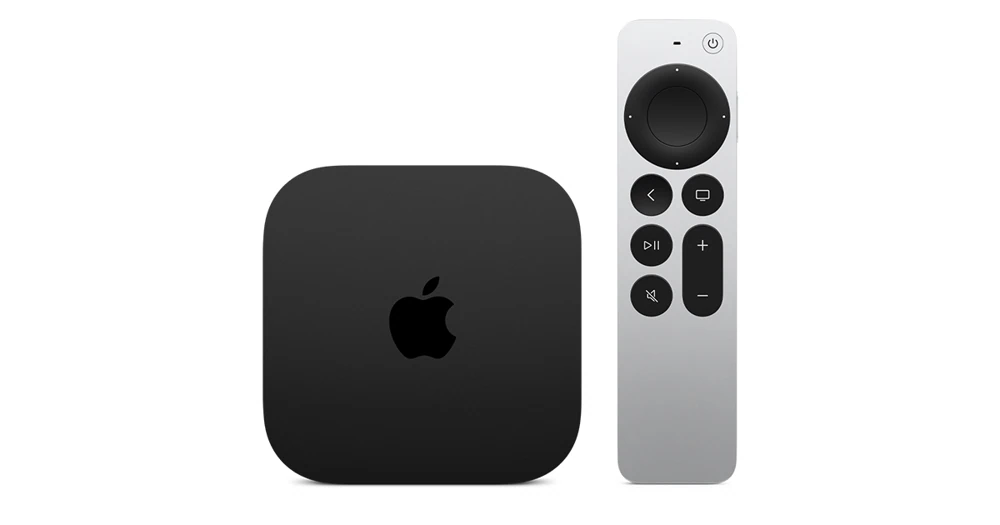
Apple TV 4K (3rd generation) has two documented configurations: a 64 GB Wi-Fi model and a 128 GB Wi-Fi + Ethernet model.
Read the guide
BuzzTV uses related names for hardware and its television client.
Read the guide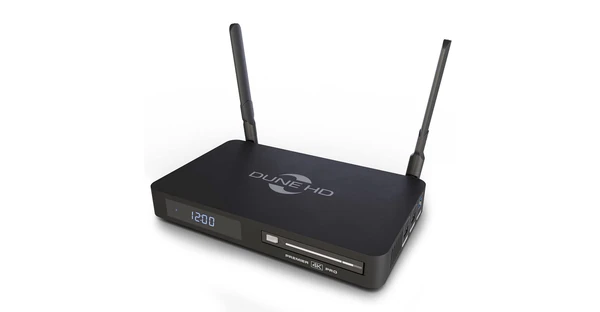
Dune HD marks Premier 4K Pro as discontinued on its product page.
Read the guide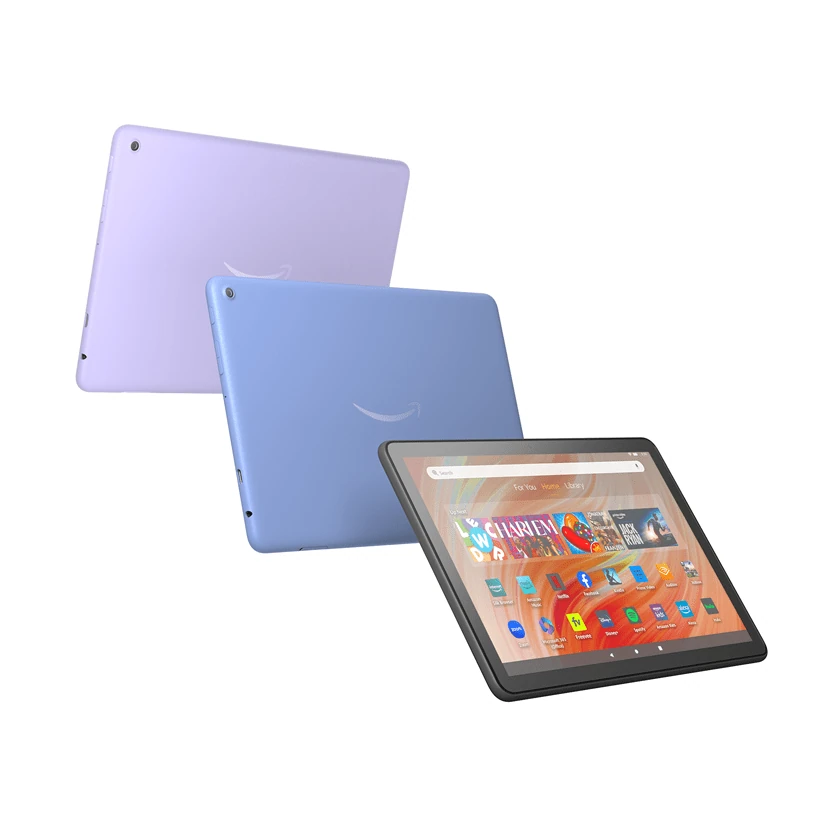
Fire HD 8, Fire HD 10 and Fire Max 11 are touchscreen tablets.
Read the guide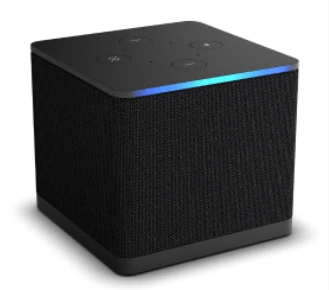
Amazon’s Fire TV Cube (3rd generation, 2022) has both an HDMI input and an HDMI output.
Read the guide
Fire TV is a product family spanning boxes, Cubes and several similarly named sticks.
Read the guide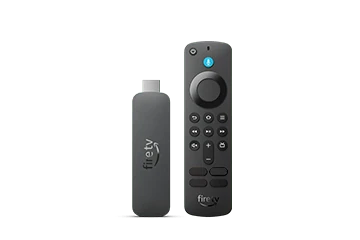
Amazon identifies Fire TV Stick 4K Select (2025), build model AFTCA002, as a Vega OS device.
Read the guide
Formuler’s Z11 Pro Max page lists Android 11, MYTVOnline3, 4 GB RAM, 32 GB storage and Gigabit Ethernet.
Read the guide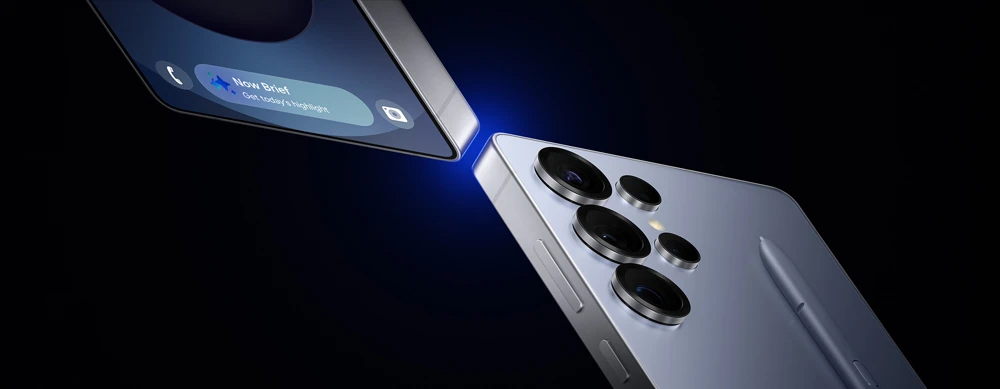
Samsung DeX can present a desktop-style interface from compatible Galaxy phones or tablets on another display.
Read the guide
Google Cast lets a supported app send content to a compatible receiver such as Google TV.
Read the guide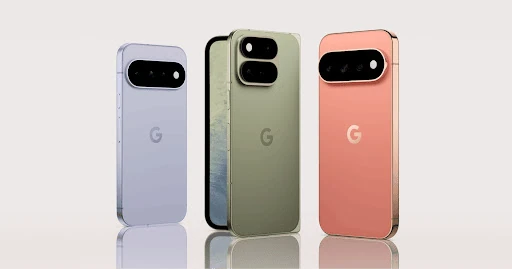
A Pixel phone can run a phone player, send supported media through Google Cast or use a documented wired display connection on eligible models.
Read the guide
Google TV Streamer (4K) is a separate HDMI streaming device running Android TV OS with the Google TV experience.
Read the guide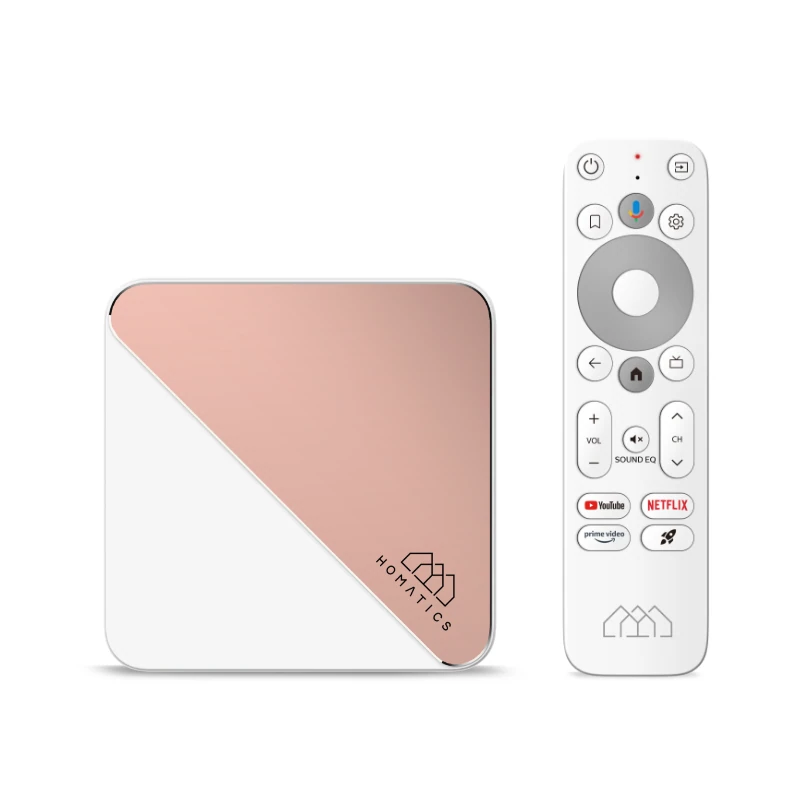
Homatics Box R 4K Plus and Dune HD Homatics Box R 4K Plus share much of their product naming.
Read the guide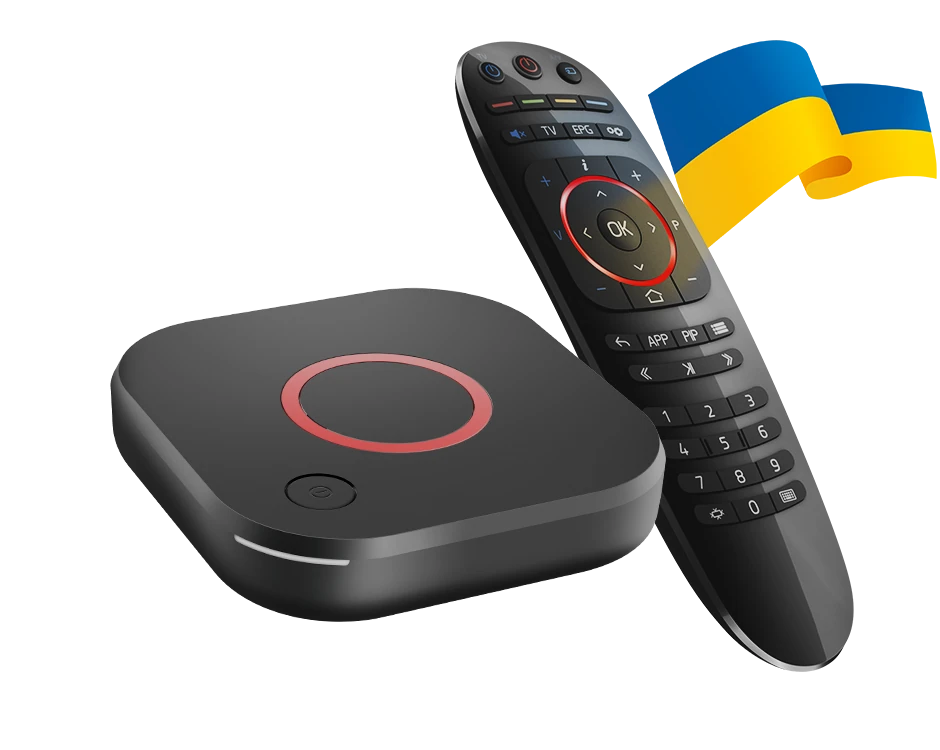
Infomir MAG544 and MAG544w3 are Linux-based IPTV receivers.
Read the guide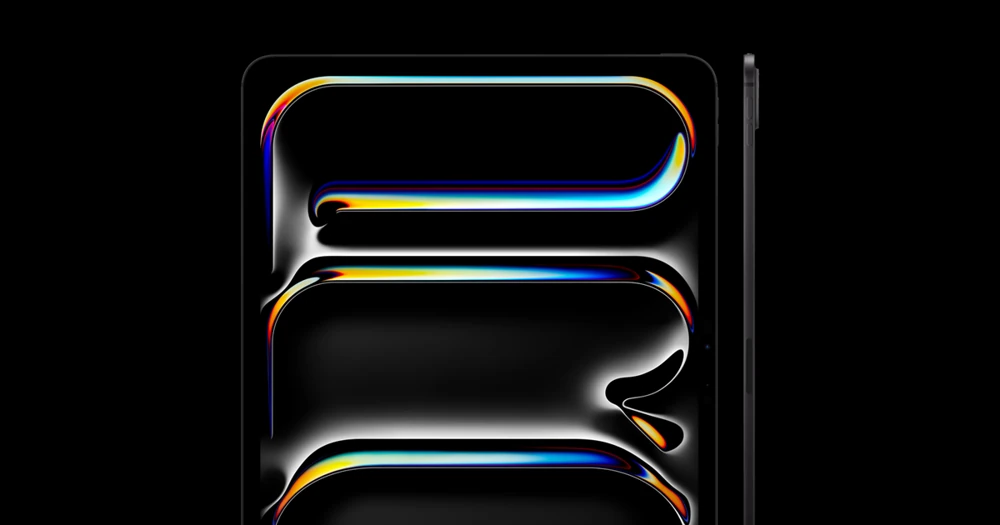
iPad display setup depends on the exact model, connector and intended display mode.
Read the guide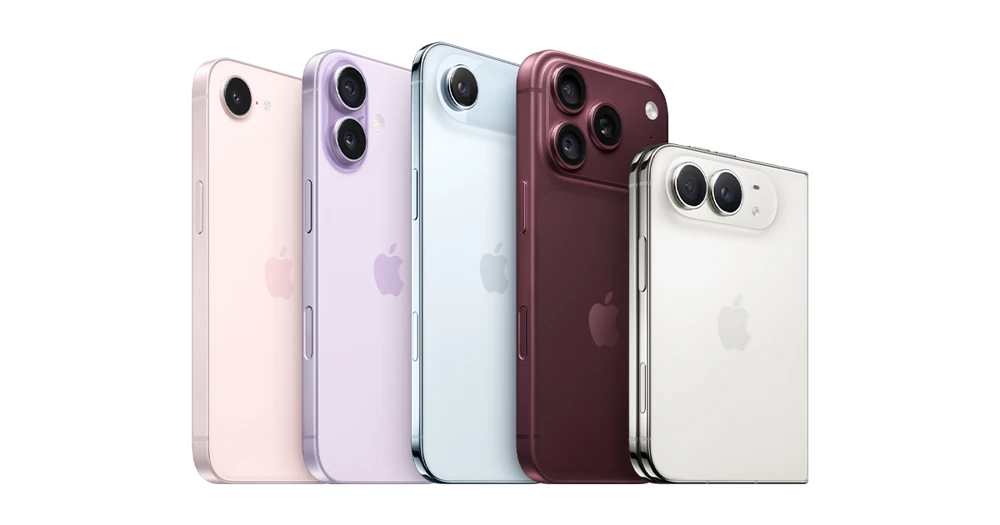
An iPhone’s connector and model both matter when connecting a television.
Read the guide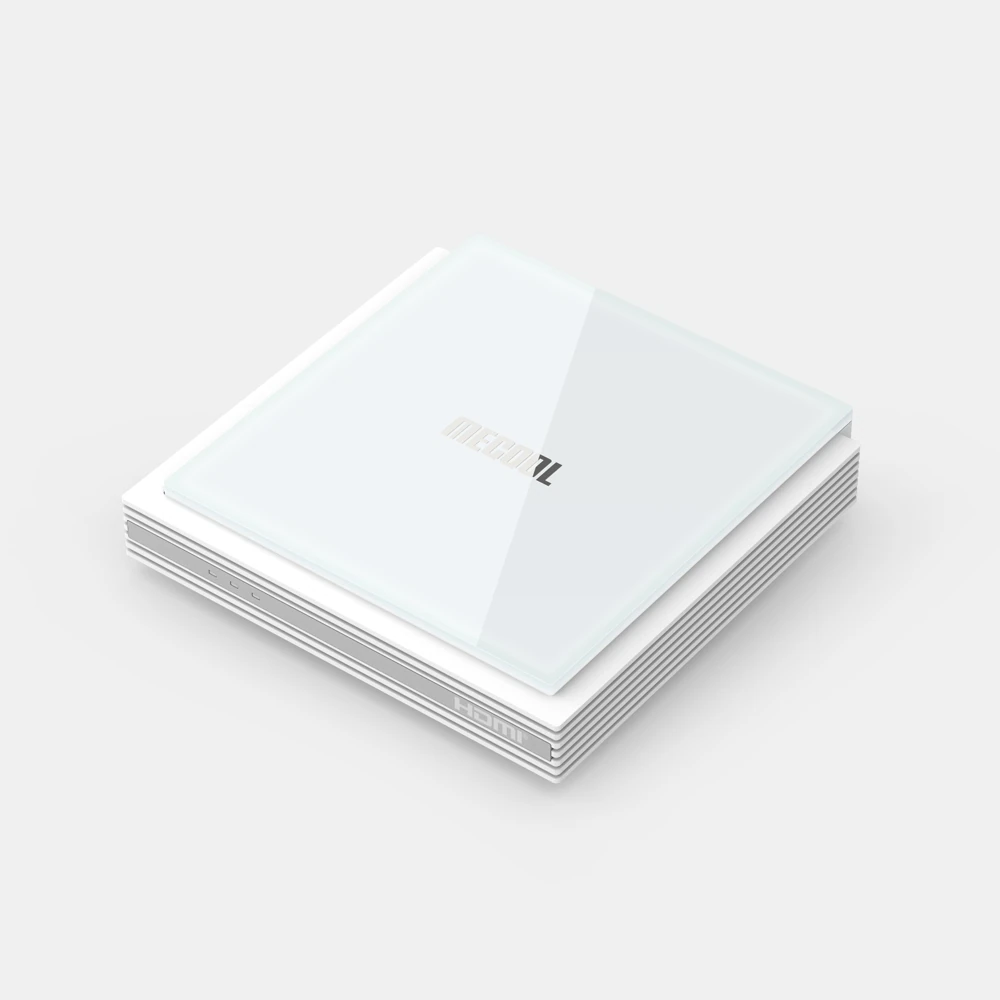
MECOOL identifies KM2 PLUS Deluxe as a Google-certified Android TV product.
Read the guide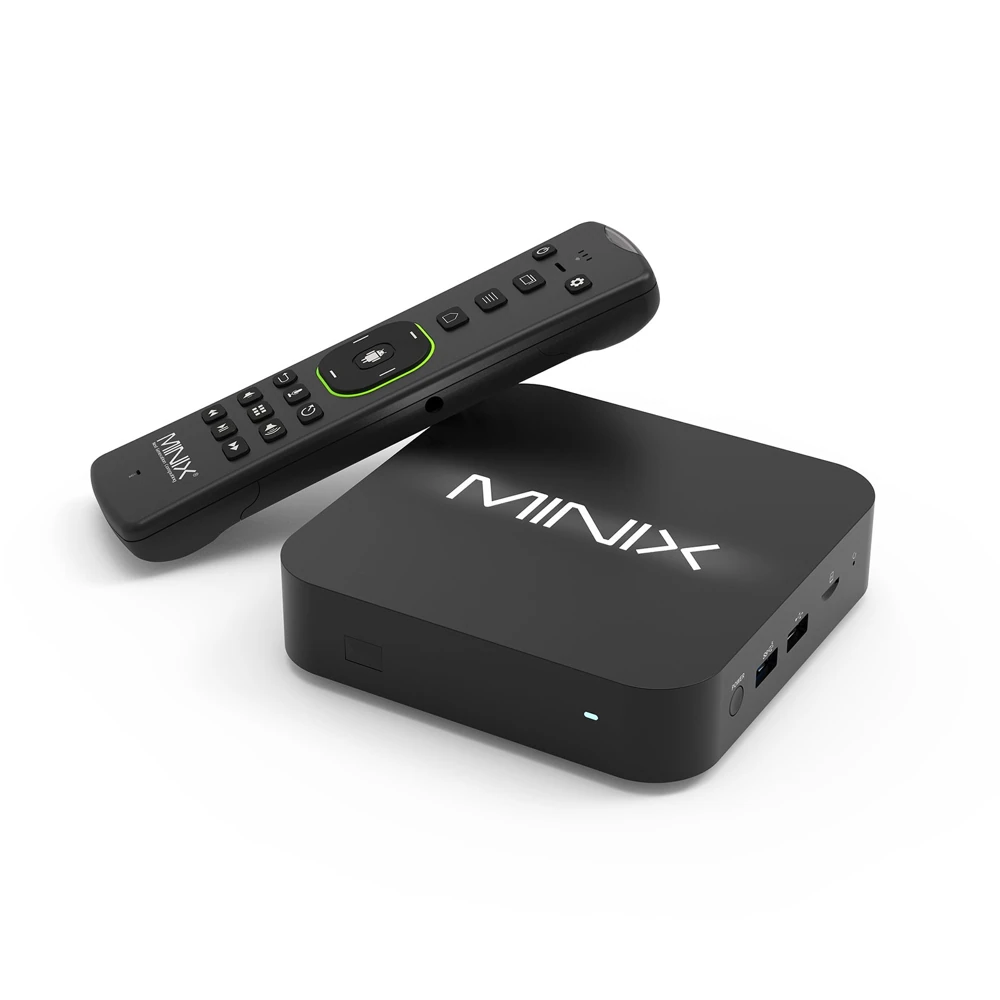
MINIX describes U8K-ULTRA as an Android AOSP media hub.
Read the guide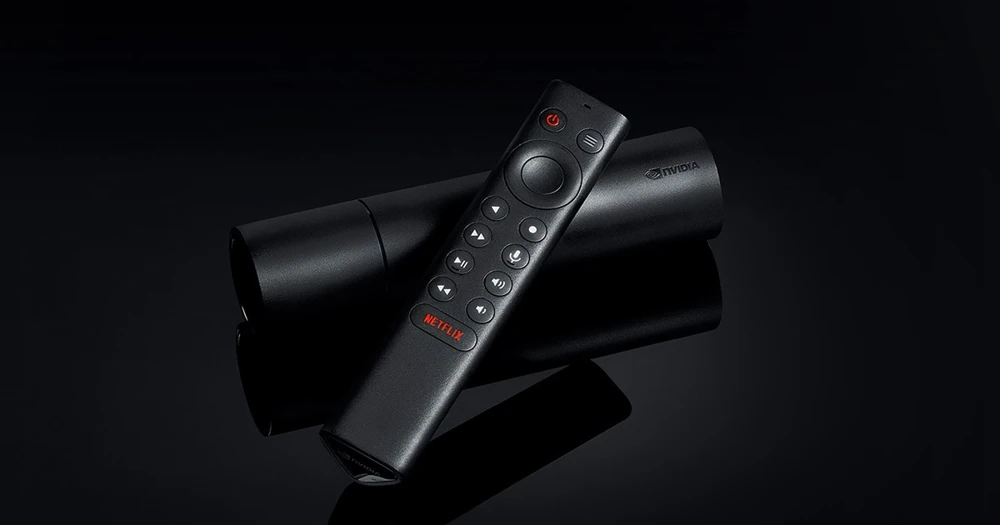
NVIDIA’s tube-shaped SHIELD TV differs from SHIELD TV Pro.
Read the guide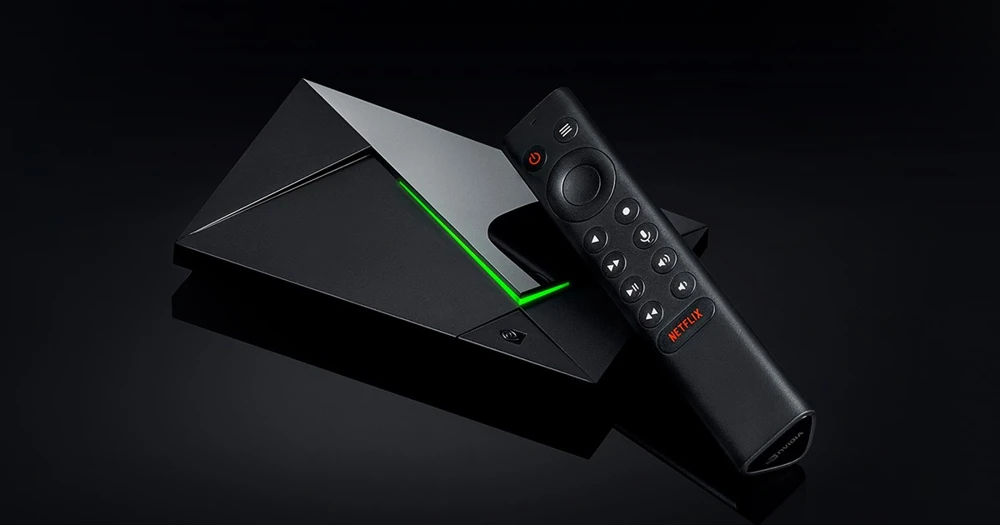
NVIDIA’s SHIELD TV Pro specification lists 3 GB RAM, 16 GB storage, two USB 3.0 Type-A ports and Gigabit Ethernet.
Read the guide
A receiver brand does not name one operating system.
Read the guide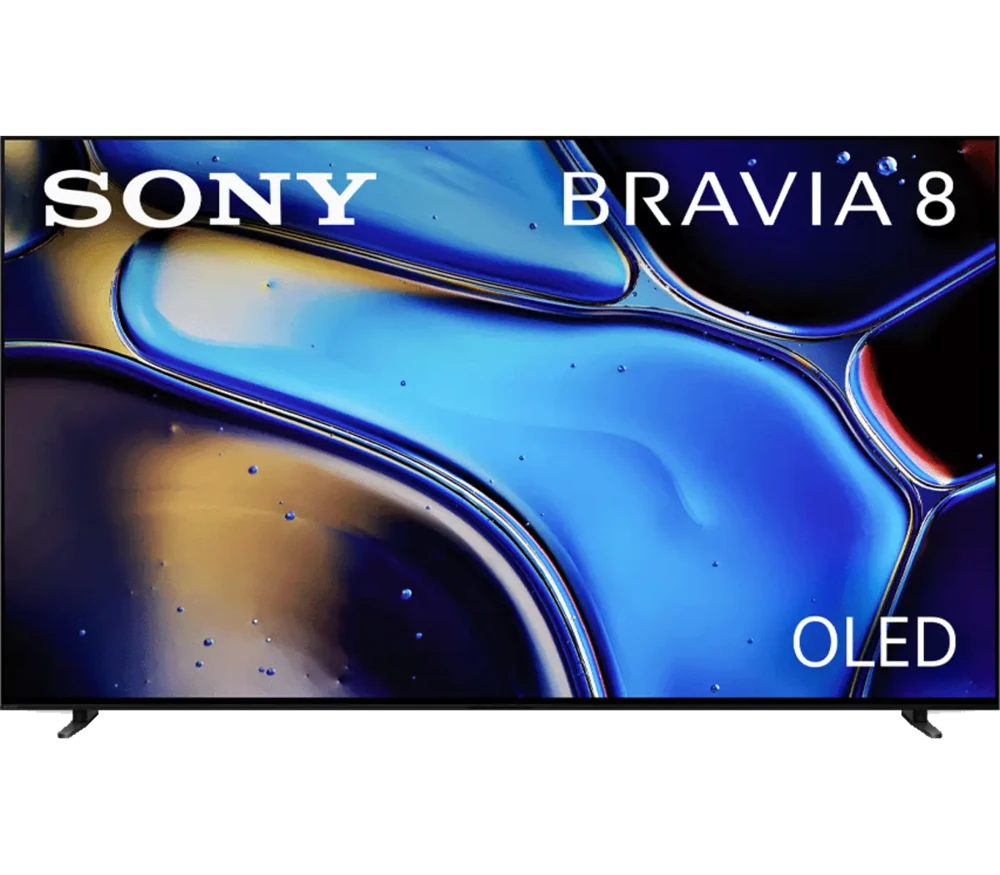
Sony identifies K-65XR80 as the 65-inch BRAVIA 8 OLED Google TV model from its 2024 range.
Read the guideSTRONG LEAP LIVE 420, also identified as SRT 420, combines a DVB-T2 free-to-air terrestrial receiver with a Google television app platform.
Read the guide
Microsoft’s Snapdragon-based Surface Pro (11th Edition) runs Windows 11.
Read the guide
TiVo Stream 4K is an Android TV streaming device.
Read the guide
A television’s brand, panel technology and screen size do not identify its application platform.
Read the guide
Ugoos publishes separate Android 11 and Android 14 firmware entries for AM8-family devices.
Read the guide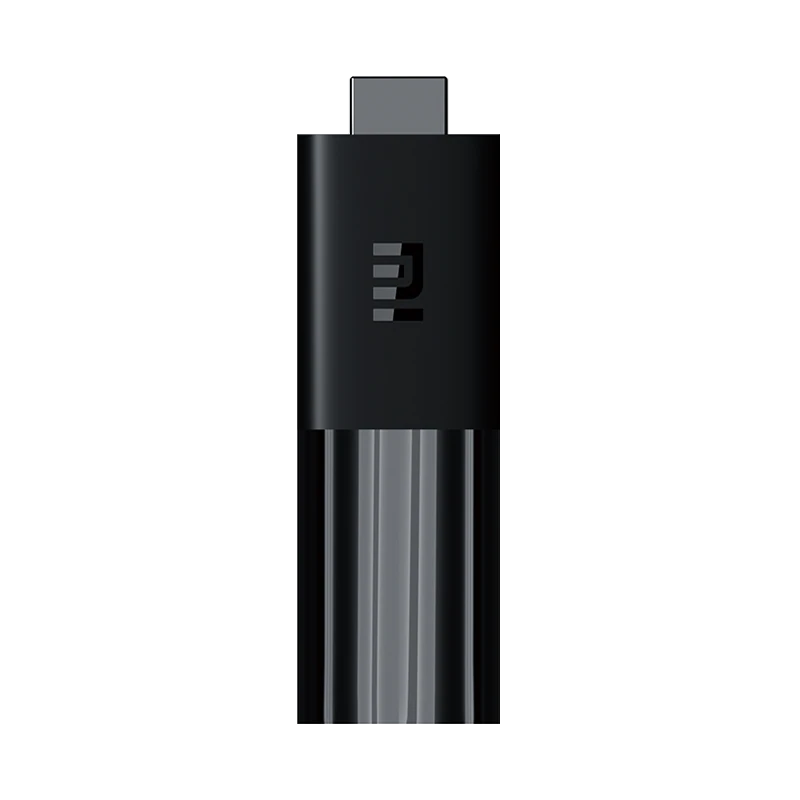
Xiaomi’s Mi TV Stick, Xiaomi TV Stick 4K, Mi Box S and India-market Mi Box 4K are separate product references.
Read the guide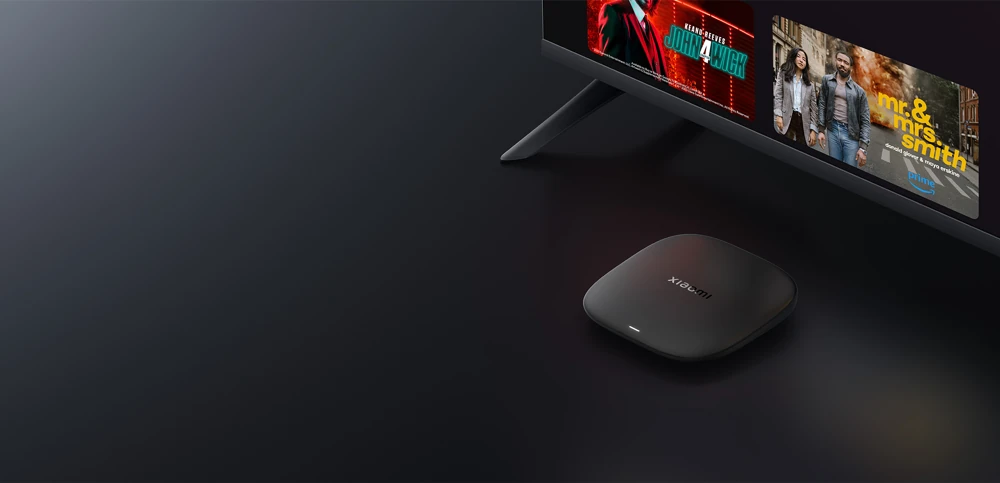
Xiaomi TV Box S (3rd Gen) is listed with Google TV, 2 GB RAM and 32 GB storage.
Read the guide