
In this guide
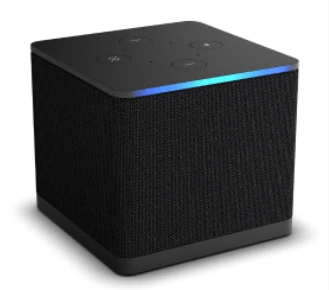
Trace the direction of the signalInstalled apps still use the Cube platformCheck the actual connection capabilitiesUse a useful existing-owner checklistAmazon’s Fire TV Cube (3rd generation, 2022) has both an HDMI input and an HDMI output. Its specification identifies build model AFTGAZL and Fire OS 7. The input is for a compatible external source; the output connects the Cube to the viewing display.
Earlier Cube generations have separate specifications. Do not apply the third-generation input feature to a unit identified only as “Fire TV Cube.”
Trace the direction of the signal
A cable receiver or another compatible source can feed the Cube’s HDMI input. The Cube’s HDMI output carries the selected picture onward to the television or supported display path. These are directional connections, not two equivalent sockets.
If an external source is selected, its own app, tuner or account can be responsible for what appears. Changing a Fire TV player’s playlist does not change the configuration inside the connected source.
Installed apps still use the Cube platform
A player opened directly on the Cube runs in its Fire TV environment. Use the native listing or the developer’s supported Fire OS route for this exact model. The television’s own app store is a different destination.
For a provider login, establish which application is actually producing playback. A source connected to HDMI input and an installed Cube app may use separate subscriptions and controls. Describe the active source before asking for help with authorization or a missing audio track.
Check the actual connection capabilities
Amazon lists Ethernet and Wi-Fi connectivity for the third-generation Cube. A built-in Ethernet connection does not mean the link has the same advertised speed as every other box in a comparison. Use the exact model’s specification when planning the network.
The manufacturer also describes supported HDMI and media formats. These are conditions of the playback path, not proof that an external source or internet service supplies every named format.
Use a useful existing-owner checklist
Record the Cube generation, installed software, current input and app or connected device. If the issue occurs only when switching to HDMI input, include the source device’s model too. If it occurs in a native player, include that app’s version and account method. This keeps the investigation connected to the equipment actually handling the content.