
In this guide
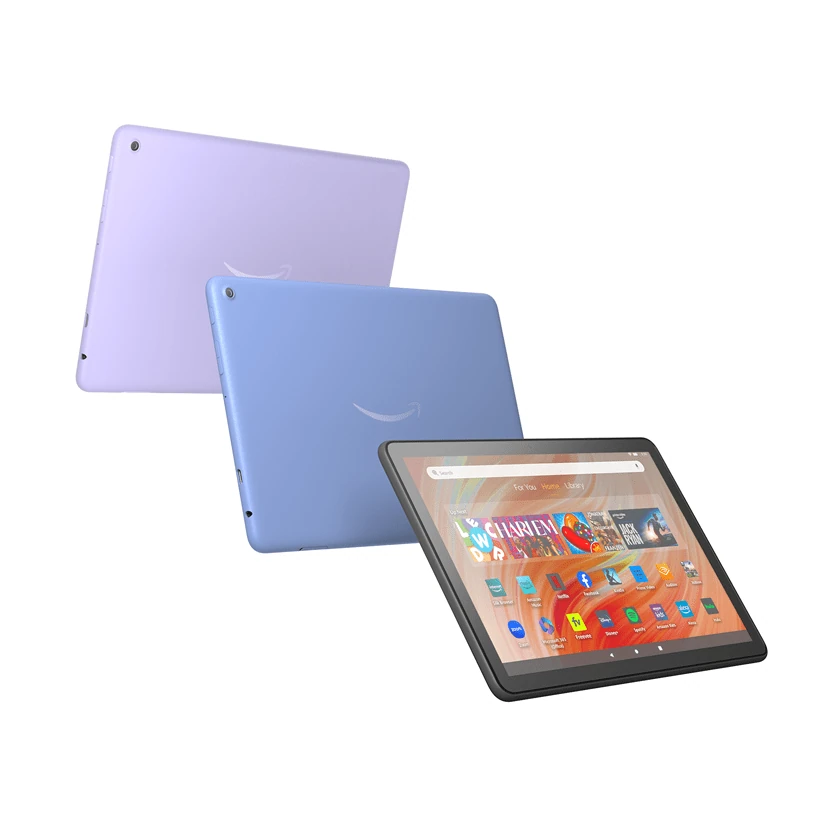
Identify the tablet before choosing a guideUse the tablet’s Appstore compatibility resultConnections need model-specific evidenceUpdate through the correct device familyFire HD 8, Fire HD 10 and Fire Max 11 are touchscreen tablets. Use Fire tablet app and system guidance, rather than a Fire TV remote-control tutorial. Amazon’s current Appstore help provides a compatible-device check for individual applications.
Release year and generation are different identifiers. Amazon lists both the 2022 and 2024 Fire HD 8 releases as 12th generation, while Fire HD 10 (2023) and Fire Max 11 (2023) are 13th generation.
Identify the tablet before choosing a guide
Use the complete model and release year when selecting support material. A generation number alone does not distinguish the two HD 8 releases in this group. A larger screen name also does not mean a later operating system.
| Saved model reference | Identification point |
|---|---|
| Fire HD 8, 2022 | 12th generation; keep the release year |
| Fire HD 8, 2024 | Also 12th generation; separate hardware reference |
| Fire HD 10, 2023 | 13th generation; 10.1-inch display |
| Fire Max 11, 2023 | 13th generation; 11-inch display |
Use the tablet’s Appstore compatibility result
Open Amazon Appstore, search for the selected app and inspect its listing. Amazon documents View compatible devices as the place to check which registered devices can download it. A listing available for Fire TV is not automatically available for a tablet.
The player should support touch controls, the installed Fire OS release and the account format you have. Do not assume a Google Play installation guide applies to the tablet’s standard app environment. For a separate Android package, obtain explicit developer guidance for that Fire tablet.
Connections need model-specific evidence
Amazon’s specification tables distinguish display and connection capabilities across the tablets. A USB-C charging connector does not by itself prove wired HDMI output. Check the exact model’s documented capability and the app’s own casting or display support before purchasing an adapter.
Likewise, screen size does not establish source quality or the number of simultaneous streams allowed by a service. Choose a player that suits the touch interface, then confirm the provider account and available media controls.
Update through the correct device family
Amazon says Fire tablets download system updates when connected to the internet. Manual downloads must match the identified tablet. They are not Fire TV firmware or player APKs. Keep the tablet model, installed Fire OS version and application version together in any support request.