
In this guide
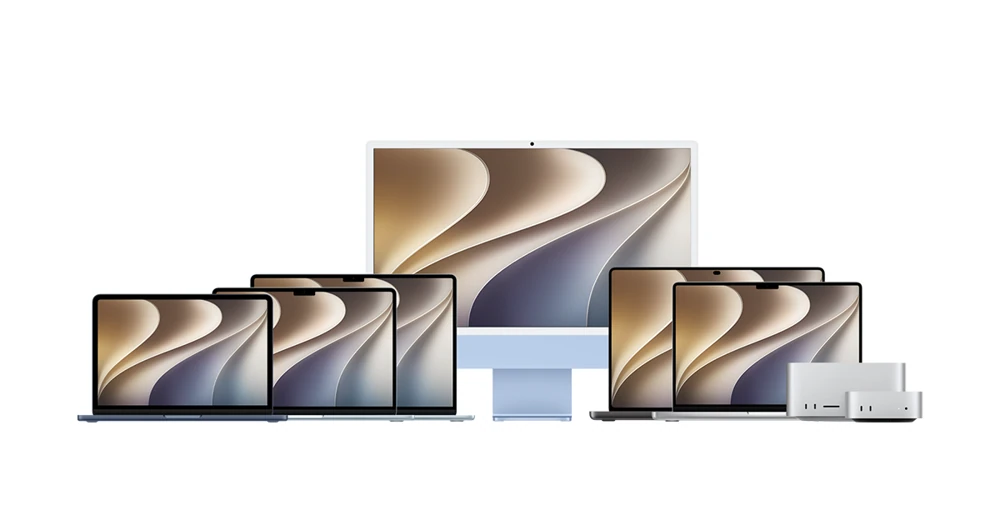
The connector shape is only the first clueThe families share an OS, not identical socketsChoose the app for the installed MacMake the support note usefulMac mini, Mac Studio, iMac, MacBook Air, MacBook Pro and Mac Pro share macOS application concepts while differing in processors, ports and supported displays. Choose software from the installed macOS and hardware information, not a photograph of the enclosure.
Apple’s port guide includes an identification route: Apple menu > About This Mac, then use the model name to find its technical specifications. Keep the model’s chip and year when comparing display advice.
The connector shape is only the first clue
A USB-C-shaped port can have different capabilities across Mac models and positions. Apple distinguishes USB-C and Thunderbolt connections and identifies which ports can connect a display. Check the symbol and model specification together.
For Mac mini introduced in 2024 or later, and Mac Studio with M1 Max or M2 Max, Apple directs external displays to the rear ports with the Thunderbolt symbol rather than the front USB-C ports. That example is specific; other Studio configurations have different front-port capabilities.
The families share an OS, not identical sockets
Some MacBook Pro, Mac mini, Mac Studio and Mac Pro generations provide HDMI, while other setups need a supported display adapter or cable. MacBook Air guidance should not assume a built-in HDMI port just because another Mac has one.
On an iMac with multiple similar rear sockets, Apple’s guide identifies the Thunderbolt-marked connections for display use. Some iMac configurations also place Ethernet on the power adapter. Look at the actual arrangement before moving cables.
Choose the app for the installed Mac
Use a macOS player from its App Store listing or the developer’s supported distribution route. Read the minimum macOS version and any architecture choice. A Windows installer or iPhone app name does not establish a supported Mac build.
Keep the display connection separate from the media source. Moving a player window to a television changes where it appears; it does not create a provider account or add resolution missing from the stream.
Make the support note useful
Include the model name, chip, macOS version, chosen output port or adapter and player. Avoid sharing the serial number publicly. If the Mac desktop appears but one app’s video does not, report that distinction: it helps separate the physical display path from the application’s own playback requirements.