
In this guide
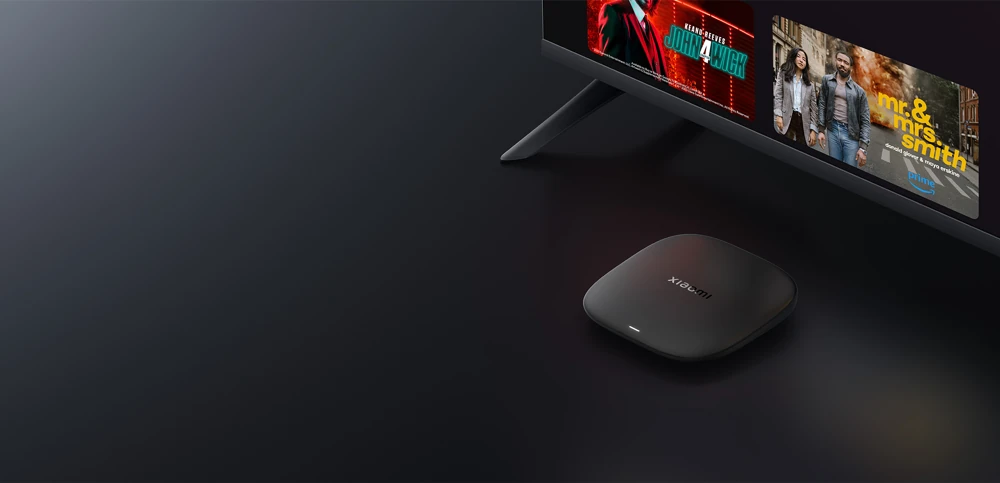
Plan around the listed connectorsUse the Google TV app routeRead capabilities as prerequisitesXiaomi TV Box S (3rd Gen) is listed with Google TV, 2 GB RAM and 32 GB storage. It is a different product from the older Mi Box S, Mi Box 4K and TV Stick families. Use the complete generation name when requesting app instructions.
Xiaomi’s connector list includes HDMI 2.1, one USB 2.0 port and a power interface. Its network specification lists 2.4 GHz and 5 GHz Wi-Fi.
Plan around the listed connectors
Connect the box to the TV with HDMI and use the supplied power arrangement. The product package list includes an HDMI cable, remote and power adapter. Follow the actual device prompts for account and network setup.
The published connector list does not list a built-in Ethernet socket. Do not assume that an Ethernet instruction for another box applies here, or that any USB network adapter is supported. Obtain model-specific accessory confirmation if a wired connection is essential.
Use the Google TV app route
Once setup reaches the Home screen, search the chosen player on the box’s native app interface. Inspect the developer and requirements. A similarly named Android package from another box’s guide may use a different interface or account method.
Google TV provides the viewing interface while the app handles the service input. A Xiaomi or Google account does not activate Dream 4K. Confirm the exact player and issued credentials or portal method with support.
Read capabilities as prerequisites
Xiaomi lists video decoding up to 4K at 60 fps and support for named HDR/audio technologies. These specifications describe the box under supported conditions; they do not establish the resolution or sound format of a particular stream.
When checking the setup, use the real TV input, player and source. Keep the box’s output mode separate from any source-quality information the app provides. That avoids mistaking a 4K HDMI output setting for proof that every programme is delivered in 4K.