
In this guide
Match the complete product nameConnection advice must match the enclosureUse the installed television platformXiaomi’s Mi TV Stick, Xiaomi TV Stick 4K, Mi Box S and India-market Mi Box 4K are separate product references. Their similar names conceal different resolution limits, memory and documented software baselines.
These references help identify existing hardware. The software version shown on an original specification page is not proof of the version currently installed after updates.
Match the complete product name
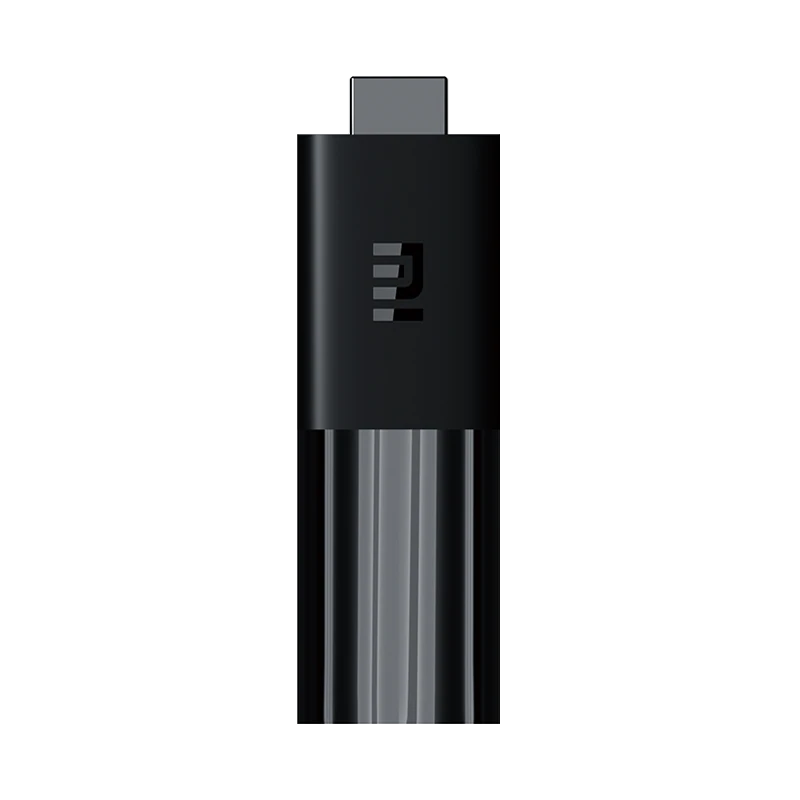
Use the model information on the device and its own regional support record. “Xiaomi 4K” could refer to a stick, an older Mi Box or the newer TV Box S family. A product photograph alone cannot establish the generation.
| Product reference | Documented distinction |
|---|---|
| Mi TV Stick | 1080p output class; 1 GB RAM and 8 GB storage; Android TV 9 reference |
| Xiaomi TV Stick 4K | 4K output class; 2 GB RAM and 8 GB storage; Android TV 11 reference |
| Original Mi Box S | 2 GB RAM and 8 GB storage; Android 8.1 reference; USB and audio-output connections |
| Mi Box 4K, India | 2 GB RAM and 8 GB storage; Android TV 9 reference; separate regional product record |
Connection advice must match the enclosure
A box with a listed USB socket and audio output is not described by a stick’s connector guide. Check the actual connector list before buying an accessory. Do not infer Ethernet or an approved USB adapter from another Xiaomi product’s features.
The separately covered TV Box S third generation has its own Google TV specification and storage arrangement. Its instructions should not be silently applied to these earlier products.
Use the installed television platform
After identifying the hardware, check the current system version and the player’s television listing. Android TV app installation and updating are platform tasks; the model reference determines whether the guide’s prerequisites fit your unit.
Keep source resolution separate from output mode. A 4K stick or box cannot supply detail absent from a source, while the original 1080p stick should not be represented as 4K hardware. Confirm the actual player’s account method and available tracks before attributing a playback limitation solely to the display.