
In this guide
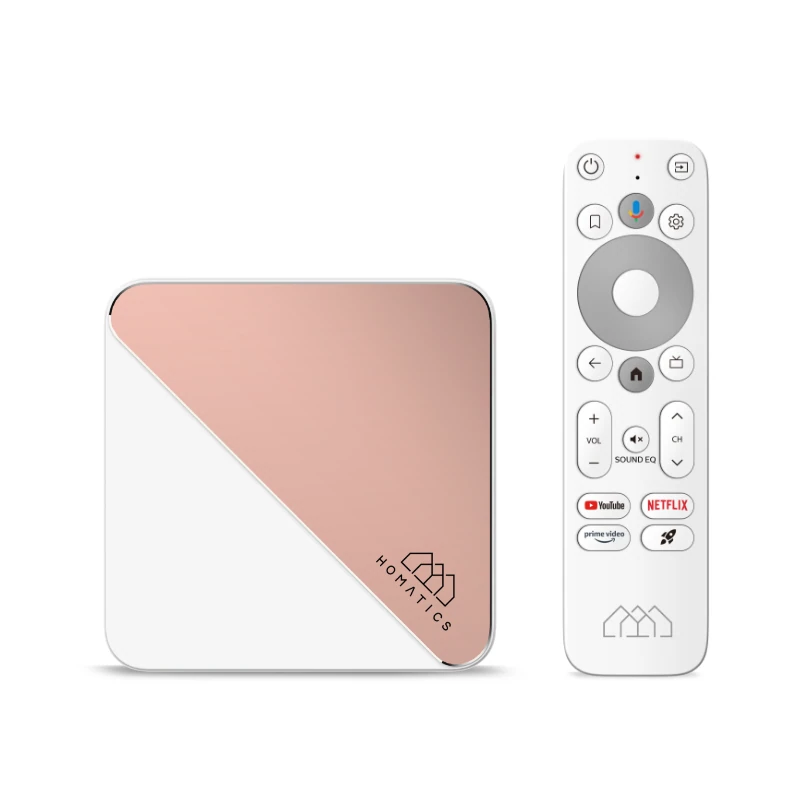
Which interface are you setting up?Connect according to the actual hardwareKeep support and updates with the editionHomatics Box R 4K Plus and Dune HD Homatics Box R 4K Plus share much of their product naming. The name alone does not make their installed software, media-center features or update files interchangeable. Check the branding and complete model of the unit you own.
The standard Homatics specification lists 4 GB RAM, 32 GB storage and Gigabit Ethernet. The Dune-branded product separately describes a Dune HD media-center environment alongside Android TV.
Which interface are you setting up?
For a player obtained through the Android TV app route, use that app’s own requirements and account fields. The Google Play listing is the relevant starting point; a Dune local-library tutorial is a different workflow.
Dune describes its media center as a Linux-based environment reached through a special application. Its file browser and disc-image features concern media supplied locally or over a network. Their presence on the Dune edition is not proof that the standard Homatics edition includes the same licence or installation entitlement.
Connect according to the actual hardware
Homatics lists HDMI output, Wi-Fi 6 and a 1000 Mbps Ethernet connection. Ethernet connects to the local network while HDMI connects to the display. Neither connection activates an IPTV account.
Choose the supported network connection for the room, then complete the box’s own setup. A local network link’s advertised speed does not establish the bitrate, native resolution or reliability of a particular internet stream.
Keep support and updates with the edition
Use the manufacturer support route for the branding on the actual box. Do not flash an image from another edition merely because both names include Box R 4K Plus. Similar memory and processor specifications do not establish firmware interchangeability.
A useful support note names the edition, system version, player and input method. If a guide refers to an absent Dune media-center screen, first establish whether that environment belongs to your edition. If the selected IPTV player is present, obtain the account format it actually accepts rather than using a local network-share address as a portal.