
In this guide
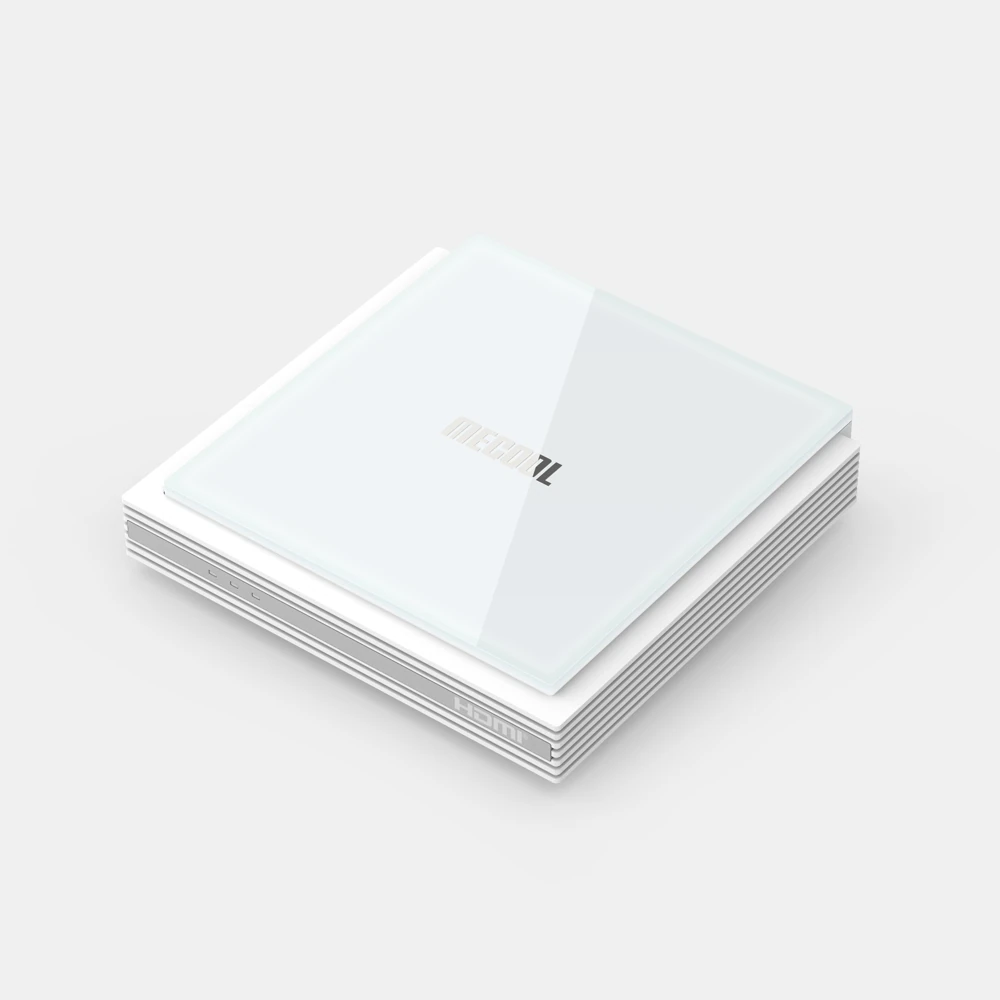
Use a television app listingPlan the network and display separatelyKeep the reference version in contextMECOOL identifies KM2 PLUS Deluxe as a Google-certified Android TV product. Keep Deluxe in the model name when opening support material: a KM2, KM2 PLUS or another MECOOL box is not automatically the same configuration.
The product reference lists Android TV 11, Wi-Fi 6 and Gigabit LAN. A product-page software number describes that reference configuration; read the installed system information before deciding which version-specific instructions apply.
Use a television app listing
The appropriate first route is the selected player’s Android TV listing. This interface is designed for television navigation, but each app still has its own supported devices, countries and software requirements. Google certification does not prove that an unrelated Dream Android build is supported.
Check the publisher and full app name before installation. A phone app with the same brand can use touch controls or a different account method. Confirm that sign-in fields, audio tracks and subtitles are accessible with the remote you will use.
Plan the network and display separately
MECOOL lists wired Gigabit LAN as well as dual-band Wi-Fi 6. Choose between those actual connections rather than following a USB-network-adapter recipe for another box. The display connection and network path have different jobs.
The manufacturer lists AV1, Dolby Vision and Dolby Atmos capabilities. Those are conditional hardware and software capabilities, not a catalogue of formats supplied by every service. A player, source and receiving display or sound system must also support the intended format.
Keep the reference version in context
When requesting help, include KM2 PLUS Deluxe, the installed Android TV version and the player’s version. Do not describe the box merely as “an Android 11 device” if it has since received a different system release.
Use MECOOL’s support route for firmware and the app developer’s route for player updates. Provider authorization is another layer: a Google Account or a separately purchased player licence does not establish service access. Ask for the account input matching the player you selected, then evaluate the specific source and controls you need.