
In this guide
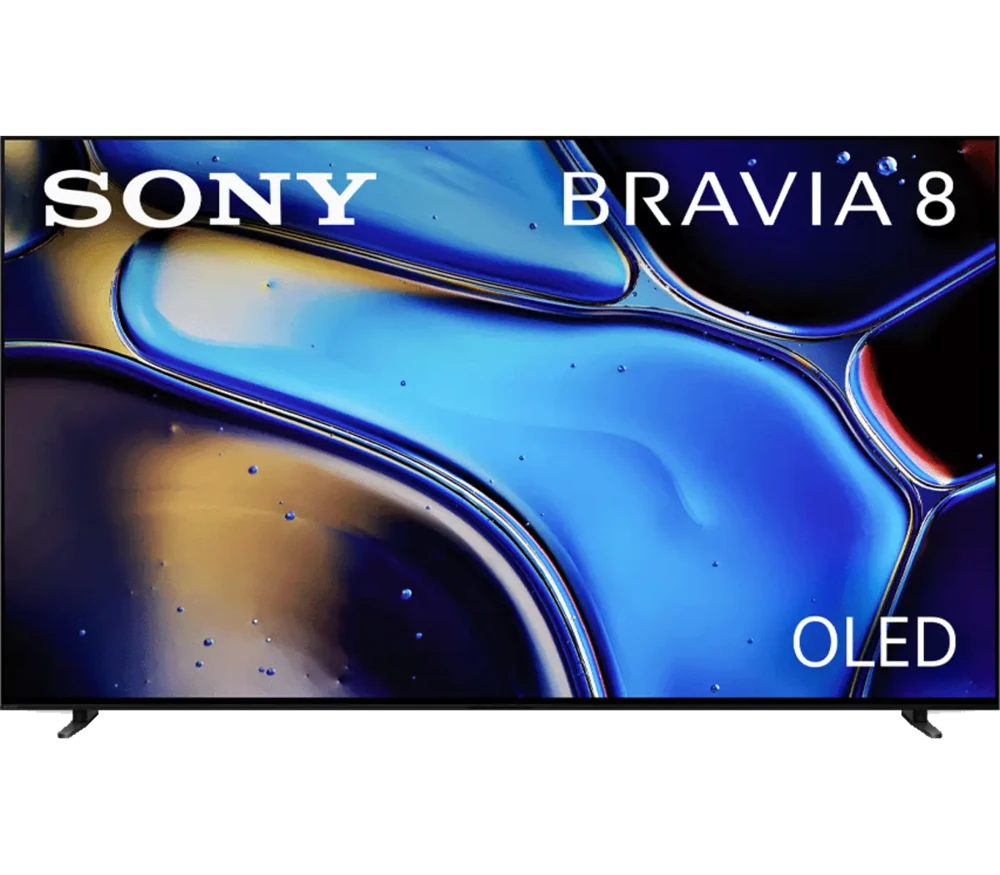
Use the complete model codeInstall from the television interfaceDescribe the active playback routeSony identifies K-65XR80 as the 65-inch BRAVIA 8 OLED Google TV model from its 2024 range. Keep the complete model code: BRAVIA 8 II K-65XR80M2 and other similarly named sets are separate products.
The internal player route uses the television’s Google TV application platform. If you connect an external streaming box, that box becomes the app platform instead.
Use the complete model code
Check the device’s own information or label before opening a support guide. The diagonal size, series name and appearance are not substitutes for the model code. Firmware and menu guidance should come from Sony’s support record for the actual television.
Do not apply a product feature found on a newer BRAVIA page to this set without checking its own specification. A later model’s name can differ by only a short suffix while describing different hardware.
Install from the television interface
Sony’s app installation guidance says an internet connection and Google Account are required. Search the chosen player on the TV and inspect its listing and developer. If an app is missing, verify its availability for that television and account before looking for an unrelated phone package.
A Google TV player should work with the supplied TV remote’s navigation. Check that you can reach sign-in fields and playback controls. A touchscreen-focused Android app is not automatically suitable for remote operation.
Describe the active playback route
For the internal app, provide Sony model, system version and player identity to Dream 4K support. For an HDMI box, provide the box’s model and operating system as well. The TV’s Google TV menus do not control an app installed on the external box.
Keep source format, display output and subscription access separate. An OLED 4K television cannot establish the native resolution or audio tracks of a particular service stream. Obtain the account method that matches the app you will actually open on the screen.