
In this guide
Read the profile’s permitted combinationsKeep bit depth separate from HDRCompare complete configurationsA profile label is a set of defined constraints, not a complete description of every sample in a stream. In AV1, Main profile allows more than one bit-depth choice under its rules. Reading “Main” as a synonym for 8-bit can therefore misdescribe the source.
This matters when comparing a working AV1 sample with a failing one. Preserve bit depth and chroma information alongside the profile, level, dimensions and frame rate.
Read the profile’s permitted combinations
The AV1 specification defines Main profile to include 8-bit or 10-bit 4:2:0 and monochrome combinations under its constraints. High and Professional expand other permitted representations. These names should not be read as a simple ladder of visual quality.
An original hypothetical pair contains Main-profile video at the same dimensions and frame rate, but one is 8-bit and the other 10-bit. They share a profile category while still differing in sample representation. A successful result for the first does not by itself prove that the entire second configuration is supported.
Keep bit depth separate from HDR
Ten-bit video does not automatically establish an HDR presentation. Dynamic-range interpretation also depends on transfer characteristics, colour signalling and the playback/display path. Conversely, a device’s HDR output mode does not reveal every codec attribute of the source.
When metadata is incomplete, say which fields are known and which are not. Do not infer the missing depth from a filename, an AV1 logo or the word Main. Use a trusted inspection path for media you are permitted to analyze, or the player’s actual track diagnostics.
Compare complete configurations
Record the full AV1 codec declaration, profile/level, bit depth, chroma, dimensions, frame rate and selected container. A browser capability query can then assess the described workload, while real frame counters and buffer observations show what happened during playback.
If several attributes differ between the working and failing samples, preserve that limitation. For example, a 10-bit sample that is also larger and higher frame rate does not isolate bit depth as the cause. A useful report identifies the precise combinations and outcome without claiming that every 10-bit AV1 stream will fail or that a profile label guarantees hardware acceleration.
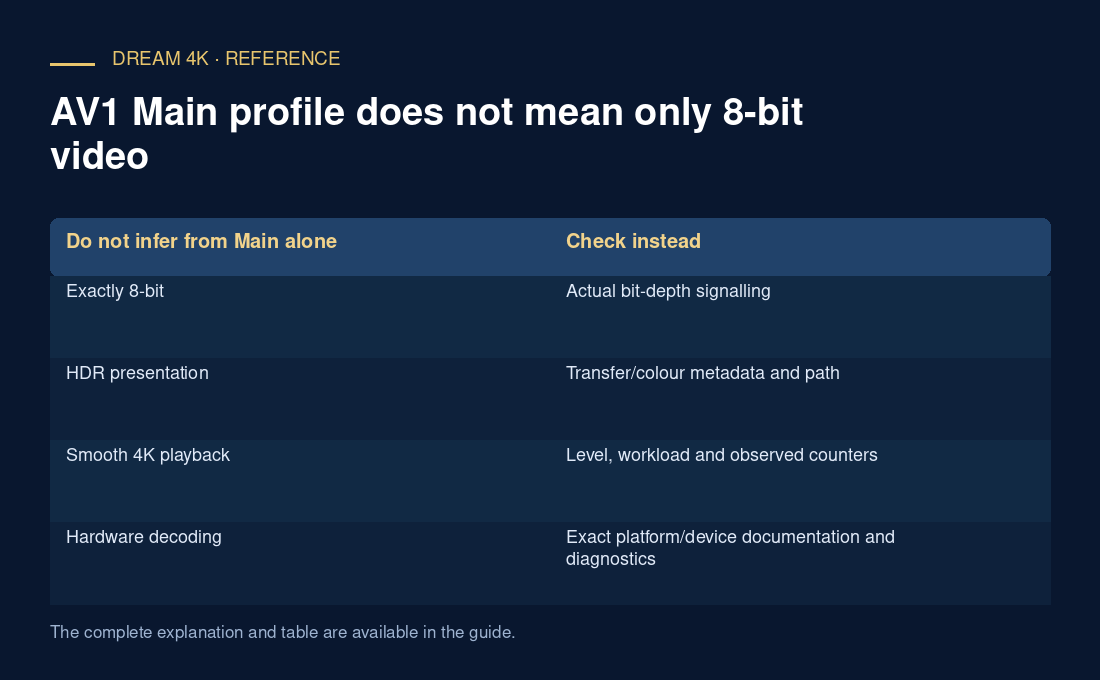
| Do not infer from Main alone | Check instead |
|---|---|
| Exactly 8-bit | Actual bit-depth signalling |
| HDR presentation | Transfer/colour metadata and path |
| Smooth 4K playback | Level, workload and observed counters |
| Hardware decoding | Exact platform/device documentation and diagnostics |