
In this guide
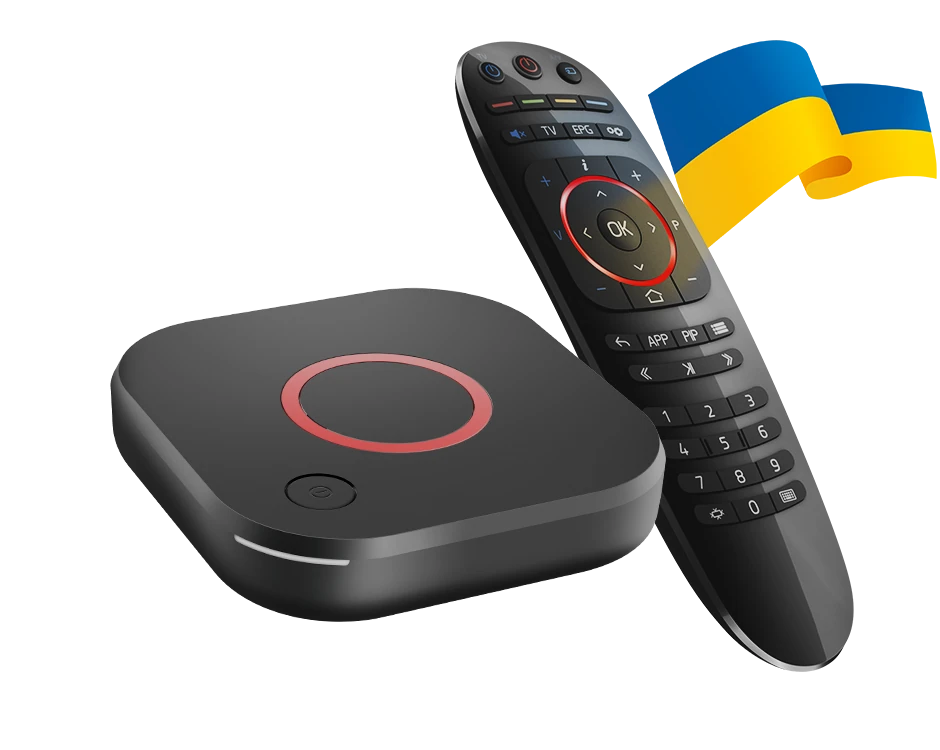
Check the suffix before the network setupA portal receiver needs a suitable portalKeep firmware and Android packages apartInfomir MAG544 and MAG544w3 are Linux-based IPTV receivers. Infomir lists Linux 4.9 and pre-integrated Ministra middleware. They are not Android boxes, so an Android file with “MAG” or “Stalker” in its name is not firmware for these receivers.
The MAG544w3 adds built-in Wi-Fi. Infomir’s specification lists the wireless module for the w3 model only, while both have a 100 Mbps Ethernet interface.
Check the suffix before the network setup
Read the complete model on the device. A MAG544 without the w3 suffix should not be given instructions that assume the built-in wireless module. Use the documented wired interface, or obtain device-specific accessory guidance from Infomir.
The physical connection is separate from the portal account. Reaching the home network does not register the device with a service or establish that the provider supports this model.
A portal receiver needs a suitable portal
Infomir’s Linux/WebKit documentation describes an embedded portal and system settings. The external service must supply a portal and activation method compatible with the receiver. Do not translate a playlist or Android activation code into a portal address by guessing.
Give Dream 4K support the full model and ask whether a compatible portal method is available. If registration uses a device identifier, share it only through the appropriate private support route. It is not something to print in a public setup screenshot.
Keep firmware and Android packages apart
Firmware changes the receiver’s own software; an Android APK is a package for an Android runtime. The supplied Dream library includes Stalker MAG-labelled APK records, but their names do not make them a MAG544 firmware image.
Use Infomir’s model-specific update guidance for receiver maintenance and obtain the provider’s instructions for the external portal. Avoid clearing user data as a casual first step: Infomir documents that this can remove portal authorization details and other personal settings. Retain the information needed to reconnect before undertaking that operation.