
In this guide
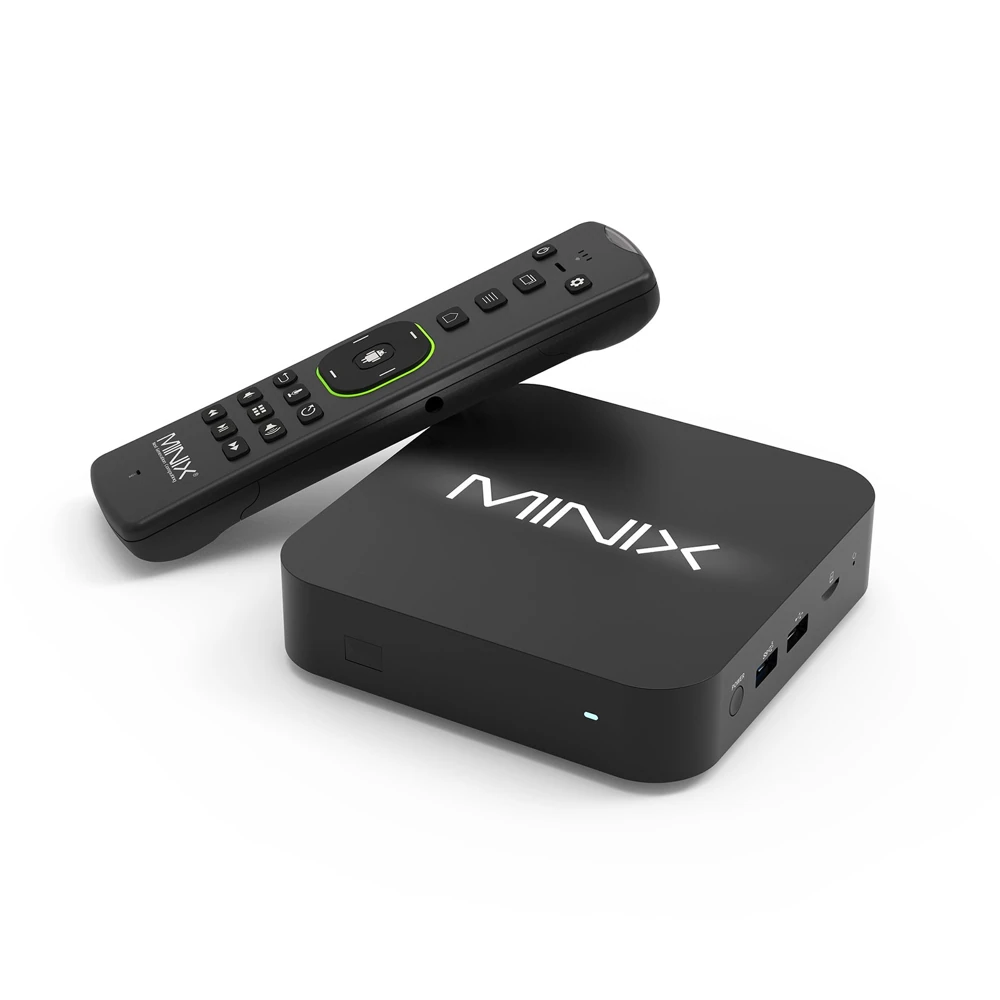
Choose the app distribution route deliberatelyAn upgrade option is not the installed versionTreat output specifications as conditionsMINIX describes U8K-ULTRA as an Android AOSP media hub. Its specification lists Android 11 with an Android 14 OTA upgrade option. That wording should not be replaced with a claim that it is a certified Google Android TV device.
The listed configuration includes 8 GB RAM, 128 GB storage, USB connections, microSD, Wi-Fi 6 and Gigabit Ethernet. These details help identify the product; they do not establish a particular streaming app’s support.
Choose the app distribution route deliberately
Start with the app developer’s requirements for this exact device and installed system. A guide that assumes the Google TV Home screen and its app search may not describe the AOSP interface. Check the software and store actually provided on the unit.
For a separately distributed Android app, confirm the developer, package source and input requirements. MINIX includes an air-mouse remote in its product description, but that does not make every touch-oriented app practical from the sofa. Check the controls needed for sign-in and daily playback.
An upgrade option is not the installed version
Read the device’s own system information. The existence of an Android 14 upgrade does not show that a particular unit has installed it or that every earlier package should be replaced. Keep application updates separate from the manufacturer’s operating-system update.
Android app updates also depend on application identity and signing, not just a filename. A new file labelled for another device may not update the installed app. Keep recoverable account details before any action that removes application data.
Treat output specifications as conditions
MINIX advertises high-resolution HDMI capabilities. They describe output possibilities under supported conditions; they do not show that a service supplies an 8K source or that a connected display and app can use every mode.
For a practical setup, identify the player and intended account format, connect through the actual HDMI and network path, then check a specific programme’s picture, sound and subtitles. If support is needed, report the AOSP version and player identity. “Android box” omits the platform distinction that matters most for installation guidance.