
In this guide
Use exact rates for cadence arithmeticOutput matching is platform and application dependentKeep diagnosis at the observed layerSource frame rate describes how many video frames are represented per second. Display refresh rate describes how often the display signal refreshes. The values can be related without being identical: a display can repeat a source frame over several refreshes.
Neither number alone proves smooth motion. Delivery timing, decoding, frame presentation and display processing also affect what the viewer sees.
Use exact rates for cadence arithmetic
An original simplified example places exact 24-frame-per-second content on an exact 60 Hz refresh. The ratio is 60 ÷ 24 = 2.5 refreshes per source frame, so a simple repeat-only presentation cannot give each frame an equal integer count. At 120 Hz, the ratio is five, allowing an even five-refresh repetition in that simplified model.
Real displays can use other processing and timing behavior. Fractional rates such as 23.976 and 59.94 also need their actual values, not casually rounded labels, when comparing cadence.
Output matching is platform and application dependent
Some devices offer documented content-matching behavior that changes output to suit source frame rate or dynamic range. Apple documents these controls and warns that a display can briefly blank or flicker while switching formats. This is distinct from a media request timing out.
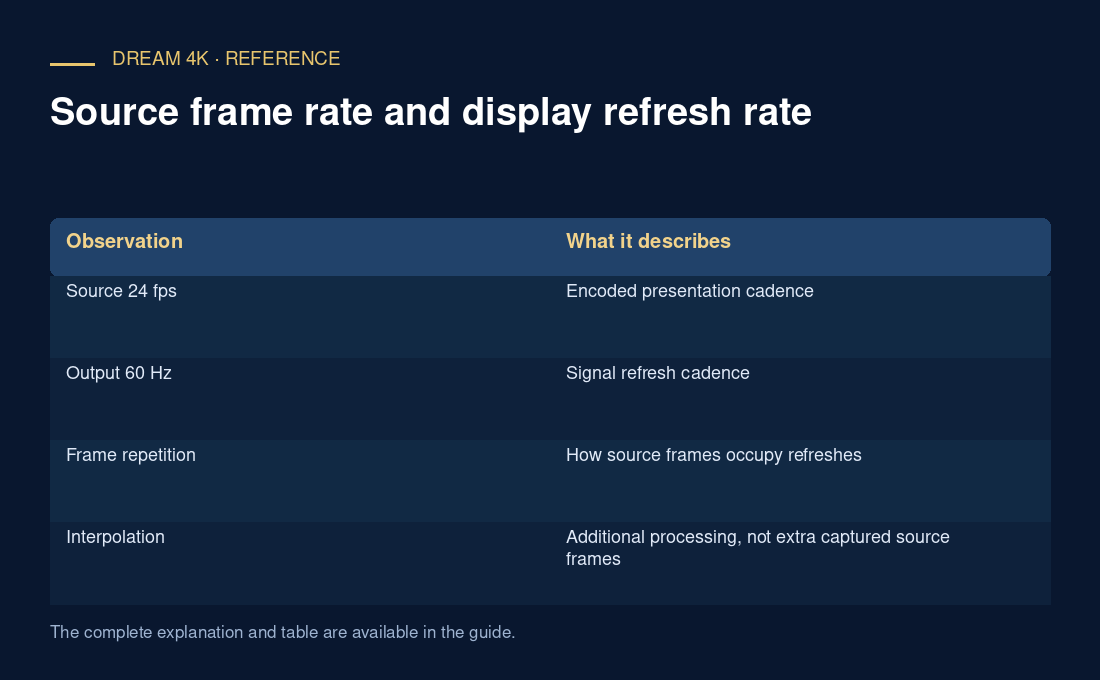
| Observation | What it describes |
|---|---|
| Source 24 fps | Encoded presentation cadence |
| Output 60 Hz | Signal refresh cadence |
| Frame repetition | How source frames occupy refreshes |
| Interpolation | Additional processing, not extra captured source frames |
| Mode-switch blanking | Display transition rather than necessarily a buffer underrun |
Keep diagnosis at the observed layer
For motion judder, record source and output rates, matching settings and whether frame-drop counters rise. A 60 Hz output does not establish sixty unique source frames. A smooth interface does not prove the video’s cadence is matched.
Use current exact-device guidance and reversible settings. Do not promise that one matching option is exposed by every app or that it resolves all stutter. Buffer depletion and decoder overload require their own evidence.