
In this guide
Compare the selected configurationsUse capability assessment without overstating itDesign the next comparison carefullyA device playing one H.264, HEVC or AV1 video does not establish that every configuration in that family will play smoothly. Dimensions, frame rate, bit rate, profile, bit depth and the active playback path can change the workload and requirements.
For a browser player you control, a capability query and actual presentation counters can provide complementary evidence. Neither should be simplified into a claim that the whole device brand supports every stream.
Compare the selected configurations
Record the actual codec string, dimensions, frame rate and bit rate where available. Distinguish the stream’s source frame rate from the television’s output refresh setting. A 60 Hz output mode does not prove the source contains sixty unique frames per second.
In an original hypothetical comparison, a 720p30 rendition plays steadily while a 2160p60 rendition in the same codec family accumulates frame drops. The result suggests configuration-sensitive behavior. It does not establish that resolution alone caused it, because frame rate and other encoding parameters changed at the same time.
Use capability assessment without overstating it
MediaCapabilities decodingInfo can ask about each full configuration. Preserve supported, smooth and powerEfficient separately. A supported result addresses basic decoding ability; smooth addresses the requested frame-rate workload; power efficiency is another assessment. Browser knowledge and recorded statistics can affect what is reported.
If actual playback differs, capture counter deltas and buffer state over a defined interval. Timely media arrival with rising drops points toward presentation-path investigation. Late media and a drained buffer introduce delivery constraints that a codec-capability query did not test.
Design the next comparison carefully
Where the source offers appropriate alternatives, change one characteristic at a time if possible: for example, two renditions with the same dimensions but different frame rates. If the available choices change several characteristics together, report that limitation rather than pretending the test isolates one cause.
Include player/browser version, selected configuration, queried results and actual observations in the report. Avoid forcing unsupported decoder settings or promising that a software update or faster connection will necessarily fix the issue. The evidence can establish which configuration failed under which conditions, then guide a narrower investigation.
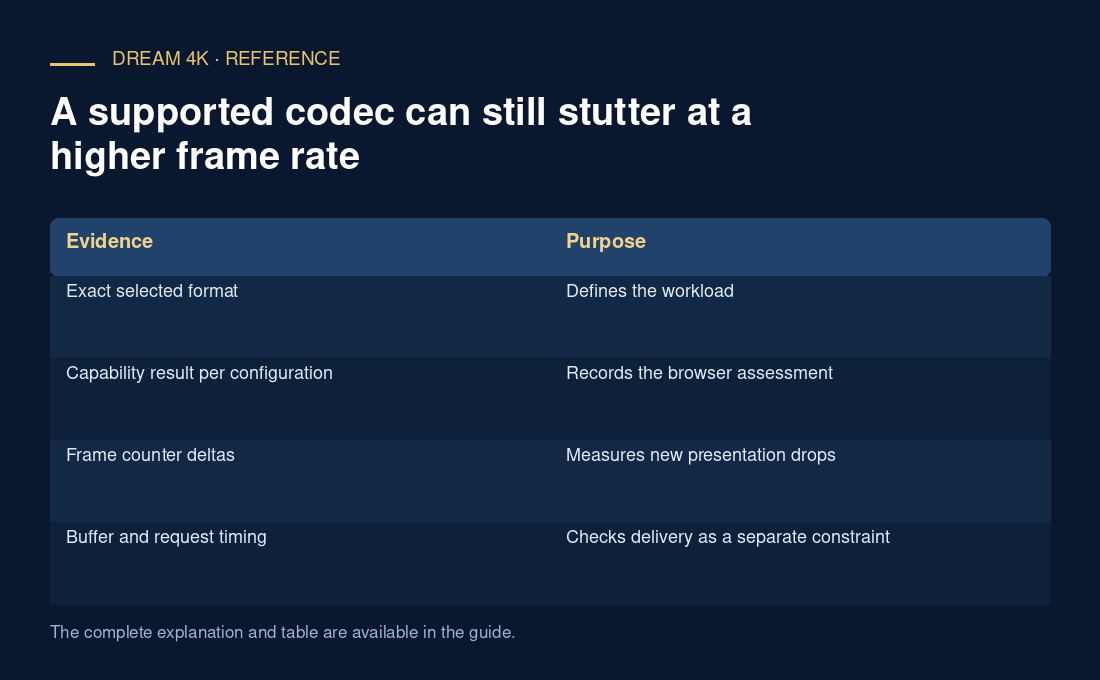
| Evidence | Purpose |
|---|---|
| Exact selected format | Defines the workload |
| Capability result per configuration | Records the browser assessment |
| Frame counter deltas | Measures new presentation drops |
| Buffer and request timing | Checks delivery as a separate constraint |