
In this guide
Keep media time separate from request timeAn average does not describe every local peakRate is not a complete quality measurementEncoded video bit rate describes how much coded video data represents a span of media time. It is commonly expressed in kilobits or megabits per second. It is a property of the encoded representation over a stated interval, not a direct measurement of the viewer’s connection.
A complete playback budget can also include audio, subtitles, packaging, protocol overhead and retries. A video-only figure should not silently become a claim about all traffic used by a session.
Keep media time separate from request time
An original hypothetical video resource contains 12 megabits covering three seconds of pictures. Its average video payload rate over that interval is 12 ÷ 3 = 4 Mbit/s. If the resource downloads in one second, the payload delivery rate for that request is 12 Mbit/s. Both numbers can be correct because their denominators describe different intervals.
A player normally receives media in bursts rather than at a perfectly uniform byte rate. Successful playback depends on usable data reaching the client before its presentation deadlines.
An average does not describe every local peak
Rate can be averaged across a whole programme, a segment or a shorter interval. Variable-rate encoding can allocate different amounts of data to different material. A programme average therefore cannot establish the size of the next segment or a universal connection minimum.
Manifest bandwidth attributes have their own defined meanings. Do not substitute a measured file average for an HLS peak-rate declaration or assume a title’s quality label specifies either one.
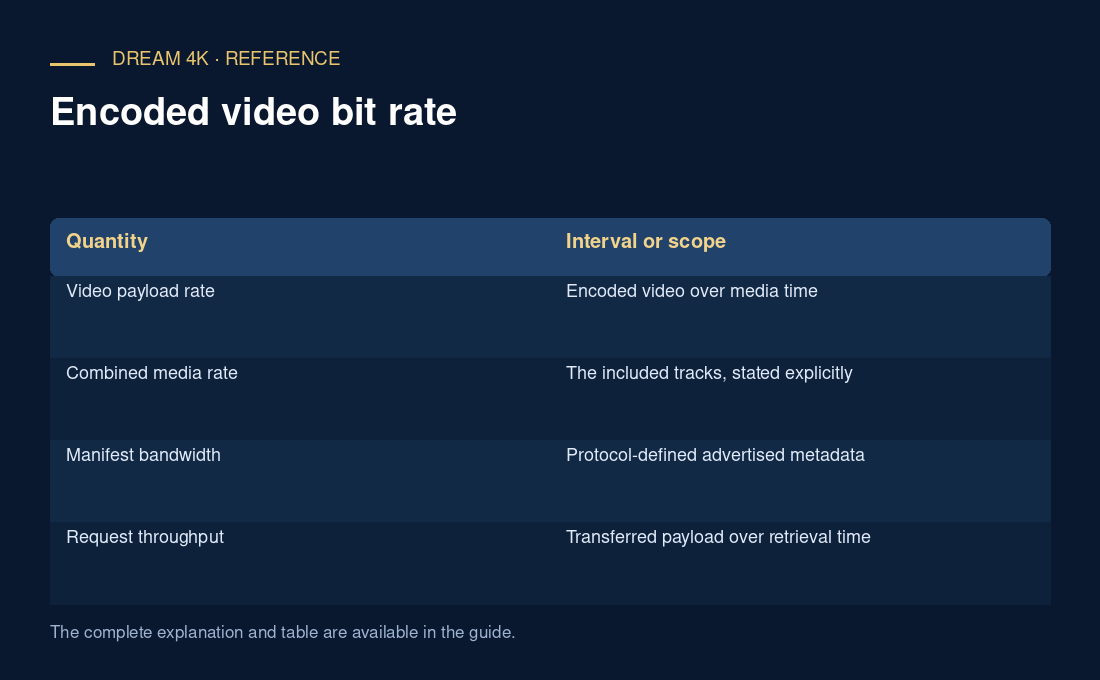
| Quantity | Interval or scope |
|---|---|
| Video payload rate | Encoded video over media time |
| Combined media rate | The included tracks, stated explicitly |
| Manifest bandwidth | Protocol-defined advertised metadata |
| Request throughput | Transferred payload over retrieval time |
| Session data use | Accumulated traffic under stated assumptions |
Rate is not a complete quality measurement
Codec, source detail, frame rate, resolution, noise and encoder choices affect how effectively bits are used. Comparing unrelated sources by rate alone does not establish which looks better. A larger figure can also increase delivery or decoder requirements without guaranteeing a particular visible benefit.
For a report, retain units, averaging interval, included tracks and whether the number was declared or measured. Label calculations as estimates when overhead, adaptation or source variation is unknown.