
In this guide
Intermediate and final responses have different rolesThe new destination can introduce new requirementsShare a redacted chainAn HTTP redirect tells a client to use another location under the status code’s defined semantics. Media delivery can use redirects for routing, access workflows or resource organization. The final request still needs to return the expected playable resource.
A redirect chain is therefore part of the evidence. Reporting only the first URL or only “the link opened” can hide where the session actually went and where it failed.
Intermediate and final responses have different roles
A 3xx response with a Location field does not itself contain the requested video in the ordinary redirect flow. The client follows according to its supported behavior and applicable rules. Status codes differ in permanence and method handling, so they should not all be described as equivalent.
An original hypothetical entry URL redirects to an edge host, which returns 200 with a valid media playlist. Another chain redirects to a login page returning HTML. Both can end with 200, but only one final payload is the expected media description.
The new destination can introduce new requirements
A changed hostname can require separate DNS resolution, TLS identity validation and browser-origin handling. Credential and security rules govern what can be forwarded; do not copy private authorization information to a new host manually to force success.
Relative media references must be resolved in the appropriate resource context. A viewer should preserve the observed chain rather than rewrite destinations based on assumptions about filenames.
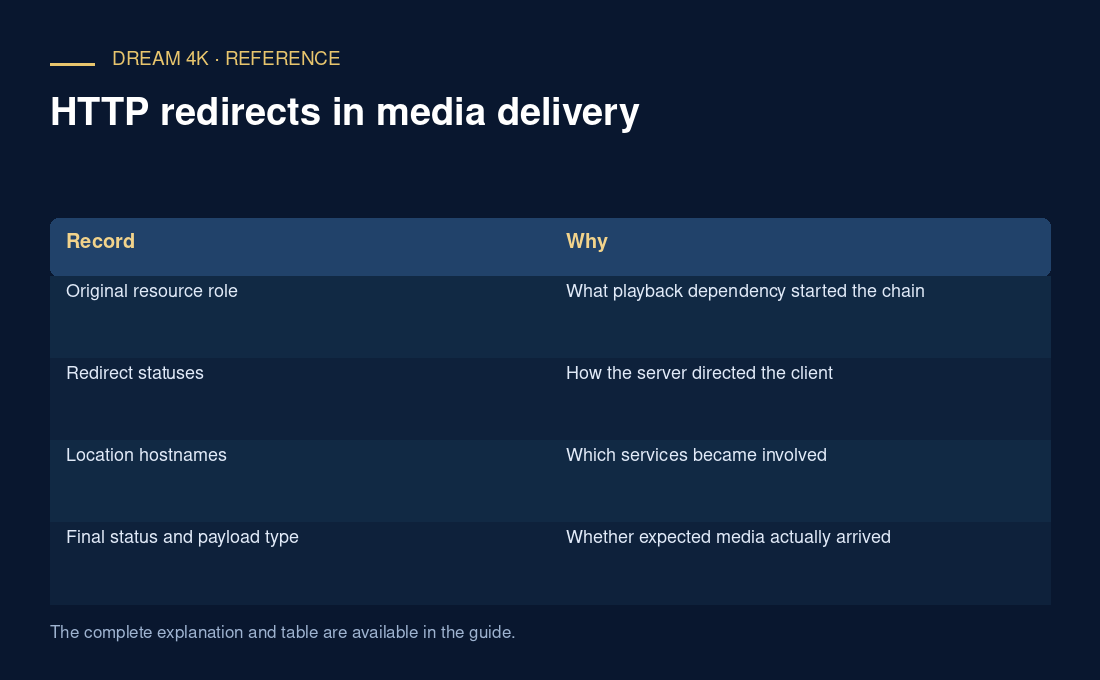
| Record | Why |
|---|---|
| Original resource role | What playback dependency started the chain |
| Redirect statuses | How the server directed the client |
| Location hostnames | Which services became involved |
| Final status and payload type | Whether expected media actually arrived |
| Failure point | Where the chain stopped being usable |
Share a redacted chain
Remove secret query values, cookies and authorization headers while retaining resource roles and hostnames needed for investigation. If the player reports too many redirects, preserve that exact outcome rather than assuming a codec error.
A correct redirect can coexist with a later access or media failure. Follow the documented application path, and let source operators correct routing or access configuration rather than using redirects as a route around permissions.