
In this guide
Track the layers separatelyChanging packaging is different from re-encodingDescribe compatibility preciselyA codec defines how media samples are encoded and decoded. A container organizes tracks, timing and related information around those samples. MP4, WebM and MPEG transport stream describe packaging structures; H.264, HEVC, AV1, AAC and Opus describe sample formats or codec families.
A familiar filename extension therefore answers only part of a playback question. Two resources ending in .mp4 can contain different video and audio configurations and produce different results on the same player.
Track the layers separately
A streaming presentation can add a delivery layer such as HLS or DASH above its containers and codecs. HLS does not mean one mandatory video codec, and a container parser recognizing MP4 does not establish that every contained audio or video track can be decoded.
An original hypothetical pair uses MP4 for both files. File A contains H.264 video and AAC audio; file B contains another video configuration and a different audio format. A player can successfully parse both structures yet be unable to reproduce one track in B.
Changing packaging is different from re-encoding
Remuxing or transmuxing can move encoded samples into another supported structure without changing their codec. Transcoding decodes and re-encodes media, potentially changing its codec, quality and workload. Renaming an extension does neither.
The distinction matters when someone suggests converting a stream. A packaging change may resolve a parser or delivery incompatibility, but it does not automatically reduce bit rate or make an unsupported sample format decodable.
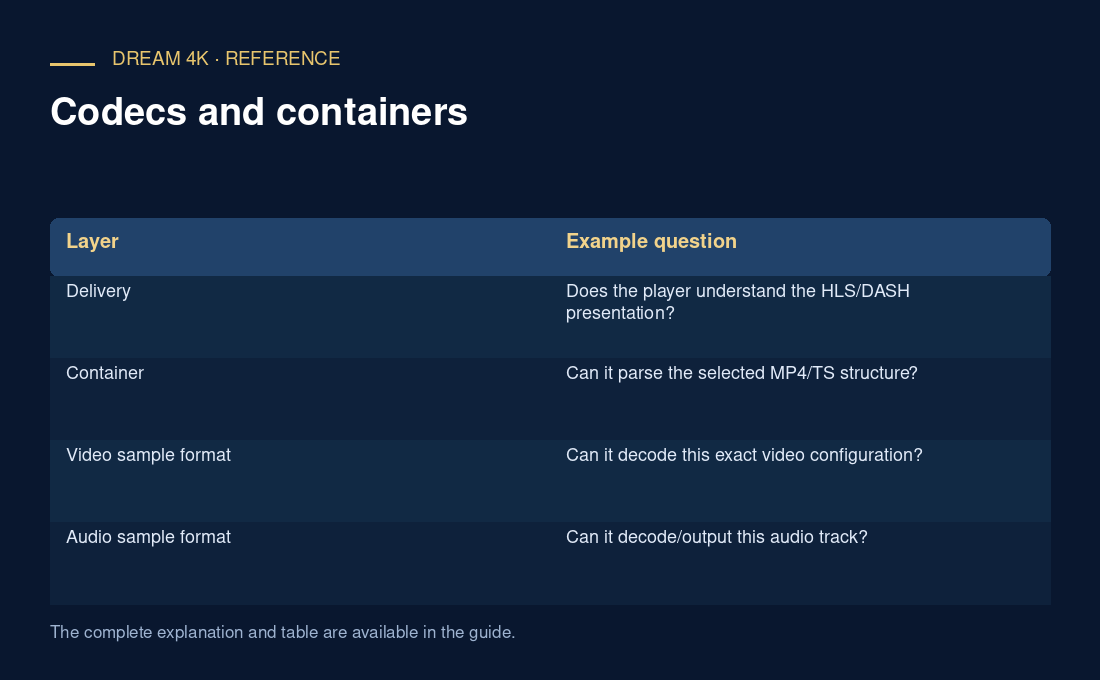
| Layer | Example question |
|---|---|
| Delivery | Does the player understand the HLS/DASH presentation? |
| Container | Can it parse the selected MP4/TS structure? |
| Video sample format | Can it decode this exact video configuration? |
| Audio sample format | Can it decode/output this audio track? |
| Presentation | Can the complete path display and play it smoothly? |
Describe compatibility precisely
Record the container, video codec string, audio codec, dimensions, frame rate and relevant track characteristics. Use an exact-device documentation check or a controlled playback observation for a concrete compatibility conclusion. A generic “supports MP4” statement is useful only within its stated limits.