
In this guide
Read an explicit offset as part of the instantSeparate source, importer and display settingsCheck dates as well as hoursXMLTV represents dates and times in the form described by its project DTD. Times can include an explicit timezone; if none is supplied, the DTD assumes UTC. An importer and player then need to interpret the timestamp and present it in the intended local context.
The source’s offset and the viewer’s display zone are different steps. Applying the source offset twice can shift every programme even though the original guide data is correct.
Read an explicit offset as part of the instant
An original hypothetical programme starts at 20261103200000 +0500. This describes 20:00 on 3 November 2026 at UTC+05:00, equivalent to 15:00 UTC. A viewer at UTC+01:00 would see that instant as 16:00 on the same date, assuming that is the applicable display offset.
The example uses fixed offsets deliberately. A location’s daylight-saving rules can change its offset by date, so a city name should not be reduced to a permanent number without checking the relevant time zone.
Separate source, importer and display settings
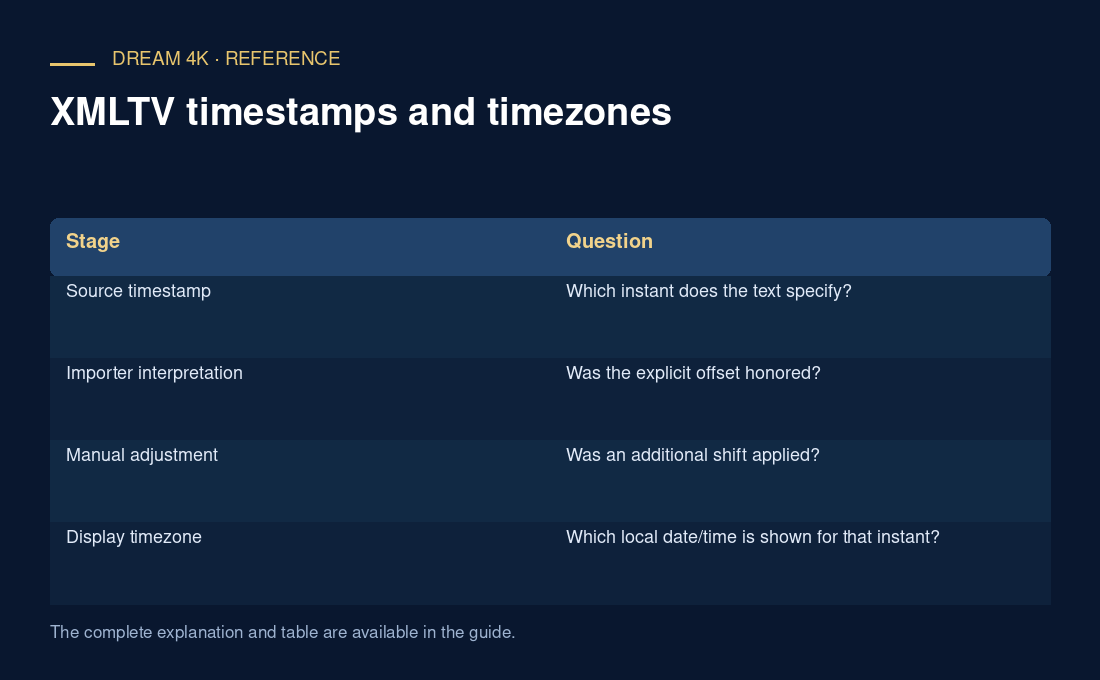
A guide timestamp can be correct while a player applies an extra manual shift. An importer might also have a configured source interpretation. Preserve all three before changing anything. A global offset can mask one problem while making correctly timed channels wrong.
| Stage | Question |
|---|---|
| Source timestamp | Which instant does the text specify? |
| Importer interpretation | Was the explicit offset honored? |
| Manual adjustment | Was an additional shift applied? |
| Display timezone | Which local date/time is shown for that instant? |
Check dates as well as hours
Conversions near midnight can move a programme onto the previous or next calendar date. A guide that seems empty for one day may contain shifted entries under another date. Compare a known programme and record both the original source value and the displayed result.
Do not assume every guide uses the same precision or every player implements every optional form identically. For troubleshooting, use a complete representative timestamp with explicit offset and the affected player version. A timezone setting does not correct a schedule belonging to another feed or absent programme records.