
In this guide
Seekable and buffered answer different questionsLive ranges need fresh observationsA range does not certify playback qualityA browser media element’s seekable property reports a snapshot of time ranges to which the user agent is currently able to seek. It describes timeline positions, not a count of downloaded bytes. The ranges can differ from the intervals already buffered.
For live media, the available seekable area may move. A replay control should therefore check current ranges rather than assume that a position seen earlier remains available forever.
Seekable and buffered answer different questions
Buffered asks which media intervals are held by the client now. Seekable asks which positions the client can currently seek to, potentially by fetching new media. A file served with suitable access can be seekable far beyond its downloaded portion.
An original hypothetical on-demand video has five minutes buffered but a ninety-minute seekable range. Jumping to minute sixty can cause a new request. The jump being offered does not mean those later bytes were already on the device.
Live ranges need fresh observations
A live presentation can discard earlier media from its advertised or retained window. A stale interface that continues to offer an old position may request unavailable media. The browser’s range is also an implementation-level observation, not a substitute for an explicit source retention or replay policy.
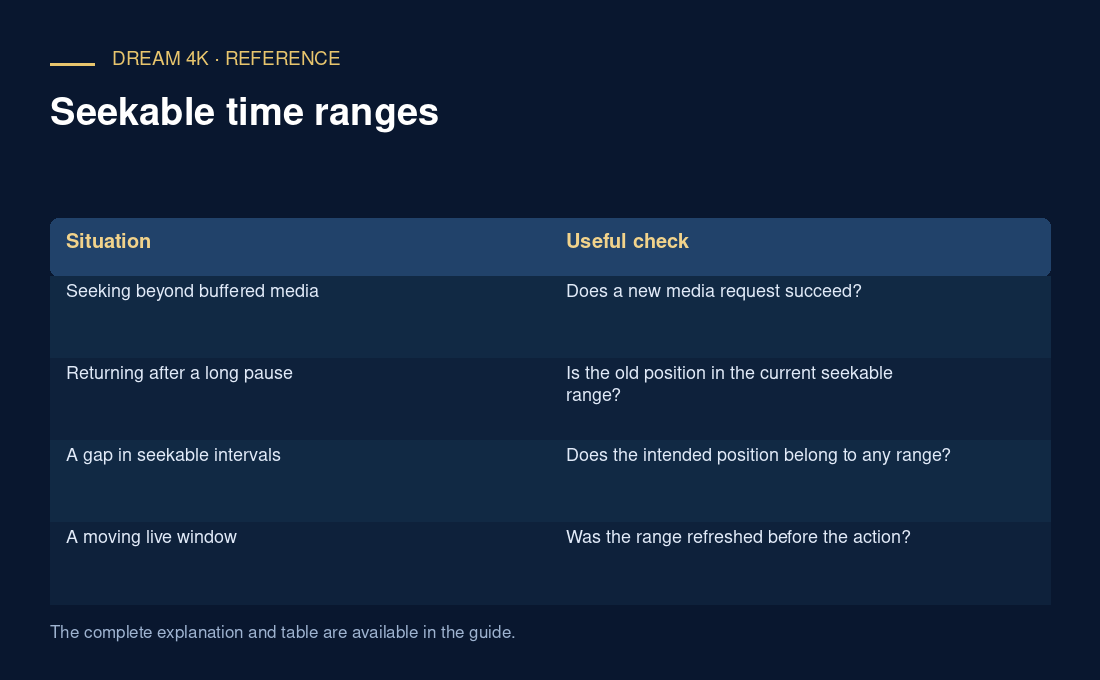
| Situation | Useful check |
|---|---|
| Seeking beyond buffered media | Does a new media request succeed? |
| Returning after a long pause | Is the old position in the current seekable range? |
| A gap in seekable intervals | Does the intended position belong to any range? |
| A moving live window | Was the range refreshed before the action? |
A range does not certify playback quality
A seek can still encounter a resource, decode or presentation failure. It may also land at a nearby decodable point rather than the exact visual frame a viewer expected, depending on the media and player. These are separate questions from whether the timeline position was offered as seekable.
When reporting a seek issue, include the requested position, observed resulting position, current ranges, media type and error. Avoid inferring permanent catch-up rights from a browser progress bar or using a single successful seek as proof that every earlier programme remains available.