
In this guide
Draw the two local relationshipsPlacement serves both sides of the pathTest the mesh path, not just internet speed nearbyA device connected to a mesh Wi-Fi point depends on more than its immediate wireless signal. The point also needs an upstream connection toward the primary router. That inter-node path is commonly called backhaul and can be wired or wireless according to the system’s supported design.
Strong client signal bars can therefore coexist with a weak upstream mesh link. The bars near the television do not describe every hop to the internet.
Draw the two local relationships
An original hypothetical television sits one metre from a mesh point, giving it a strong immediate association. The point communicates poorly with the primary router through several obstructions. The television can show full bars while the upstream link constrains useful delivery.
Google’s mesh-test guidance explicitly distinguishes the router-to-point connection and notes that a weak connection can become a bottleneck for clients attached to it. That test is specific to supported Google systems; other products expose their own diagnostics.
Placement serves both sides of the path
Placing a point at the extreme dead spot can improve proximity to a client while leaving the point itself poorly connected. Manufacturer placement guidance should consider the inter-node relationship as well as the coverage goal. Supported wired backhaul has its own equipment and topology requirements.
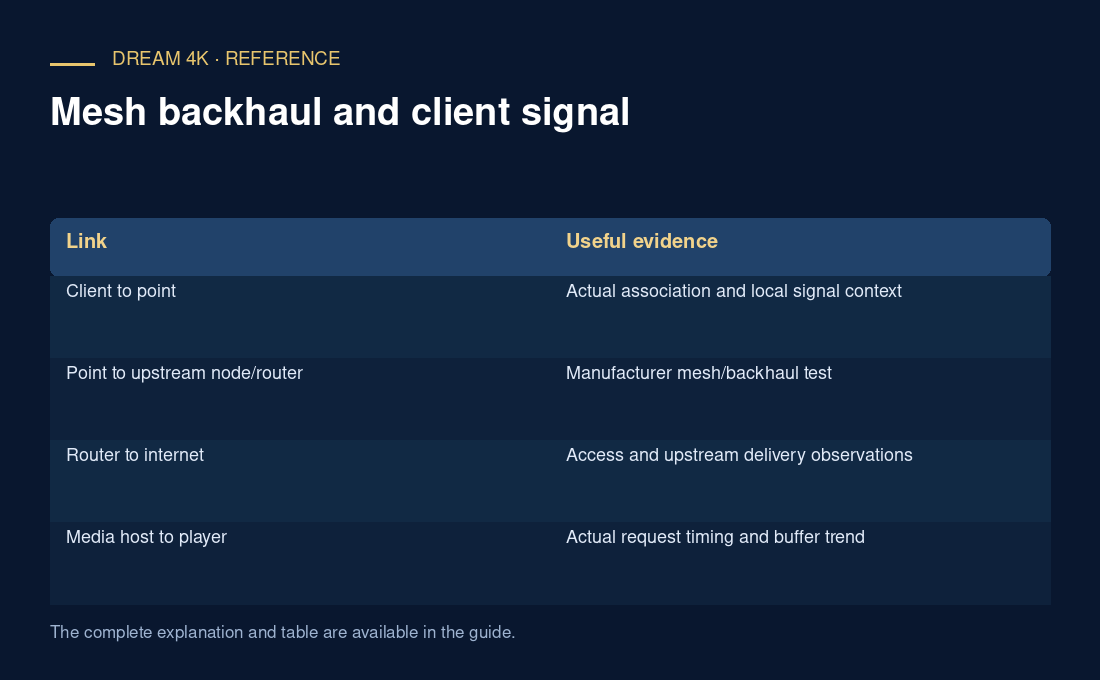
| Link | Useful evidence |
|---|---|
| Client to point | Actual association and local signal context |
| Point to upstream node/router | Manufacturer mesh/backhaul test |
| Router to internet | Access and upstream delivery observations |
| Media host to player | Actual request timing and buffer trend |
Test the mesh path, not just internet speed nearby
Record which point the affected client actually uses. A device can roam, so proximity alone is not proof of association. After a documented placement change, rerun the system’s mesh test and verify the client path.
A better mesh result is useful local evidence, not a guarantee that every media source will work. Keep source delivery, decoder and account failures separate from the backhaul hypothesis.