
In this guide
Trace the immediate inputSeparate preservation from enhancementUse provenance and fair comparisonsA FLAC file can be much larger than an MP3 or another lossy source without containing restored original information. A lossless encoder preserves the samples it receives; it does not know the exact information discarded by an earlier lossy encoder.
This distinction matters when evaluating file labels, conversion requests or a claim that a source became “lossless quality” merely because its extension changed.
Trace the immediate input
In an original hypothetical chain, a recording is encoded lossily, decoded to PCM and then encoded as FLAC. The final lossless step can preserve that decoded PCM exactly under the format’s rules. It cannot reconstruct a unique original recording from the many possibilities that could have led to the lossy representation.
The correct statement is that the FLAC is lossless relative to its immediate sample input. That says nothing by itself about the earlier recording, mastering or compression stages.
Separate preservation from enhancement
An editor can apply noise reduction, equalization or other processing before a lossless export. Such processing changes the samples and may be useful for a stated purpose, but it is not proof of recovering the exact original. A perceptually pleasing result and an exact restoration are different claims.
Likewise, increasing sample rate or bit depth during export provides a different representation. It does not automatically add previously captured detail. Keep the original file and record the actual operations if you control the media and have permission to process it.
Use provenance and fair comparisons
For a quality claim, seek reliable source history rather than relying only on file size, suffix or a decoder information panel. A player can report FLAC correctly while the source retains an earlier lossy history. Output processing can add further changes after decoding.
A useful technical description states source format if known, conversion steps, resulting sample rate/precision/layout and verification scope. If provenance is unknown, say so. This avoids inventing a lossless origin or promising audible improvement from a storage-format change. FLAC remains useful for preserving the samples available now; that benefit does not require claiming it reversed earlier information loss.
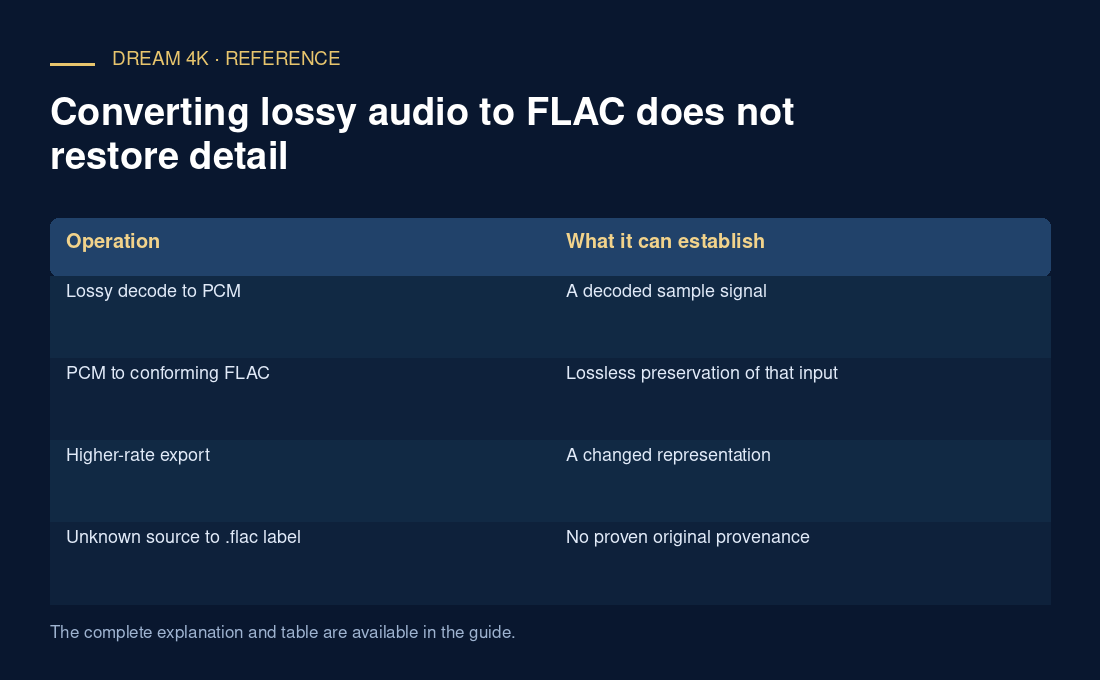
| Operation | What it can establish |
|---|---|
| Lossy decode to PCM | A decoded sample signal |
| PCM to conforming FLAC | Lossless preservation of that input |
| Higher-rate export | A changed representation |
| Unknown source to .flac label | No proven original provenance |