
In this guide
Trace the two dimensions separatelyChange the source selection for a decoder comparisonKeep source and display findings in the reportA streaming device set to output 1080p may still download and decode a 4K source before scaling it for display. Output mode and selected source rendition are different stages. Changing one does not necessarily change the other.
This distinction matters when a high-resolution stream stutters or a codec-level error appears. The useful check is what media the player actually selected after the output change.
Trace the two dimensions separately
Record the selected source dimensions from the player’s diagnostics, then record the device’s display output mode. A television reporting 1920×1080 input describes the signal it receives. It does not directly reveal the dimensions of the compressed samples the streaming device decoded upstream.
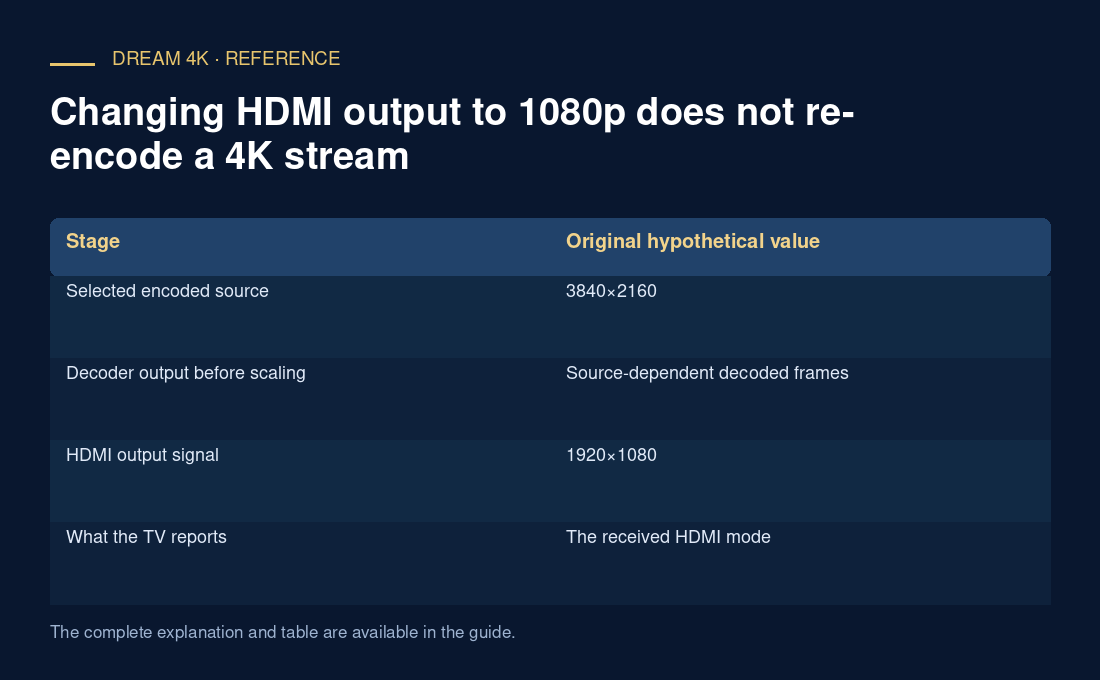
In an original hypothetical setup, the player selects a 3840×2160 rendition, decodes it and outputs a scaled 1920×1080 image. The television’s 1080p information panel is accurate about its input but cannot prove that the decoder handled only 1080p media.
Change the source selection for a decoder comparison
If the app offers a documented rendition limit, compare an actual lower-resolution source while preserving the codec and other characteristics as closely as the available choices allow. Note any simultaneous changes in frame rate, bit rate, bit depth or codec profile. If several variables change, the test cannot isolate resolution alone.
Changing output can still affect rendering, display processing or the player’s selection policy. The point is not that it can never matter, but that the resulting source choice must be observed rather than assumed. Use exact metadata to describe the comparison.
Keep source and display findings in the report
A useful note states both source and output before and after the test, alongside frame drops, buffer behavior and the player error. If the source stayed 4K while output changed, say so. If the player selected 1080p afterward, preserve that actual selection as additional evidence.
Do not rewrite a codec level or manifest resolution to force the appearance of compatibility. Metadata changes do not reduce the encoded workload. For a provider stream, use supported source alternatives or report the configuration to support. The result should describe the actual path that worked or failed without making a blanket claim about all 4K or all 1080p playback.
| Stage | Original hypothetical value |
|---|---|
| Selected encoded source | 3840×2160 |
| Decoder output before scaling | Source-dependent decoded frames |
| HDMI output signal | 1920×1080 |
| What the TV reports | The received HDMI mode |