
In this guide
Ask two separate metadata questionsCheck HDR as a third independent questionUse the result to choose a supported alternative4K describes a class of image dimensions; HEVC describes how video samples are encoded. They often appear together, but one does not logically imply the other. A source can use another codec for 4K, and HEVC can encode video below 4K.
For a concrete compatibility question, inspect the selected stream’s actual dimensions and codec configuration. A title, quality badge or television information panel may describe only one part of the path.
Ask two separate metadata questions
First identify the encoded source dimensions. Then identify the video codec string and relevant configuration. Keep both distinct from the device’s output resolution, which may involve scaling after decoding. If the player does not expose source metadata, state that the codec or dimensions remain unconfirmed.
An original hypothetical catalogue contains native 3840×2160 AV1 video in one item and 1920×1080 HEVC video in another. The first is 4K without being HEVC; the second is HEVC without being 4K. A third item could use HEVC at 3840×2160. These are independent metadata axes, so inspect both instead of substituting one label for the other.
Check HDR as a third independent question
A codec label does not establish high dynamic range. Transfer characteristics, colour information, bit depth, signalling and the display path need appropriate handling. An HDR badge on the television describes an observed mode in that path; it should not be used as a substitute for codec metadata.
Likewise, a device advertising HEVC support may have limits on profile, level, bit depth, dimensions or frame rate. Consult exact-model and player documentation rather than treating the family name as a universal certificate.
Use the result to choose a supported alternative
If a selected configuration fails, compare an actually offered supported rendition and record all changed attributes. A 1080p alternative might also change codec, frame rate and audio, so success does not isolate one cause unless those factors are controlled.
A useful support note states source dimensions, codec declaration, HDR-related metadata if known, output mode and the observed error. It can identify the failing combination without making a blanket claim that every 4K source requires HEVC or every HEVC source is 4K. This precision also prevents upscaling from being mistaken for evidence of delivered source detail.
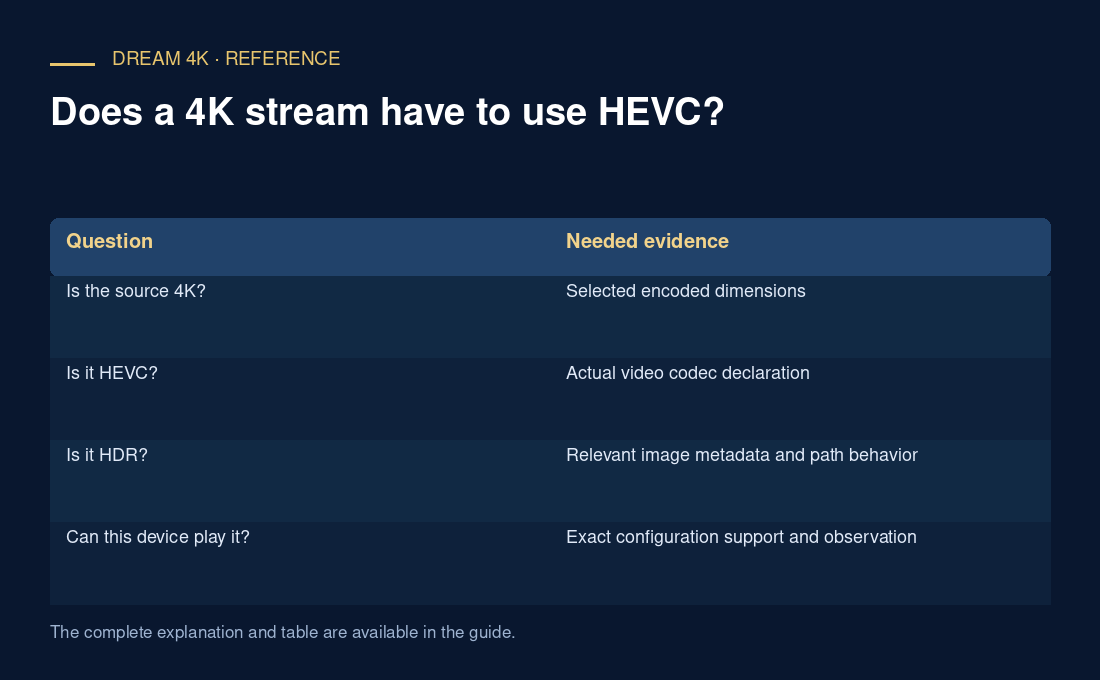
| Question | Needed evidence |
|---|---|
| Is the source 4K? | Selected encoded dimensions |
| Is it HEVC? | Actual video codec declaration |
| Is it HDR? | Relevant image metadata and path behavior |
| Can this device play it? | Exact configuration support and observation |