
In this guide
Record the control, not the secretAvoid reusing unrelated account secretsReview evidence before sharingUse official recovery if access is lostA parental-control PIN protects a particular device, profile or app function. Know which control it belongs to and keep it private. It is not an order reference and should not appear in a local profile name, shared calendar or public screenshot.
Record the control, not the secret
The non-secret handover note can identify the platform, relevant profile and adult responsible for managing the control. Keep the PIN in an appropriate protected location using the platform’s supported approach. Do not store it beside a label that children or guests routinely see on the television.
Avoid reusing unrelated account secrets
A parent should not have to disclose an email password merely to explain a device setting. Use the specific platform’s intended authentication process. If a helper is assisting, the authorised adult can complete the protected entry while the helper describes the next screen. This preserves the difference between explaining a control and possessing it.
Review evidence before sharing
Screenshots and recordings can capture PIN entry, notification previews or account recovery material. Use typed field labels or redact the relevant values. If a spoken-password or accessibility feature is in use, consider the room audience before entering secrets and use the platform’s documented privacy options.
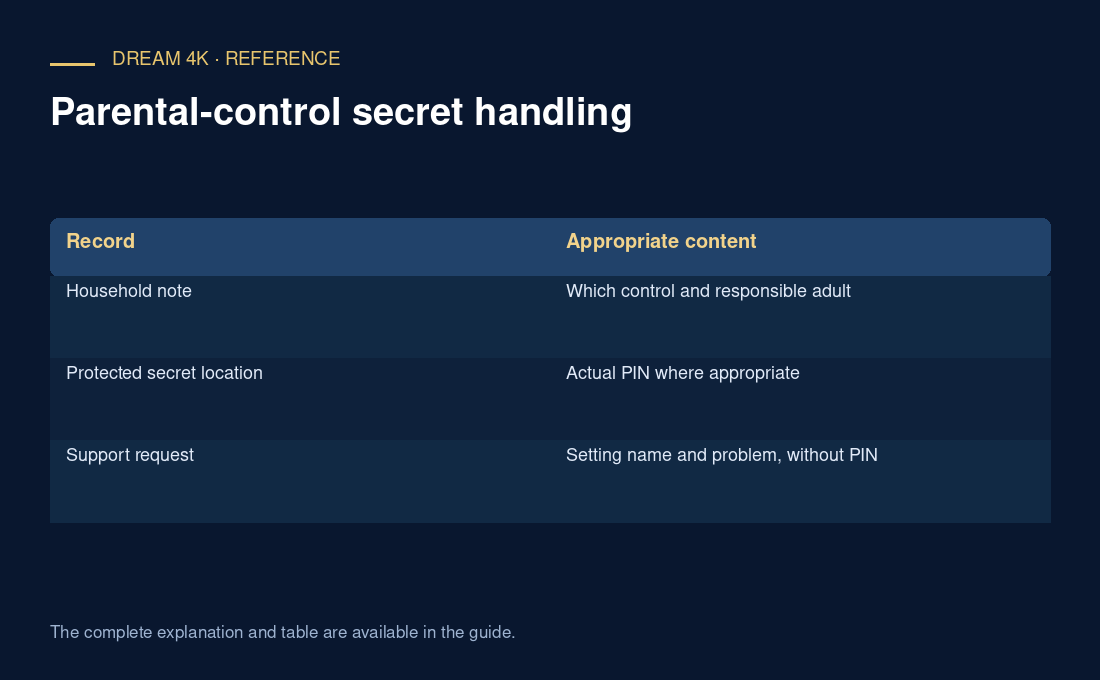
| Record | Appropriate content |
|---|---|
| Household note | Which control and responsible adult |
| Protected secret location | Actual PIN where appropriate |
| Support request | Setting name and problem, without PIN |
Use official recovery if access is lost
Follow the manufacturer or developer’s current recovery guidance for the actual control. This page provides no bypass method. If the PIN was disclosed, use the legitimate change process and review which people or devices still need access. A local PIN change does not automatically alter the streaming service password or account permissions.
Questions about this guide
Is a parental PIN the same as a service password?
They can protect different systems and actions. A device or profile PIN generally governs that local control, while service credentials identify access to the provider’s account. Use the actual platform documentation and provider instructions rather than assuming one value changes the other.