
In this guide
Name what changedReview the intended pathsUse ordinary authorised checksUpdate the household noteA household control review is useful after a meaningful setup change. Adding a player or profile can create a new entry path that was not part of the earlier review. The goal is to check the actual supported controls rather than assume that a previous setting automatically covers the new arrangement.
Name what changed
Record whether the change is a device replacement, new app, new local profile, store-account change or service account change. These are different layers. A renewed service term may leave local controls alone, while a new profile may require its own device-side review. Do not alter unrelated controls merely to make every setting look newly configured.
Review the intended paths
Identify how an adult or child reaches the app, switches profiles and initiates a purchase. Use the platform’s documented controls for each path. Google TV’s profile lock is specific to the selected profile, and downloaded apps can have their own content restrictions. Keep those boundaries visible.
Use ordinary authorised checks
The responsible adult can confirm that the chosen controls appear as intended using normal operation. Do not attempt to defeat restrictions or use another person’s authentication to test a bypass. If a control behaves unexpectedly, describe the exact platform, version and observation to its official support route.
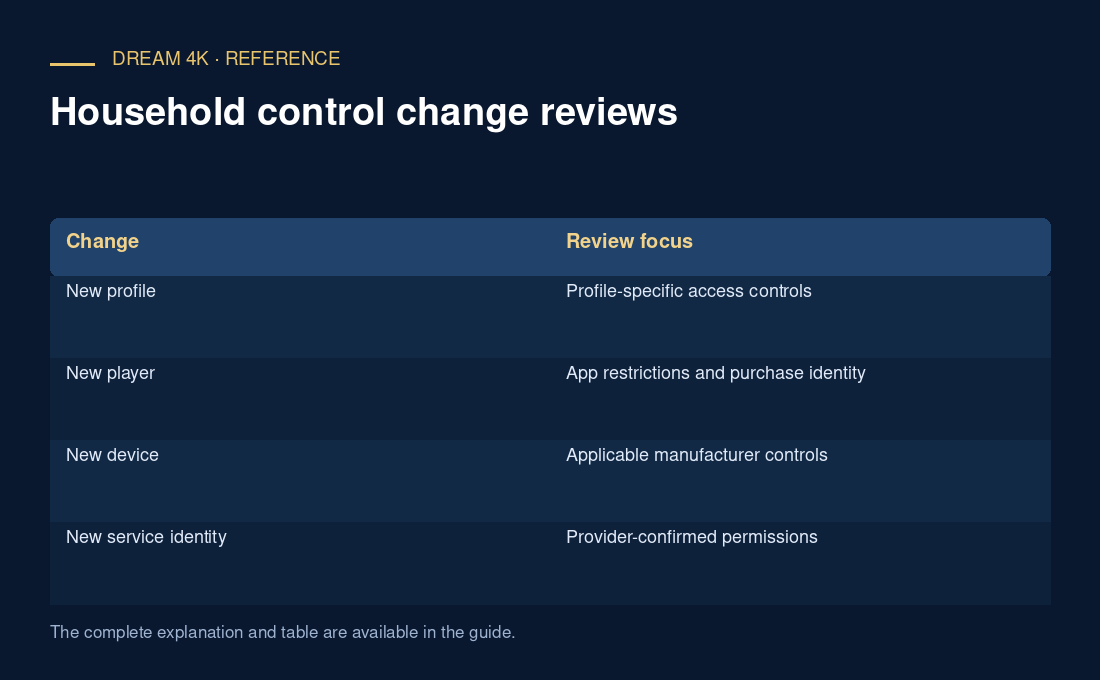
| Change | Review focus |
|---|---|
| New profile | Profile-specific access controls |
| New player | App restrictions and purchase identity |
| New device | Applicable manufacturer controls |
| New service identity | Provider-confirmed permissions |
Update the household note
Record the review date, relevant controls and any unanswered boundary. Keep PINs and account secrets out of the note. Avoid claiming a universal child-safe result from a limited observation. The record should tell the next authorised adult what was reviewed and where a separate platform or app answer is still needed.
Questions about this guide
Must every renewal trigger a complete device reset?
No such requirement is established here. Review the actual change and follow the responsible provider and platform instructions. An ordinary service renewal and a device or profile replacement are different events; do not perform a disruptive reset without a relevant reason.