
In this guide
Name the layer you want to controlRead the documented limitsKeep adult access protectedReview after meaningful changesA television setup can contain several kinds of control. A device or profile PIN can restrict entry, a store approval can govern a purchase and an app setting can affect content inside that app. None automatically establishes the service’s connection allowance or guarantees that every source is filtered.
Name the layer you want to control
Write the actual goal: limit access to an adult profile, prevent an unintended purchase, restrict an app or manage an account change. Then identify which company controls that layer. A general word such as parental control is not enough to describe the boundary.
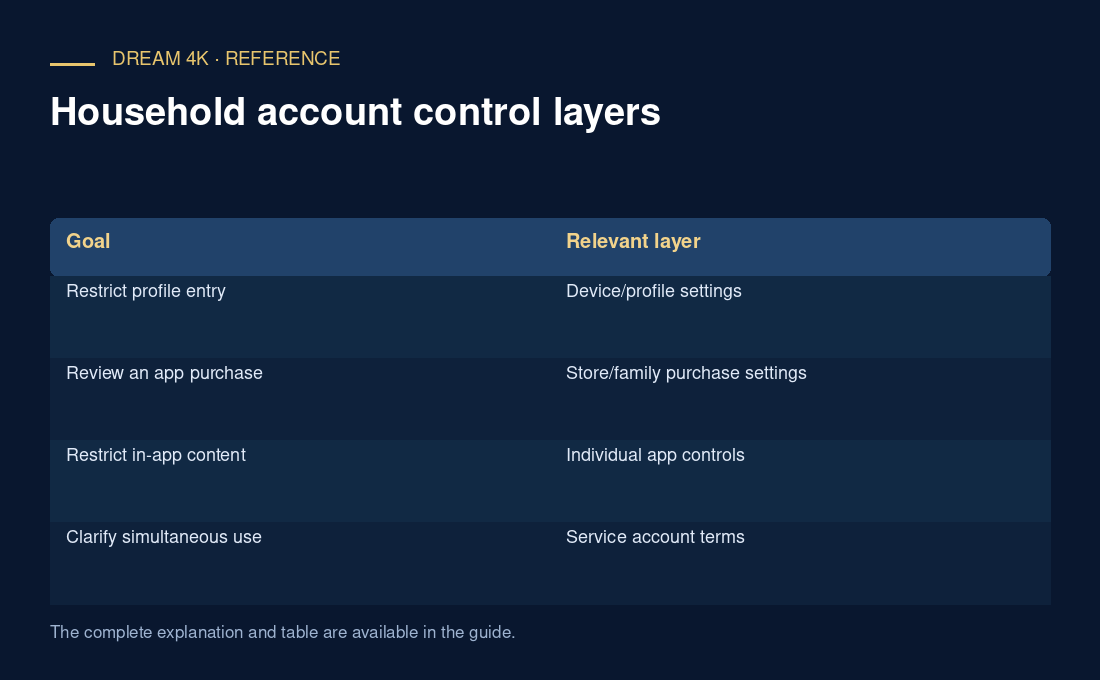
| Goal | Relevant layer |
|---|---|
| Restrict profile entry | Device/profile settings |
| Review an app purchase | Store/family purchase settings |
| Restrict in-app content | Individual app controls |
| Clarify simultaneous use | Service account terms |
Read the documented limits
Google TV’s guidance distinguishes kids-profile recommendations from content provided directly by apps. Apple’s Apple TV guidance notes that device restrictions may not apply to downloaded apps. Check the actual app’s own controls instead of assuming that a device setting filters every item it can display.
Keep adult access protected
Use the platform’s supported parent or administrator controls and keep the relevant PIN private. Do not place it in a local profile label or support screenshot. An authorised helper can explain the setting while the parent completes the protected step. If access is lost, use the platform’s official recovery process.
Review after meaningful changes
Recheck the intended boundary after adding another profile, changing the player or replacing the device. Record which controls were configured and which content or purchase paths still require separate review. This guide provides a control map, not a claim that Dream offers content classification, parental filtering or any particular connection permission.
Questions about this guide
Does an adult profile lock establish a child-safe catalogue?
No. A profile lock governs entry to the relevant profile. Content availability and filtering depend on the actual app, source and settings. Review the intended viewing path and use the responsible platform or developer’s documented controls rather than treating a lock as a universal content guarantee.