
In this guide
The mechanism shortens particular waiting stagesSeveral features work togetherCompatibility and fallback remain specificLow-Latency HLS extends HLS with mechanisms intended to deliver newly available media closer to the live edge while preserving scalable HTTP delivery. Apple documents partial segments, playlist delta updates, blocking reloads, preload hints and rendition reports as parts of this system.
A client setting alone cannot create those source and delivery capabilities. The packager, serving path and player need the appropriate supported behavior.
The mechanism shortens particular waiting stages
Traditional segment publication can require waiting for a larger media unit before it is advertised and retrieved. Partial segments expose smaller units earlier, while request mechanisms reduce avoidable discovery/request round trips. That is different from removing every capture, encoding, production or display delay.
An original hypothetical source produces media in smaller publishable units, but its production pipeline already includes a substantial upstream delay. The LL-HLS delivery portion can operate as designed while the total event-to-screen delay still includes that earlier stage.
Several features work together
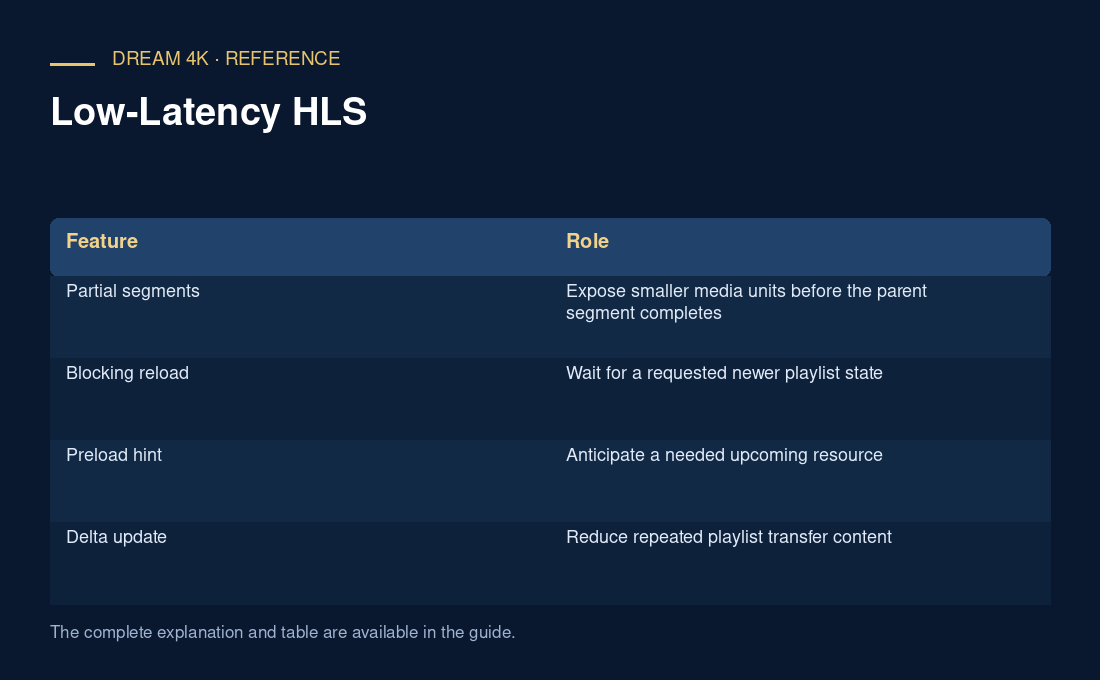
| Feature | Role |
|---|---|
| Partial segments | Expose smaller media units before the parent segment completes |
| Blocking reload | Wait for a requested newer playlist state |
| Preload hint | Anticipate a needed upcoming resource |
| Delta update | Reduce repeated playlist transfer content |
| Rendition report | Supply current context for an associated rendition |
Compatibility and fallback remain specific
Apple describes server configuration requirements beyond ordinary HLS and backward-compatible syntax with regular-latency fallback in relevant conditions. That does not guarantee identical fallback behavior in every application. Use current player/platform documentation for a concrete support conclusion.
For a latency report, identify the actual presentation mode, selected client position and reference clock. A short segment or an LL label does not prove a fixed number of seconds behind a camera. Record request behavior and media timing without inventing a provider benchmark or promising zero buffering.