
In this guide
Local association is not complete internet setupAddress, gateway and DNS have different jobsFollow the network’s intended configurationDHCP provides network configuration through a client/server process and can allocate reusable IPv4 addresses. Address, gateway and resolver information belong to the local network configuration stage before ordinary remote media requests.
IPv4 link-local addressing in 169.254/16 serves communication on the local link under its specification. Seeing such an address does not establish a normal routed internet configuration.
Local association is not complete internet setup
A device can join Wi-Fi or show an Ethernet link while lacking the intended address configuration. A link indicator proves a narrower relationship than successful routing and name resolution. A player failing before any remote request may therefore need local network-state evidence.
An original hypothetical television shows a connected Wi-Fi icon and a 169.254 address while the home network normally assigns another private subnet through DHCP. That pattern makes configuration exchange worth checking. It does not prove which server, client or wireless stage failed.
Address, gateway and DNS have different jobs
An address identifies the interface in its context; routing information supplies a path beyond the local link; DNS configuration supports name resolution. A valid-looking number in one field does not certify the others. Manually guessing an unused address can create conflicts or a mismatched subnet.
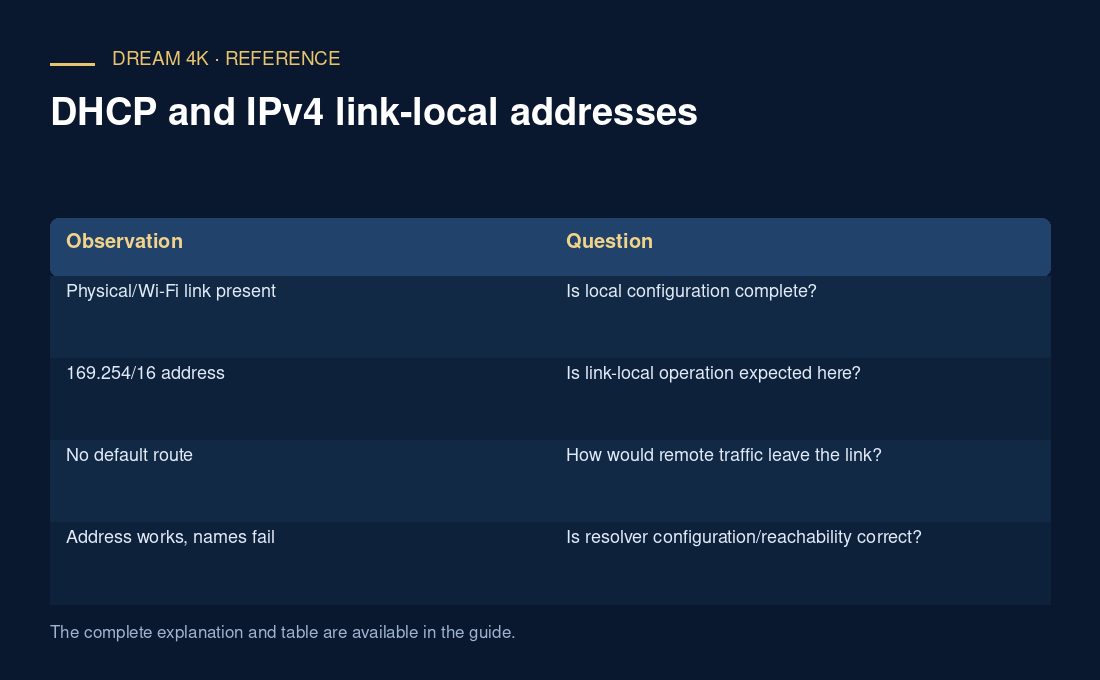
| Observation | Question |
|---|---|
| Physical/Wi-Fi link present | Is local configuration complete? |
| 169.254/16 address | Is link-local operation expected here? |
| No default route | How would remote traffic leave the link? |
| Address works, names fail | Is resolver configuration/reachability correct? |
| Only one device affected | What differs in its lease and network state? |
Follow the network’s intended configuration
Use the device/router’s documented reconnect or lease-renewal procedure and involve the administrator on managed networks. Apple’s guidance recommends a coherent DHCP setup and warns about competing configuration arrangements. Preserve existing settings before a reversible change.
A configuration result does not prove the media source, account or decoder works. Once local connectivity is established, continue with the actual DNS, secure connection and HTTP playback chain.