
In this guide
Inventory the relevant accessHand over live dependenciesRemove actual access through the right systemsRecord the completed resultOffboarding is both a continuity task and an access review. The team needs a new owner for open cases and an accurate account of access that should end. Follow each tool’s official controls rather than assuming one password change closes every relationship.
Inventory the relevant access
List work email, case records, shared files, payment evidence, remote tools and any provider access the colleague legitimately used. Include temporary shares and devices where relevant. Use a non-secret inventory; do not paste all credentials into the offboarding checklist.
Hand over live dependencies
For each open case, state the customer’s request, confirmed actions, missing answer and next owner. Identify paid requests whose result is unknown so the incoming person does not submit them again. Preserve the original case and order references.
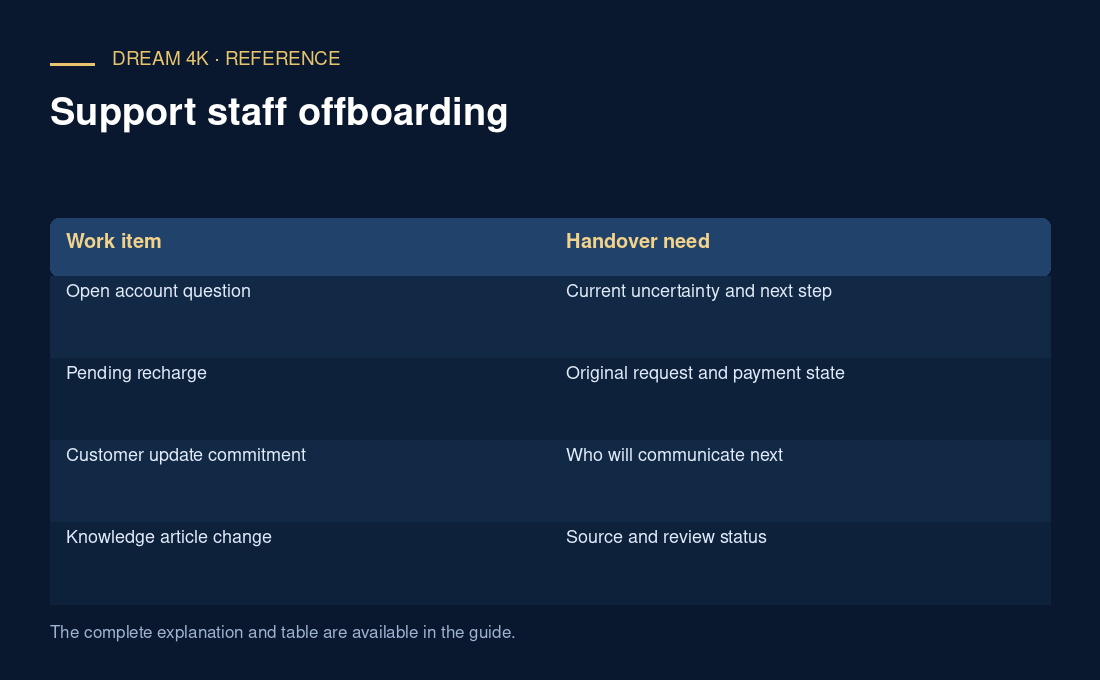
| Work item | Handover need |
|---|---|
| Open account question | Current uncertainty and next step |
| Pending recharge | Original request and payment state |
| Customer update commitment | Who will communicate next |
| Knowledge article change | Source and review status |
Remove actual access through the right systems
Use each platform’s supported process for disabling users, revoking shares or ending sessions. If a shared secret was legitimately used and must change, coordinate the authorised change and update dependent tools. Do not assume that removing someone from one chat invalidates a provider login or copied export.
Record the completed result
Keep a concise record of what access was removed, what work was reassigned and what remains pending. Retain business evidence according to the organisation’s actual needs and obligations. This guide does not prescribe employment policy or claim a universal deadline; it describes an operational handover and access review.
Questions about this guide
Does removing a colleague from the support chat end all access?
No. Review the actual systems, file shares, sessions and credentials involved. A chat membership change affects that relationship. Use each relevant platform’s controls and record the access state actually confirmed.