
A streaming setup can involve several purchases and sign-ins. The service account identifies the subscription supplied by the provider. A player licence, where required by the chosen app, unlocks software features under that developer’s terms. An app-store account may own the software purchase. Keep those identities separate when requesting help.
Make a small account map
Write the service name beside its order reference and contact route. Write the exact player name and developer beside its licence receipt. Add the app store used for the purchase, if there was one. Do not place passwords in this map. The purpose is to know who can answer each question, not to collect every secret in one document.
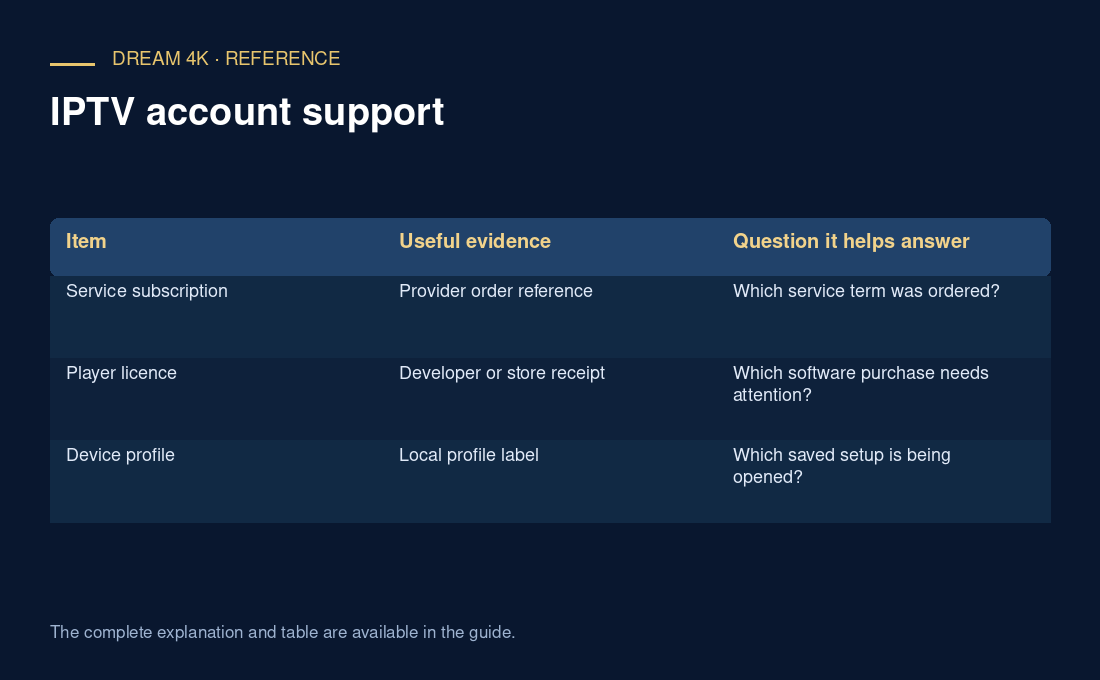
| Item | Useful evidence | Question it helps answer |
|---|---|---|
| Service subscription | Provider order reference | Which service term was ordered? |
| Player licence | Developer or store receipt | Which software purchase needs attention? |
| Device profile | Local profile label | Which saved setup is being opened? |
Route the request
For a service expiry or renewal question, identify the provider account from the original service order. For a player activation message, consult the exact developer’s licence instructions. For a store charge, inspect that store’s purchase history before assuming it is a second service payment. A familiar app icon does not identify the merchant that received a separate payment.
Before buying the same thing again
Suppose a player displays an activation prompt while the service order remains within its stated term. Buying another service term may leave the software prompt unchanged. First record the prompt’s wording and the player’s exact name, then ask the responsible seller what the payment covers. This is an illustrative routing example, not a diagnosis of a particular app.
- Confirm whether the quoted amount is for service access, software or both.
- Keep separate renewal reminders when separate purchases exist.
- Confirm any player fee directly; no universal fee is established here.
Questions about this guide
What if one seller collected both payments?
Ask for an itemised description showing the service term and any software component. Keep that explanation with the receipt. A combined payment does not make the two products identical, and the seller should clarify which support route handles a later service or player-licence question.