
In this guide
Identify the connection typePlan a legitimate sign-in alternativeRemove the intended relationshipRecord the effect you verifiedA Google account can be linked to another app in more than one way. It may help sign you in, grant access to Google data or let Google access a linked service. Review the specific link before removing it so you understand the effect on sign-in and features.
Identify the connection type
Open Google’s linked-apps page from your Google Account and inspect the relevant app. Read the stated access and the developer’s identity. Do not assume that a player installed on an Android device automatically has broad access to your Google data; inspect the actual permission relationship.
Plan a legitimate sign-in alternative
If the link is used to sign into another app, understand the app’s supported sign-in or recovery route before disconnecting. This avoids losing practical access to a purchase record while trying to simplify account links. Do not create an unverified workaround or share a Google password with the app’s support contact.
Remove the intended relationship
Follow Google’s current instructions for the specific link type. Stopping Sign in with Google stops that automatic sign-in relationship; Google states that it does not delete your data on the other app. Removing data access can make features unavailable. Read the confirmation rather than treating every Remove button as a complete account deletion.
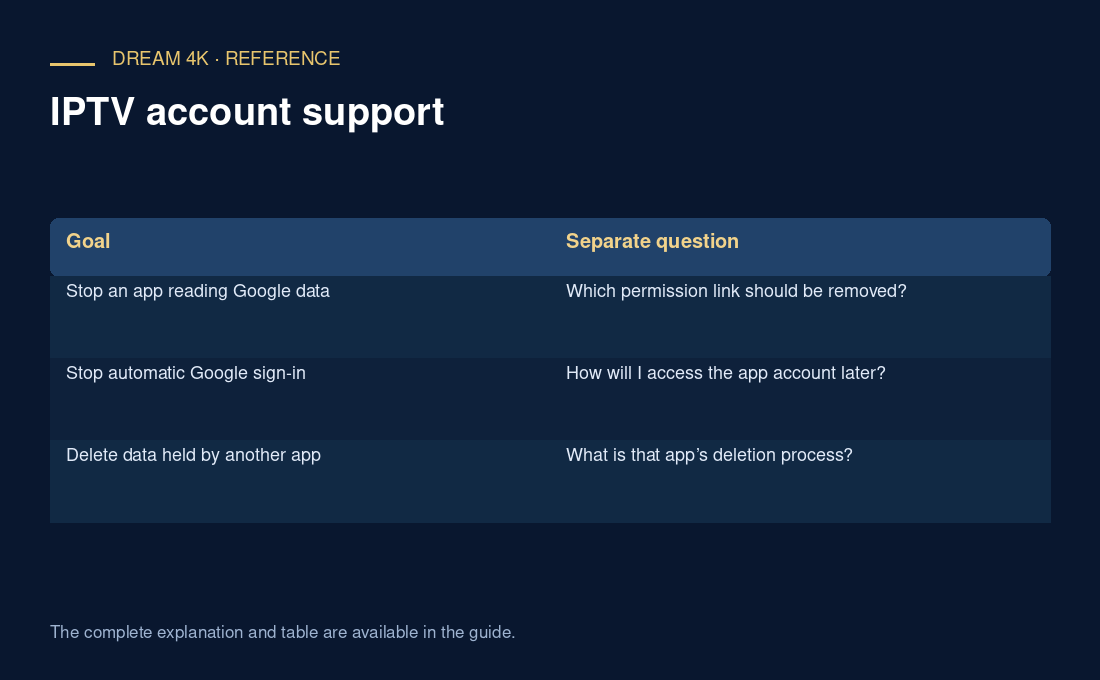
| Goal | Separate question |
|---|---|
| Stop an app reading Google data | Which permission link should be removed? |
| Stop automatic Google sign-in | How will I access the app account later? |
| Delete data held by another app | What is that app’s deletion process? |
Record the effect you verified
Keep a brief note of the removed link and any changed feature. If you also want to close the other app’s account, follow that developer’s separate process. If a service profile remains on a television, review it separately. Connection cleanup should describe specific relationships removed, not claim that all account data or purchases have been erased.
Questions about this guide
Does removing a Google link cancel a service purchase?
Do not assume so. Account links and commercial purchases are separate relationships. Check the actual biller and applicable cancellation instructions. This guide does not establish that Dream uses Google sign-in or that any particular service purchase is managed through Google.