
In this guide
Open the account through its official routeInterpret the displayed activity carefullySign out what you no longer controlFinish the separate service reviewIf you signed into Google on a shared or retired device, review that Google account’s access through Google’s own controls. This is separate from a Dream service profile saved in a player. Removing one relationship does not prove that the other has ended.
Open the account through its official route
In your Google Account, use Security & sign-in and Manage all devices to review devices and sessions. Google explains that more than one session can belong to a single device. Review the details before treating every repeated device name as another physical television or person.
Interpret the displayed activity carefully
The listed time can reflect background communication, not just a deliberate sign-in by a person. A location can be approximate. If an entry is unfamiliar, follow Google’s security review and sign-out guidance rather than treating a screenshot as proof of who used the account. Keep the observation and your interpretation separate.
Sign out what you no longer control
Follow Google’s instructions for lost, no-longer-owned or untrusted devices. When multiple sessions share a device name and you need to end access from that device, review the applicable sessions. Preserve the ability to recover your own account before removing sign-in options.
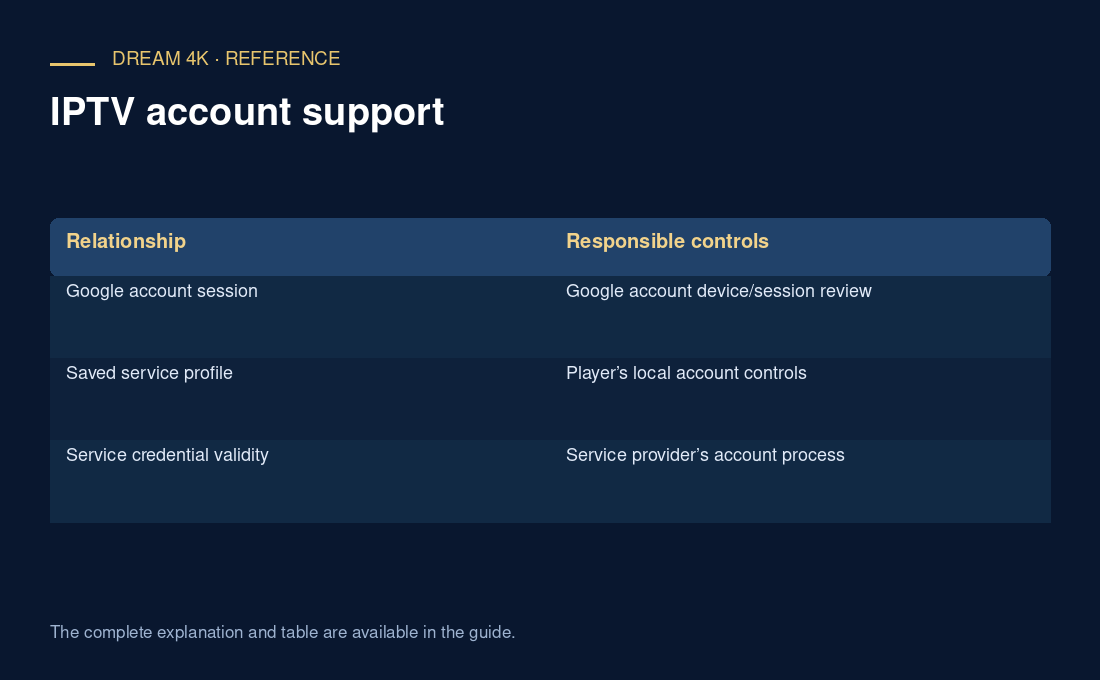
| Relationship | Responsible controls |
|---|---|
| Google account session | Google account device/session review |
| Saved service profile | Player’s local account controls |
| Service credential validity | Service provider’s account process |
Finish the separate service review
If the shared device also held service connection details, use the player’s removal instructions where you control the device and ask the service about invalidation where necessary. Do not infer a Dream simultaneous connection allowance from the number of Google sessions. Update the private handover record with the actions actually completed and any remaining service-side question.
Questions about this guide
Does a recent time always mean someone watched content?
No. Google says activity times may include background communication. A Google-session time does not establish which content was watched in another service. Describe the observed account activity accurately and follow the account provider’s security guidance if it remains unfamiliar.