
In this guide
Confirm which profile is oldPreserve records, not unnecessary secret copiesRemove the local entry through supported controlsFinish the handoverOld saved profiles can cause confusion long after a trial, replacement or account change. Retiring a profile means removing an unnecessary local entry and updating the household record. It does not by itself cancel a service purchase, remove a software subscription or invalidate a copied credential.
Confirm which profile is old
Match the local label to the private order record. Check whether the profile is a previous test, a replaced identity or the account that still needs to be renewed. If ownership or status is unclear, ask the provider before deleting the only copy of information needed to identify it.
Preserve records, not unnecessary secret copies
Keep the purchase receipt, confirmation and relevant case references in the private records location. Use a protected credential store for details that must remain available. Avoid keeping additional screenshots simply because the app will be removed; those images may expose more than the original delivery record.
Remove the local entry through supported controls
Use the player’s documented delete-profile or remove-account option, checking that the selected entry is the intended one. If the player’s reset action removes every profile or preference, decide whether that broader change is appropriate before proceeding. Do not treat an uninstall as an account-cancellation request.
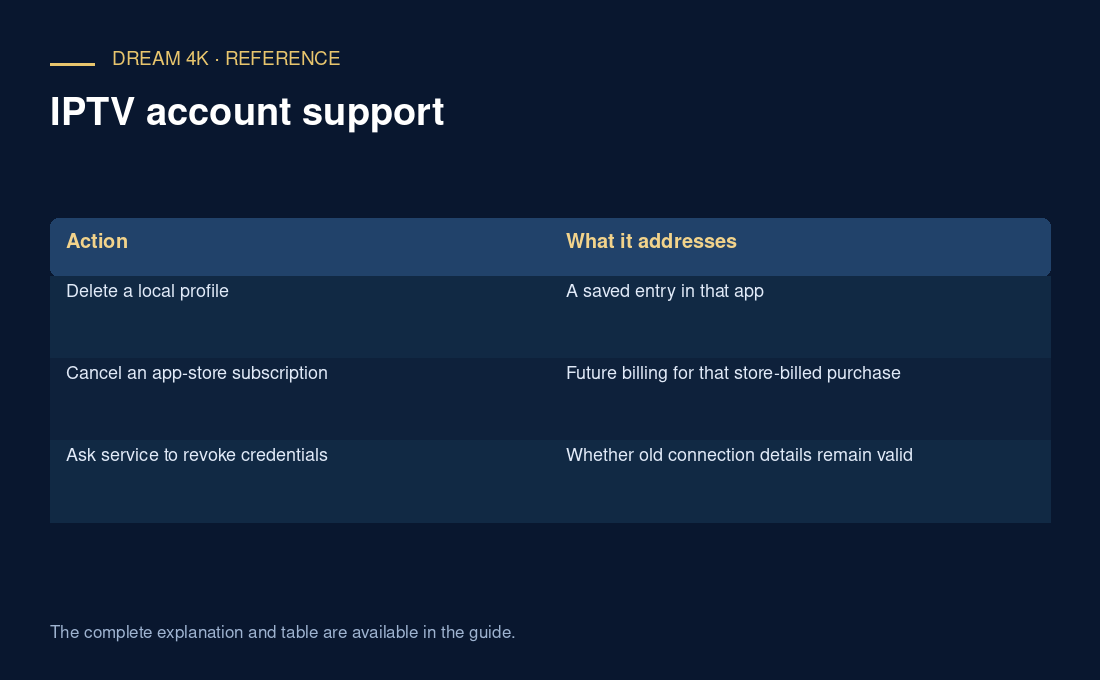
| Action | What it addresses |
|---|---|
| Delete a local profile | A saved entry in that app |
| Cancel an app-store subscription | Future billing for that store-billed purchase |
| Ask service to revoke credentials | Whether old connection details remain valid |
Finish the handover
Mark the retired entry in the record and state which account is current. If credentials were exposed or the old device is outside your control, ask support about service-side invalidation separately. The important result is an unambiguous current setup and a truthful record of what was actually removed or confirmed.
Questions about this guide
Can I remove an old entry before its service term ends?
A local entry can be unnecessary even while a purchase record remains relevant. Before removing it, make sure the authorised account manager can identify the order and retrieve any needed details. Removing the entry does not itself request cancellation, a refund or a change to the provider’s account.