
In this guide
Label the source of the dateResolve conflicting datesPlan around a confirmed boundaryAvoid repeated local repairsAn expiry date can refer to service access, a player licence, a demonstration profile or a cached display. Before treating a date as the service’s final end date, identify the screen and the account it describes. A screenshot without that context can send a support request in the wrong direction.
Label the source of the date
Write down the app name, screen heading, local profile label, displayed date and the time zone if one is stated. Compare that information with the service order confirmation. Keep the full date rather than “tomorrow,” since a message read later may cross a date boundary. Do not expose the credentials visible beside the date.
Resolve conflicting dates
If the order confirmation and player display disagree, ask which date applies to the service account and whether the app needs an ordinary refresh. Send the relevant masked account reference and both dates. Avoid guessing that the longer date is correct or that a date disappearing proves an extension.
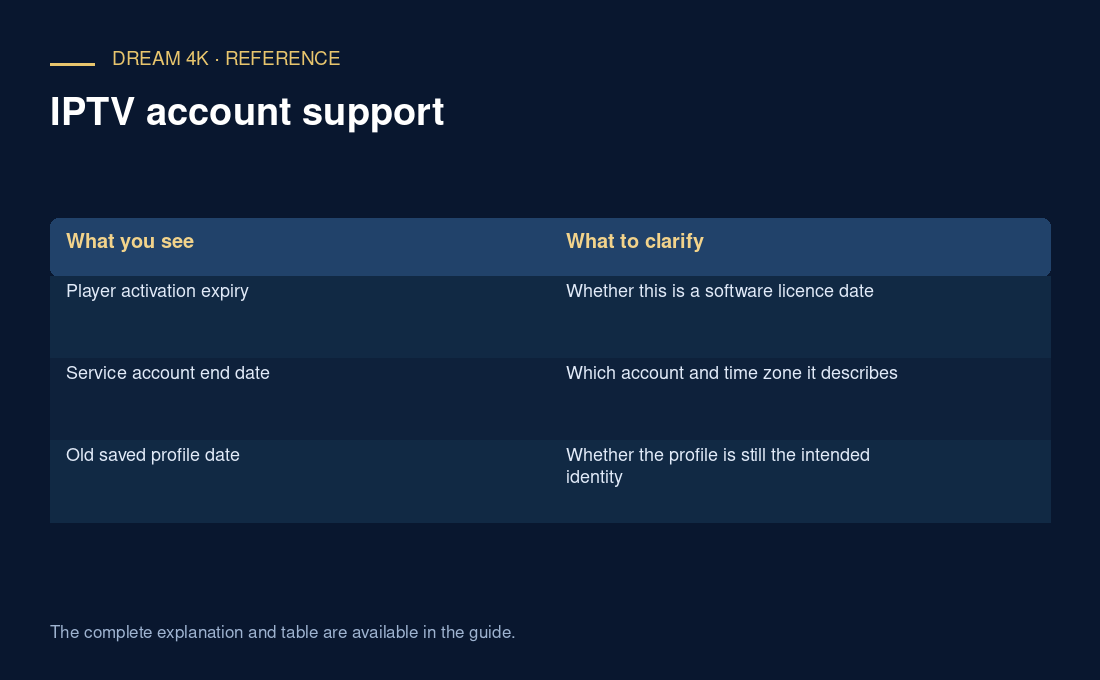
| What you see | What to clarify |
|---|---|
| Player activation expiry | Whether this is a software licence date |
| Service account end date | Which account and time zone it describes |
| Old saved profile date | Whether the profile is still the intended identity |
Plan around a confirmed boundary
Once the provider confirms the service end date, add a private reminder early enough to allow a routine conversation. The reminder should name the order and intended account, not merely the television. Ask about renewal timing before assuming that early payment preserves all remaining days.
Avoid repeated local repairs
Changing the device clock or repeatedly reinstalling the player is not a sound way to establish a subscription’s end date. Those changes can make evidence harder to compare. A useful escalation says where the date appeared, what the purchase record says and what clarification is needed. The provider must confirm account-specific service status; this guide does not promise a grace period.
Questions about this guide
Does a missing date mean that access never expires?
No. A screen that omits an expiry field does not establish an unlimited service term. Use the purchase confirmation and ask the responsible seller for account-specific status. Record the answer’s date and source rather than filling the missing field with an assumption.