
In this guide
Read the purpose before actingStore recovery material separatelyRecognise the limits of a codeIf a code was disclosedA one-time sign-in code and a stored recovery code are different from an order reference. Their job can be to authorise entry or recovery, so treat them as secrets. A support request about a television or service purchase should not require disclosure of an unrelated email or app-store recovery code.
Read the purpose before acting
When a code or approval prompt arrives, identify the account and action described. If you did not initiate that action, do not approve it or relay the code to a caller. Open the relevant account through its official route to review the situation. An urgent message in another app does not change what the code says it authorises.
Store recovery material separately
For accounts that provide recovery codes, follow their official generation and storage guidance. Google documents that its backup codes are single use and that generating a new set invalidates the old set. Those are Google’s rules; do not assume another service has identical behaviour. Keep recovery material where an authorised account owner can retrieve it without posting it into ordinary chat.
Recognise the limits of a code
A code can expire before use, but that does not make it suitable for public sharing. A screenshot can preserve other identifiers or trigger a new request from someone impersonating support. Recovery codes may remain usable until consumed or replaced. Keep both out of public troubleshooting material.
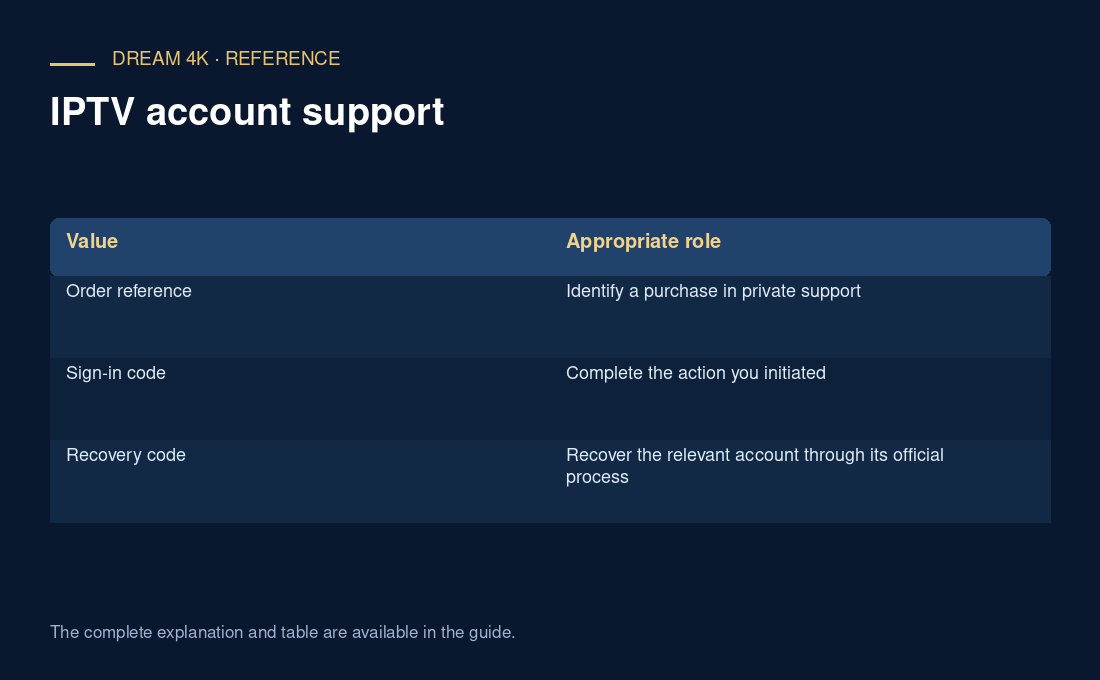
| Value | Appropriate role |
|---|---|
| Order reference | Identify a purchase in private support |
| Sign-in code | Complete the action you initiated |
| Recovery code | Recover the relevant account through its official process |
If a code was disclosed
Use the account provider’s security instructions and review the affected account. For Google backup codes, follow its replacement guidance when a set may be compromised. If another account is involved, ask that provider rather than inventing a replacement method. Record which account was affected so a streaming-service case is not confused with an email-account incident.
Questions about this guide
Can I give a helper a code so they can finish for me?
Read the account provider’s instructions and complete the authentication yourself through the official interface. A helper can explain a screen without possessing your authentication or recovery secret. If you cannot use the interface, request an accessible official recovery route instead of bypassing ownership checks.