
In this guide
A cue connects text to media timeStructure and rendering are separate checksDiagnose the smallest relevant layerWebVTT is a text-track format for time-aligned information such as captions, subtitles, chapters and metadata. A typical subtitle file contains a WEBVTT header followed by timed cues. Its standard encoding is UTF-8 and its media type is text/vtt.
A .vtt filename alone does not establish that the response contains valid WebVTT. A server can return an HTML error page or a different text format under that suffix.
A cue connects text to media time
A cue has a start, an end and payload text, with optional identifiers or settings under the format’s rules. A subtitle is therefore not simply an untimed list of sentences. The player uses those intervals to decide what is active at a particular media position.
An original hypothetical cue starts at 00:00:10.000 and ends at 00:00:12.500. Its duration is two and a half seconds. Those timestamps are positions on the associated media timeline, not the wall-clock time at which the file was downloaded.
Structure and rendering are separate checks
WebVTT can carry positioning and styling information within defined limits. Clients can differ in which supported presentation features they expose or how user preferences interact with them. Successful parsing of text does not guarantee that every visual choice will match an author’s preview.
A file renamed from another subtitle format may still have incompatible syntax. WebVTT and SubRip share some historical similarities, but a filename change is not a complete conversion.
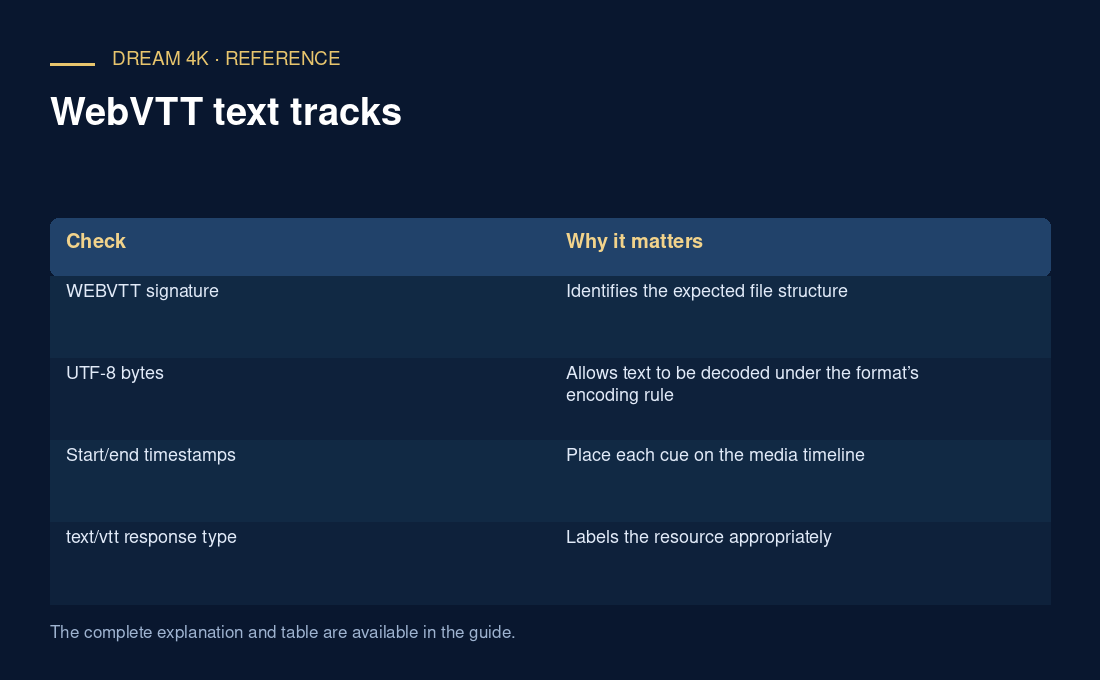
| Check | Why it matters |
|---|---|
| WEBVTT signature | Identifies the expected file structure |
| UTF-8 bytes | Allows text to be decoded under the format’s encoding rule |
| Start/end timestamps | Place each cue on the media timeline |
| text/vtt response type | Labels the resource appropriately |
| Track selection and mode | Determine whether the parsed track is shown |
Diagnose the smallest relevant layer
If no text appears, distinguish request failure, invalid response, parse failure, track selection and visual placement. Preserve one short cue and the relevant response metadata, removing private URLs. Correcting an encoding problem will not fix a cue timed outside the programme, and changing the font will not retrieve a missing resource.