
In this guide
Read the menu and the selection separatelyCheck deadlines rather than a single speed figureMake a comparison the player can explainA stream switching between sharp and softer pictures may be adapting to changing delivery conditions. It may also be reacting to a restrictive player setting or a rendition that fails. The visible change alone does not identify which explanation applies.
The useful first question is whether the player has multiple compatible video choices and which of those it actually requests. A 4K display, a service label and a fast speed-test result cannot answer that question.
Read the menu and the selection separately
If diagnostics expose the multivariant playlist, note its resolutions, codec declarations, frame rates and bandwidth attributes. Then record the selected track or the variant playlist requested around the quality change. The menu describes available choices; the selection describes one client’s decision at one moment.
Consider an original hypothetical presentation with 720p at an advertised 3 Mbit/s and 1080p at 6 Mbit/s. If the player changes from the second variant to the first while segment transfers slow, that sequence is consistent with adaptation. It does not prove a 6 Mbit/s access line would have been adequate, because delivery is bursty and the advertised rate has a defined protocol meaning.
Check deadlines rather than a single speed figure
A six-second media segment must arrive in time to maintain the buffer. Suppose a segment covering six seconds takes eight seconds to fetch in a controlled observation. Repeating that pattern consumes buffered media even if a separate speed test later reports a high result. Record transfer duration, segment duration and buffer behavior together.
The same arithmetic does not diagnose every change. If the highest variant returns an error while a lower one succeeds, delivery correctness is involved. If transfers complete quickly but the decoder reports dropped frames or a playback error, reducing resolution may relieve decoder work without establishing that the network was the original bottleneck.
Make a comparison the player can explain
Check whether a manual quality limit, data-saving preference or output-resolution setting is active. Use a supported automatic setting for the comparison and note its previous state so it can be restored. Avoid changing several network and decoder settings at once.
A useful report distinguishes three facts: what variants were advertised, what the player selected, and what happened during the corresponding requests. For example, “1080p advertised; switched to 720p after three late video segments; audio continued” preserves the evidence. “The provider downgraded my account” adds an explanation that the observation does not establish.
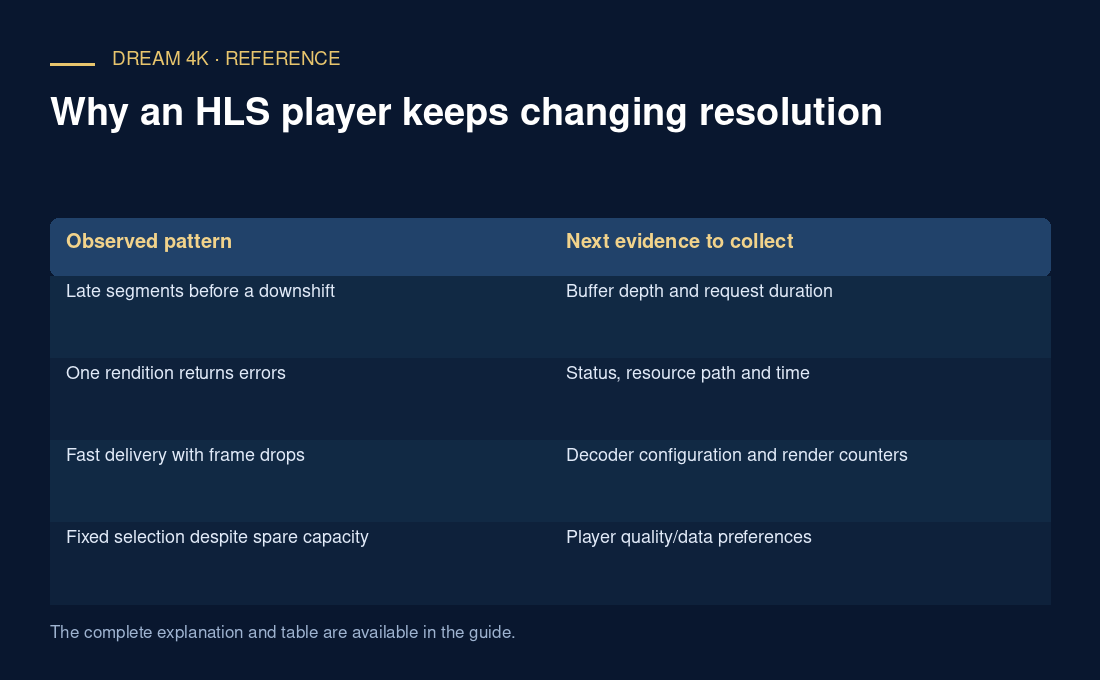
| Observed pattern | Next evidence to collect |
|---|---|
| Late segments before a downshift | Buffer depth and request duration |
| One rendition returns errors | Status, resource path and time |
| Fast delivery with frame drops | Decoder configuration and render counters |
| Fixed selection despite spare capacity | Player quality/data preferences |