
In this guide
Confirm the actual receiver and service methodIdentify the relevant settingsUse the exact issued addressKeep reset and clear-data actions separateInfomir’s Linux/WebKit receiver documentation separates the external media portal from time and firmware-update servers. Use the provider-issued portal URL in the portal field; do not replace an update-server value with a streaming address.
This concerns compatible MAG Linux/WebKit receivers and their documented embedded portal. A Stalker- or MAG-labelled Android APK is a different application package.
Confirm the actual receiver and service method
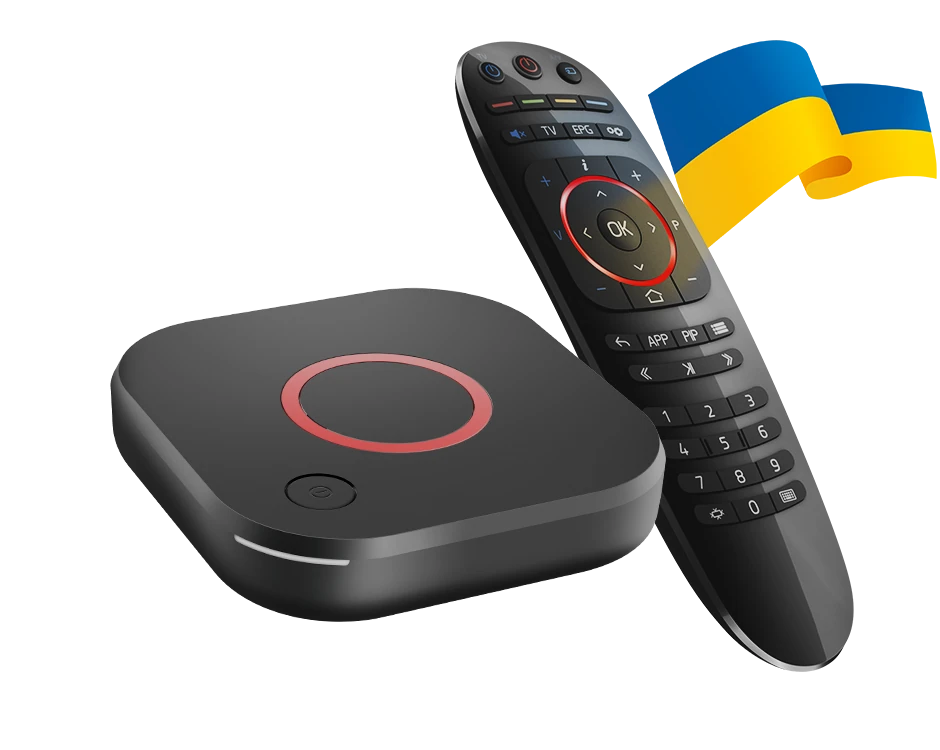
Record the complete MAG model and installed firmware. A MAG544 and a similarly named RDK or Google TV receiver can use different environments. Ask Dream 4K whether it supports the appropriate portal method for the exact unit.
Use the genuine device information requested for the account registration through a private support route. Do not infer compatibility from the word MAG in an APK filename or substitute another receiver’s identifier.
Identify the relevant settings
Infomir documents access through the embedded portal’s Settings > System settings, and the portal configuration within Servers > Portals. Portal name is a local descriptive label; Portal URL is the address used to reach the provider’s media portal.
The Servers area also contains NTP time-server and Update URL entries. They have different functions. Changing those fields is not part of entering an ordinary service portal.
Use the exact issued address
Enter the provider’s complete portal address according to its instructions. Do not append sample paths, ports or suffixes from another guide. The correct form is service specific.
If the source uses another account format, obtain matching instructions instead of forcing a playlist into a portal field. A web page opening on a phone does not establish that the receiver can load it as its media portal.
Keep reset and clear-data actions separate
Infomir documents that Clear user data removes items including portal authorization, playlists and favourites. Retain private recovery details before any operation with that scope. A portal-entry question does not normally require clearing every personal setting.
If connection fails, note whether the receiver reaches the local network, opens the external portal or reports an authorization error. These are separate stages. Provide the model, firmware and redacted message to the responsible support route.
Use Infomir’s model-specific firmware guidance for device maintenance. An APK is not a MAG544 firmware image, and a provider portal is not a software-update server. Keeping those roles separate makes the setup reviewable without changing unrelated parts of the receiver.