
In this guide
Record the pause as part of the reproductionDistinguish buffered media from remotely seekable mediaUse a controlled resume comparisonA live stream can work normally, fail after a long pause and work again when reopened near live. One possible explanation is that the paused playback position has fallen outside the source’s current advertised or retained media window.
That pattern is evidence to investigate, not proof that every live service supports or forbids pausing. Player behavior and source retention rules vary, and catch-up access must be confirmed separately.
Record the pause as part of the reproduction
Note when you paused, how long you waited, whether the application stayed foregrounded and whether it continued downloading. If diagnostics expose a media playlist, preserve its first and last listed resources. On resume, record the requested resource and compare it with the current playlist.
In an original hypothetical example, the playlist held sixty seconds of media at pause time. The viewer returns five minutes later. An old segment request now returns 404, while the current playlist’s newest segment returns 200. This is consistent with an expired old position; it is not evidence that the internet connection failed for all traffic.
Distinguish buffered media from remotely seekable media
A client may play a small amount it already holds, then stop when it reaches a missing next segment. Another client may immediately jump forward. A displayed progress bar can also represent a client interface choice rather than an unlimited archive.
If the player reports seekable ranges, compare the intended resume position with those ranges. Do not assume that a programme guide entry or a pause button establishes replay availability. The source needs retained media and an authorized delivery path for that function.
Use a controlled resume comparison
When the app offers a documented “go live” action, use it after recording the failure and see whether current media plays. If the same old position repeatedly fails while current media works, report that distinction. If current media also fails, investigate the new failed dependency rather than forcing the expiry explanation.
A useful report includes pause duration, old and current playlist context, failed request status, and whether moving to live restored playback. Avoid clearing all application data as a first response; doing so can erase the state needed to understand the issue. The result should describe what was observed and leave the source’s retention policy to its own documentation or support confirmation.
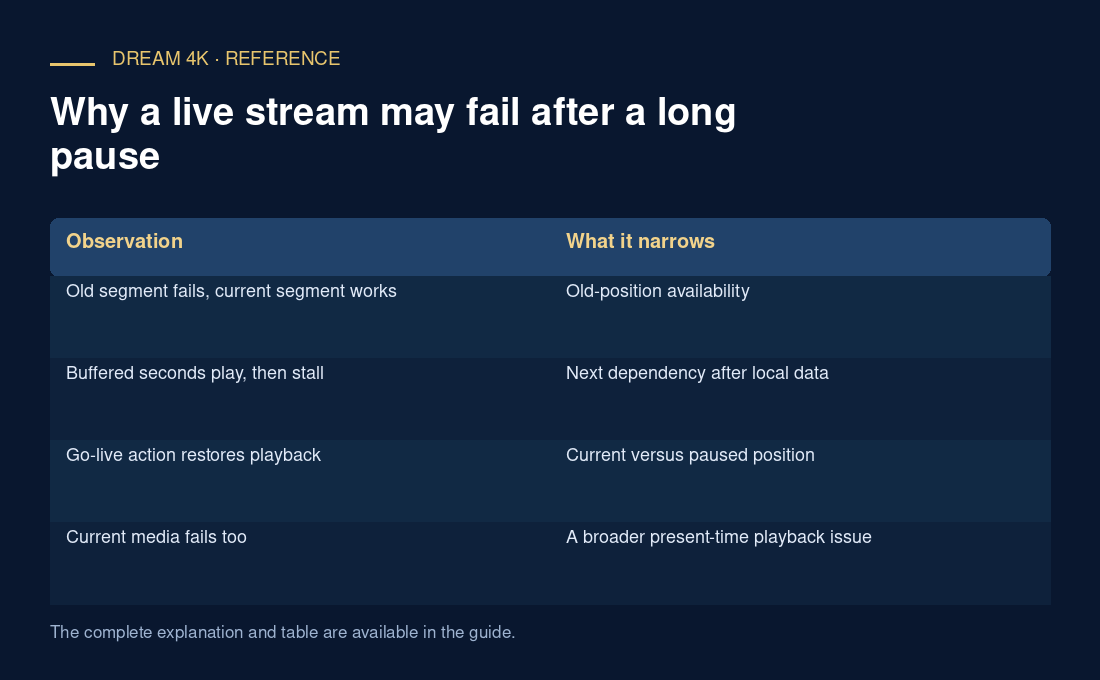
| Observation | What it narrows |
|---|---|
| Old segment fails, current segment works | Old-position availability |
| Buffered seconds play, then stall | Next dependency after local data |
| Go-live action restores playback | Current versus paused position |
| Current media fails too | A broader present-time playback issue |