
In this guide
Identify what the application is doingPreserve the earliest failed stageUse the smallest supported network changeA player waiting for video does not, by itself, show that the router needs an inbound port mapping. Ordinary HTTP playback is initiated by the client, while remote access to a home-hosted server is a different task.
Use the application’s current network requirements and actual request evidence. A topology label such as double NAT is context, not a complete explanation for every playback failure.
Identify what the application is doing
Record whether the task is retrieving a remote stream, discovering a local device or hosting content for outside clients. Those are different connection patterns. A player’s documented requirements should determine whether inbound reachability is relevant at all.
In an original hypothetical session, an HTTPS media request receives 403. The request reached an application endpoint and was refused. Opening an unrelated inbound port on the home router does not grant the missing permission or change the response’s meaning.
Preserve the earliest failed stage
If DNS fails, investigate name resolution. If the secure connection fails, preserve the TLS error. If HTTP returns a status, record the resource role and time. If media arrives and decoding fails, inspect its actual configuration. Do not replace these specific observations with a generic NAT diagnosis.
A double-NAT setup can matter to some functions, but its presence does not establish which mechanism affected this request. A controlled topology comparison should follow network-admin or manufacturer guidance and keep other variables visible.
Use the smallest supported network change
For a documented inbound requirement, involve the administrator and configure the specific application path according to current guidance. For ordinary playback, prioritize outbound reachability and application evidence. Preserve the original router configuration before any justified reversible change.
A useful report states the task, known topology, application requirement and exact failure. It should not recommend disabling the firewall, exposing a device broadly or opening a list of guessed ports because a spinner appeared. The appropriate correction follows the established requirement and observed stage.
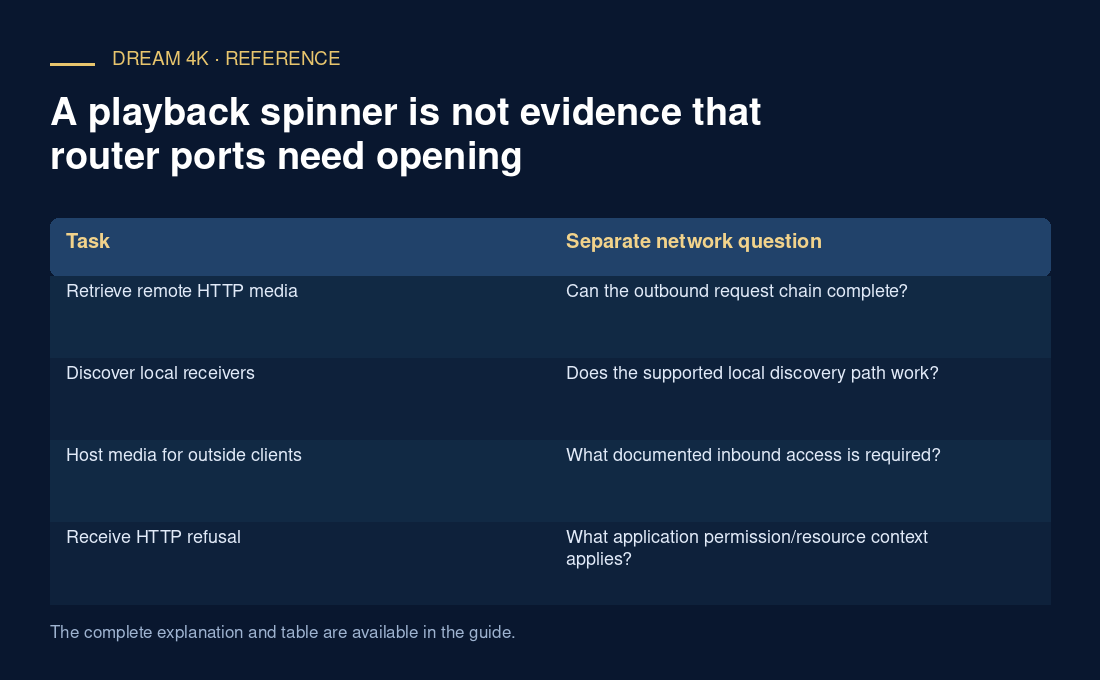
| Task | Separate network question |
|---|---|
| Retrieve remote HTTP media | Can the outbound request chain complete? |
| Discover local receivers | Does the supported local discovery path work? |
| Host media for outside clients | What documented inbound access is required? |
| Receive HTTP refusal | What application permission/resource context applies? |