
In this guide
Work through uncompressed PCM firstDo not apply the raw formula to compressed payloadsReport a complete audio configurationAn audio information panel can show 48 kHz, 16-bit, stereo and a bit-rate value at the same time. These numbers describe different properties. Treating kHz as kilobits per second creates incorrect bandwidth and quality conclusions.
Use the units explicitly. Hertz counts sample instants per channel per second; bits per second counts data over time. Compression changes how those samples are represented in the encoded payload.
Work through uncompressed PCM first
In an original hypothetical stereo PCM signal at 48,000 samples per channel per second and 16 bits per sample, the raw payload rate is 48,000 × 16 × 2 = 1,536,000 bit/s, or 1.536 Mbit/s. This calculation excludes headers and transport overhead.
The 48 kHz label is not a 48 kbit/s data rate. It also is not the highest audible frequency as a direct label. It describes the sampling rate, while the represented bandwidth and filtering need their own context.
Do not apply the raw formula to compressed payloads
AAC, Opus and other compressed codecs represent audio differently. A compressed bit rate can be much lower than the corresponding raw PCM payload rate, and a variable-rate stream can change its encoded data allocation over time. The sample rate can remain unchanged throughout.
Likewise, a receiver reporting 48 kHz PCM describes its current input representation, not necessarily the original compressed stream’s bit rate or mastering quality. Decoding and resampling can occur before that endpoint.
Report a complete audio configuration
Record codec, source sample rate, channel layout, relevant precision and actual output route. Keep the compressed data rate separate if available. When comparing two settings, note whether the player changed codec, channel count or endpoint processing along with sample rate.
A useful statement says “48 kHz stereo PCM at 16 bits” for the raw example, or separately records an encoded codec and bit rate for compressed media. Avoid promising that a larger kHz value automatically sounds better or that a smaller compressed rate proves a source is unusable. Quality and compatibility require the actual content, coding and supported playback path.
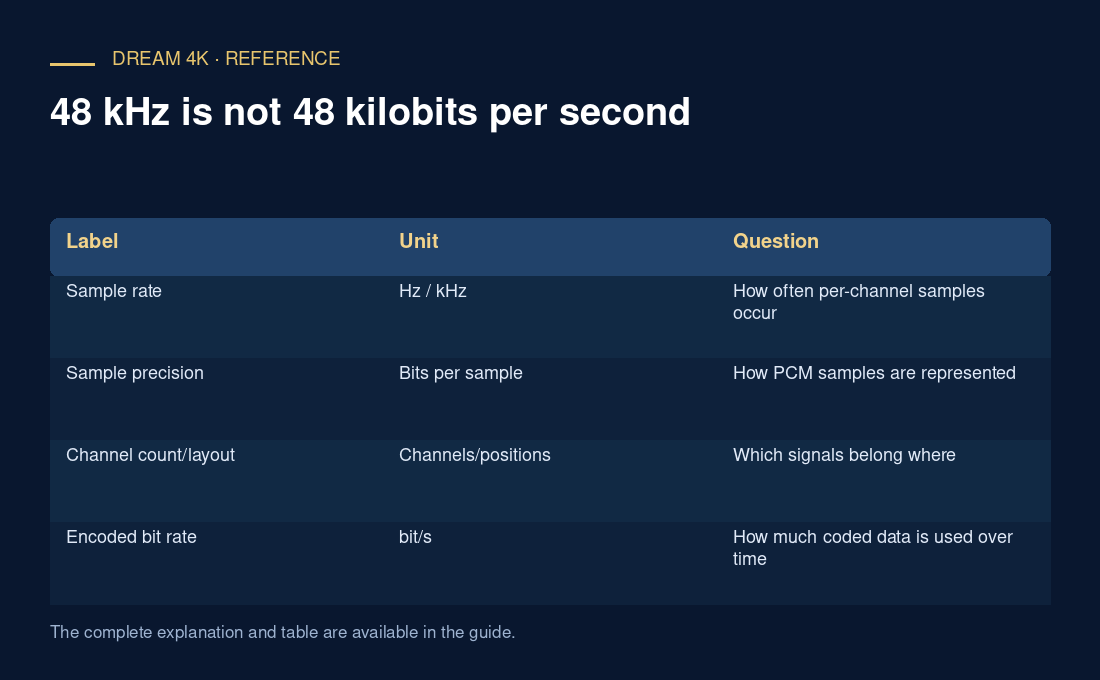
| Label | Unit | Question |
|---|---|---|
| Sample rate | Hz / kHz | How often per-channel samples occur |
| Sample precision | Bits per sample | How PCM samples are represented |
| Channel count/layout | Channels/positions | Which signals belong where |
| Encoded bit rate | bit/s | How much coded data is used over time |