
In this guide
Clarify the requested helpLet the owner complete protected stepsUse a non-secret handoverEnd access when the task endsA helper can make an account setup easier by explaining labels, organising records and identifying the right support route. Agree the task first. Helping with a player field does not require control of the owner’s email, payment account or password manager.
Clarify the requested help
Ask whether the person needs a text explanation, help finding a receipt or guidance through a documented menu. Use the actual app name and device context. If a service account change is involved, follow the provider’s verification process and confirm who can authorise it.
Let the owner complete protected steps
The account owner or authorised adult should enter passwords, recovery codes and purchase approvals through the relevant official interface. You can explain what the field asks without seeing its value. If the interface is inaccessible, help request a supported alternative rather than taking a shortcut around ownership checks.
Use a non-secret handover
Leave the person with the service name, order reference, confirmed account dates and correct contact route. Keep any software receipt separate. Do not leave a new shared note containing every credential simply because it was convenient during setup.
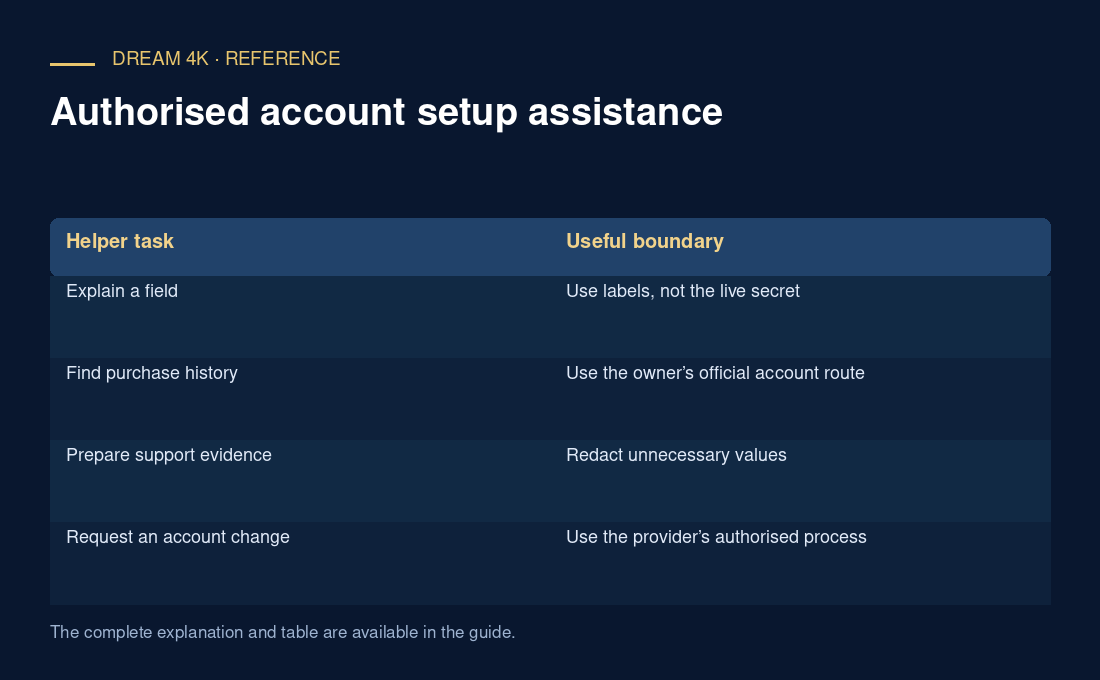
| Helper task | Useful boundary |
|---|---|
| Explain a field | Use labels, not the live secret |
| Find purchase history | Use the owner’s official account route |
| Prepare support evidence | Redact unnecessary values |
| Request an account change | Use the provider’s authorised process |
End access when the task ends
If a temporary screen-sharing tool or file share was used, close it through its documented controls and review any continuing access. Record what changed and what remains unresolved. Do not claim the service was tested on every device when you only explained a setup screen. A good helper leaves understanding and accurate records, not hidden continuing control.
Questions about this guide
Can I use my own store account to buy software for someone else?
Check the developer and store’s applicable ownership and sharing terms before doing so. A purchase may remain associated with the account that made it. Do not assume it can later transfer, and make the ownership implications clear before the purchase.