
In this guide
Two visible problems, two sellersFollow the purchase purposeUse a decision table before payingWhy duplicate purchases complicate supportMake the record understandable laterA person can pay for software and still have an unresolved service-account question. They can also pay for service access while a chosen player requires a separate software activation. The useful first decision is what the next payment is supposed to change. A receipt should name that purpose clearly enough to revisit later.
The following household scenario is illustrative. It does not describe a test of Dream 4K IPTV or a particular player, and it does not establish that any named app charges a fee.
Two visible problems, two sellers
Imagine a television displays a player activation message. The household’s private service record also shows that a service renewal is approaching. The two events happen in the same week, so it is tempting to treat the activation prompt as a renewal notice. Yet the player developer may control the software prompt while the service provider controls the subscription identity and term. The screen location alone cannot identify the payment recipient.
Follow the purchase purpose
Read the description on the original software receipt and the service confirmation. One may describe an app feature or licence; the other should describe the streaming service term. If a seller bundles items, ask for a clear explanation of the bundle rather than assuming that all future software costs are covered. Keep the responsible contact next to each receipt so an issue can be routed without reconstructing the original setup conversation.
Use a decision table before paying
The next action should follow the unresolved question. An unclear prompt is a reason to identify its source. It is not enough evidence to decide that another term of service is required.
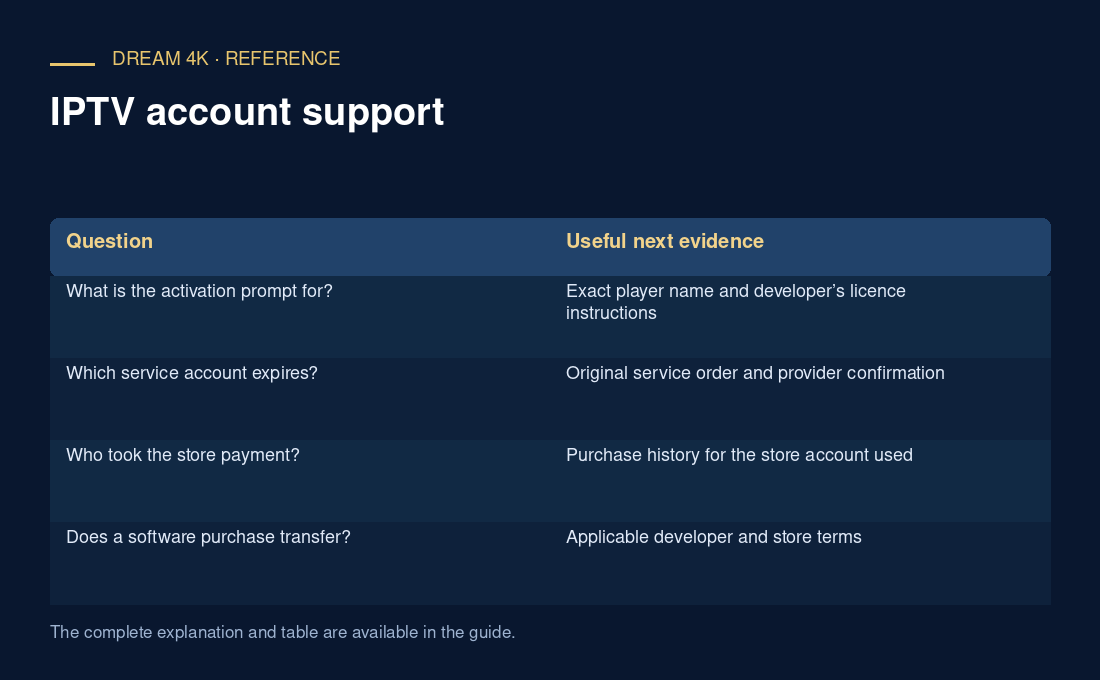
| Question | Useful next evidence |
|---|---|
| What is the activation prompt for? | Exact player name and developer’s licence instructions |
| Which service account expires? | Original service order and provider confirmation |
| Who took the store payment? | Purchase history for the store account used |
| Does a software purchase transfer? | Applicable developer and store terms |
Why duplicate purchases complicate support
A second purchase can introduce another order, another identity or another receipt before the first issue is understood. Support must then determine whether the new order was intended as an extension, a replacement or an unrelated software payment. The household also loses a simple timeline. Pausing to ask what will change usually gives the seller a better question than asking why two different purchases did not repair each other.
Make the record understandable later
Use separate headings for service, software and device profile. Add the date, merchant, order reference and purpose to each. Store passwords elsewhere. When a renewal reminder appears, the household can then identify the service order directly instead of interpreting a familiar app logo. The practical goal is to make the next action accountable to a specific purchase, with any unanswered licence or account conditions confirmed by the responsible seller.
Questions about this guide
What if the receipt only says “TV package”?
Ask the seller to explain the products and terms in writing. Record whether the amount covers a service term, software, assistance or another item, and which party handles each component. Do not reconstruct a bundle from an app logo or a remembered sales conversation. A clear item description gives a future support request a reliable starting point.