
In this guide
Identify which audio each player selectedCheck the output route as another variableReport the actual common and differing factorsA working H.264 picture proves that a particular video path produced frames. It does not prove that the associated audio codec, channel layout or output route is supported in the same way by every player.
When one player has sound and another is silent, compare the selected audio tracks and output modes before attributing the difference to the video codec. Keep the programme, account and playback time as close as practical for the comparison.
Identify which audio each player selected
Record the displayed language/listening option, audio codec, channel count and any separate rendition identifier exposed by diagnostics. Two players can choose different defaults from the same presentation. One may select a stereo alternative while another selects a surround track.
In an original hypothetical comparison, both players display the same H.264 video. Player A selects AAC stereo and produces sound; player B selects a different multichannel rendition and remains silent. This comparison has not isolated player quality or proved that H.264 audio is broken: H.264 is the video format, and the audio choices differ.
Check the output route as another variable
Note whether sound is going to television speakers, Bluetooth, an HDMI receiver or a soundbar. Record a documented PCM/decoded output versus bitstream/passthrough setting when relevant. Decoding in the player and forwarding encoded audio to another device are different paths with different requirements.
Do not switch every audio setting at once. If the player offers a known supported stereo option, test that one change and preserve the previous state. Avoid claiming a particular receiver supports a format without checking the exact model and current manufacturer documentation.
Report the actual common and differing factors
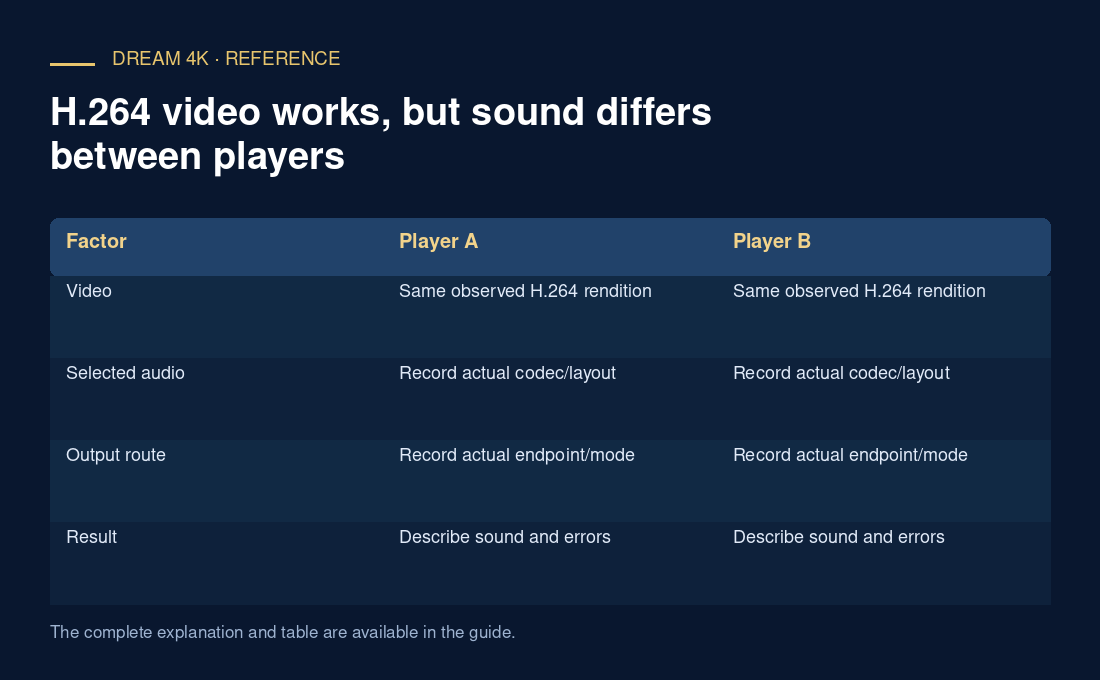
A useful table lists video configuration, selected audio configuration and output route for each player. If those are matched and the difference persists, the comparison becomes stronger evidence of a player-path issue. If they differ, report the limitation rather than treating the result as an identical-media test.
Include whether audio resources loaded successfully and any audio-specific error. A working picture alongside a failed audio request is delivery evidence for a separate track. The narrow conclusion should identify which audio path worked under which conditions, leaving broader compatibility claims to documentation and further testing.
| Factor | Player A | Player B |
|---|---|---|
| Video | Same observed H.264 rendition | Same observed H.264 rendition |
| Selected audio | Record actual codec/layout | Record actual codec/layout |
| Output route | Record actual endpoint/mode | Record actual endpoint/mode |
| Result | Describe sound and errors | Describe sound and errors |