
Personal subscriptions
Choose one, three, six or twelve months after checking the exact device and player. Every amount is shown as a total in USD.
Compare subscriptionsCompare exact USD plans, choose a compatible player, test the real device and network, then use the dedicated order route. Every important limitation stays visible—no fake ratings, fake scarcity or guaranteed catalogue claims.
Dream 4K IPTV combines personal subscription information, a separate reseller panel route, device-specific setup guides and a private order request. The useful question is not how many marketing badges fit on a page. It is whether the account method, player, device, network, important categories and published terms work together.
Choose one, three, six or twelve months after checking the exact device and player. Every amount is shown as a total in USD.
Compare subscriptionsReview 60, 120, 300 or 600 credits with the unit rate and calculated total visible. Confirm how credits are consumed before ordering.
Review reseller mathStart from the device. Select a compatible player, protect the supplied details and troubleshoot one layer at a time.
Choose a setup guideA strong live-event setup connects the source category, programme time, compatible player, decoder, display and home network. The 4K label is only one link: actual quality depends on the current source and every part of that chain.

This supplied campaign artwork is a category example. It does not claim affiliation or guarantee that an event is available.

Check the correct category, local start time, guide entry and motion playback before match coverage.

Test frame-rate handling, decoder mode and a stable fallback quality before race-day viewing.

Verify the current event group and time-zone information instead of relying on an old category screenshot.

Check motion clarity, audio output and the guide schedule on the exact television or streaming box.

Confirm event timing, current category placement and a legal backup source before the live window.

Use a live-motion test to compare Wi-Fi, Ethernet and quality settings before the event begins.
Run the sequence on the same device and network that will be used for the live window. Record the player, quality setting and exact symptom if support is needed.
Check the current event category, player login, time zone and device software while there is time to ask support.
Pause large downloads, compare Wi-Fi with Ethernet where possible and restart only the device that actually needs it.
Open the event early, confirm audio and motion, and choose the highest quality that remains stable—not merely the largest label.
If playback falters, step down quality, note the scope and preserve a lawful backup route instead of changing every setting.
Sports names and logos are nominative category references owned by their respective rights holders. Verify current availability and use only content and services you are authorized to access.
This aligned presentation replaces the cramped screenshot mosaic. Each folder has its own aspect-ratio-aware rail, keyboard focus, manual controls, descriptive captions and crawlable image text.





























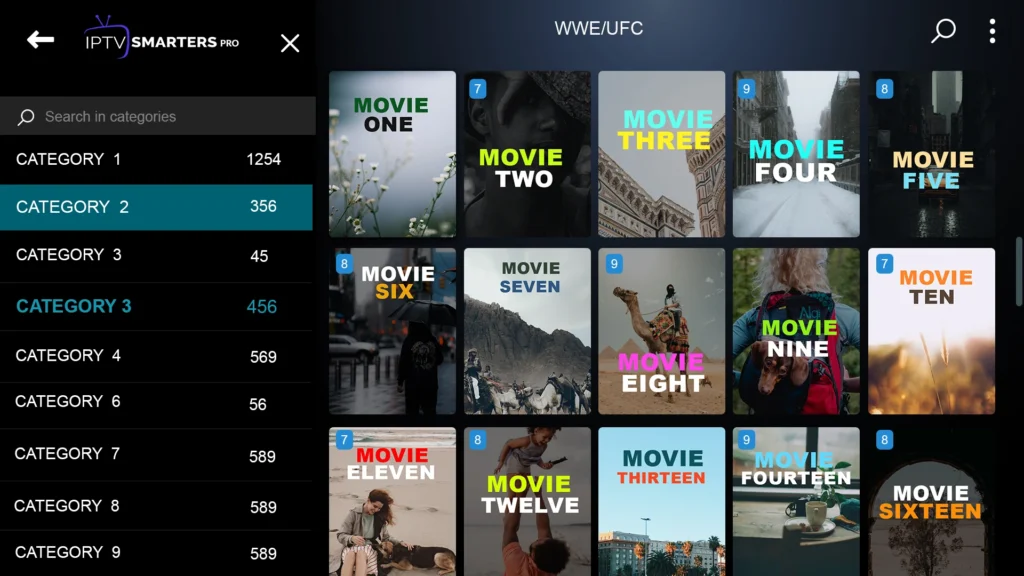
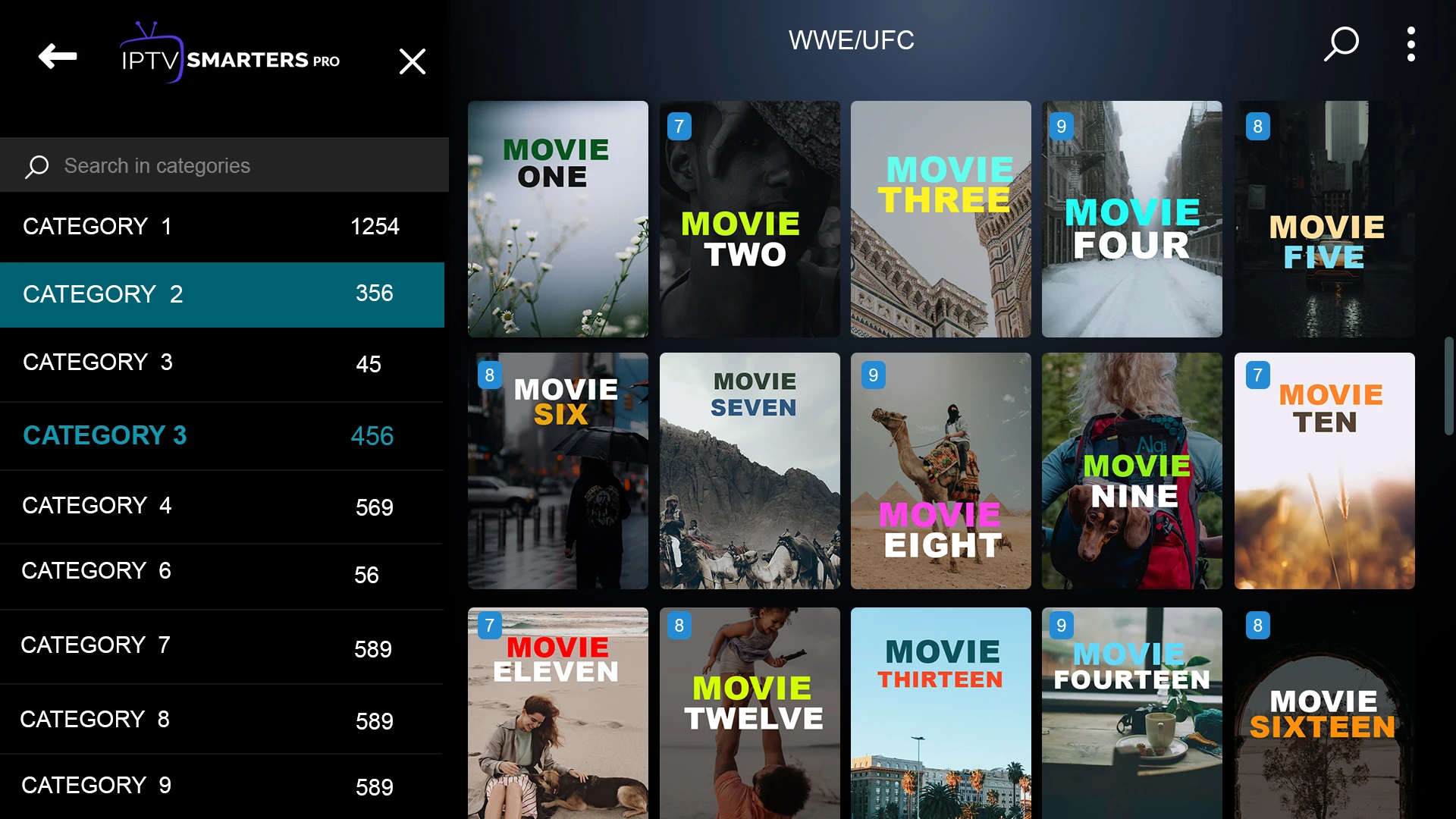
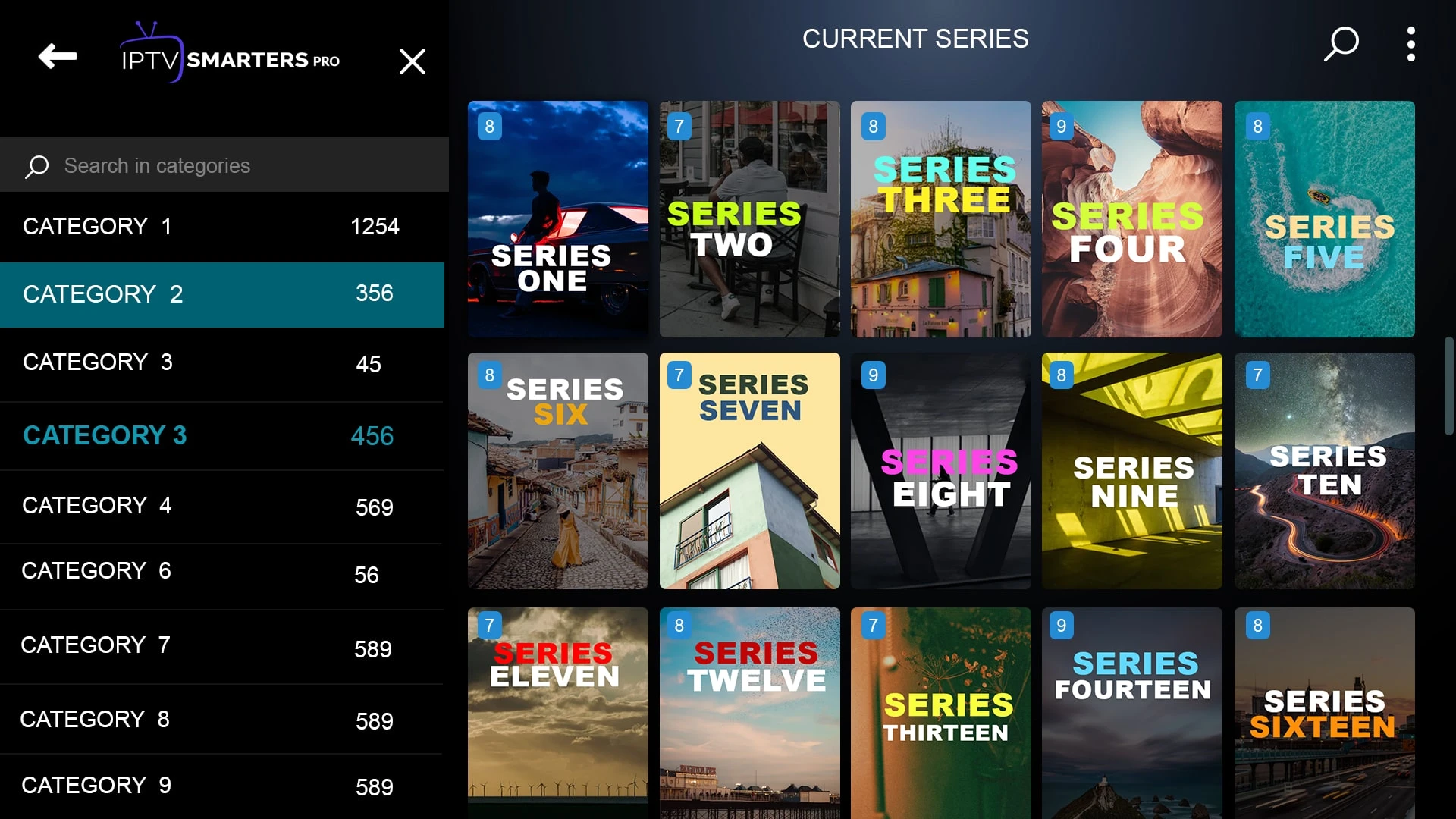

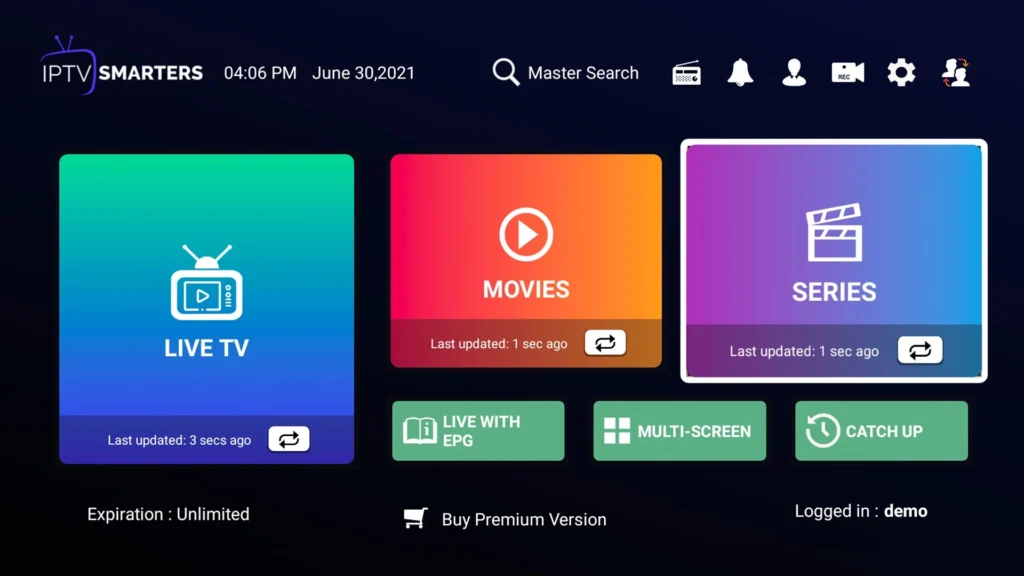
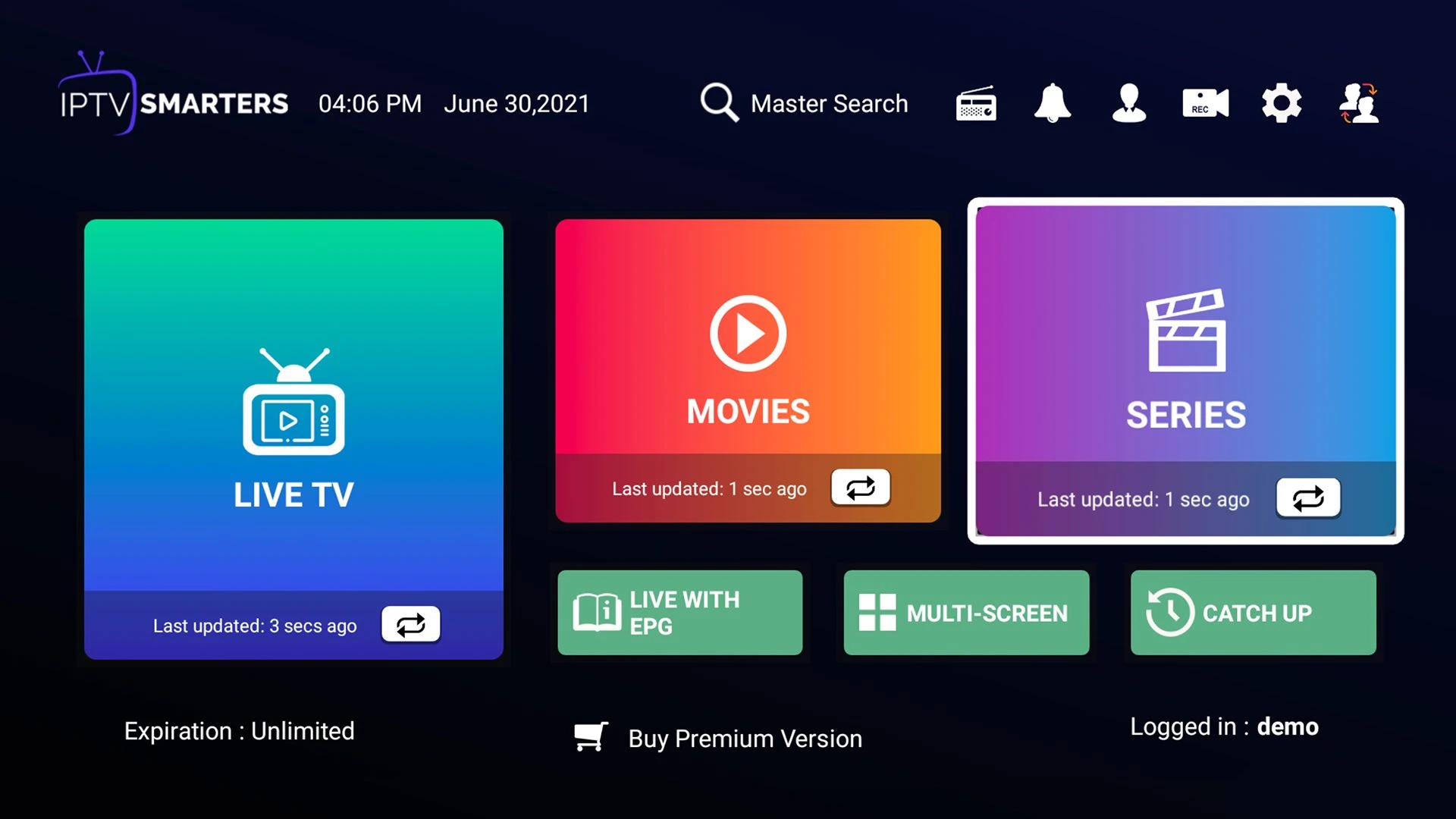




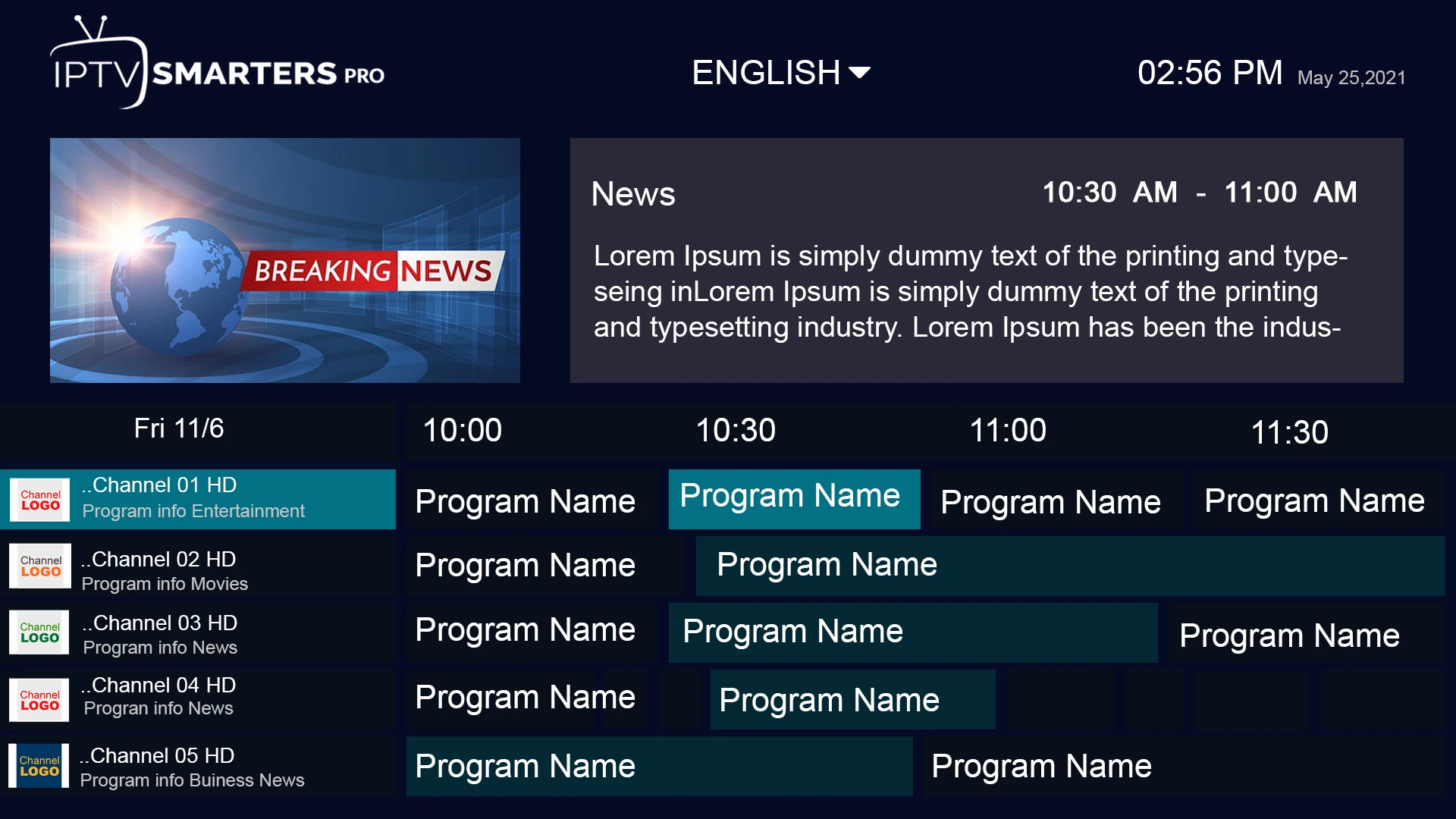
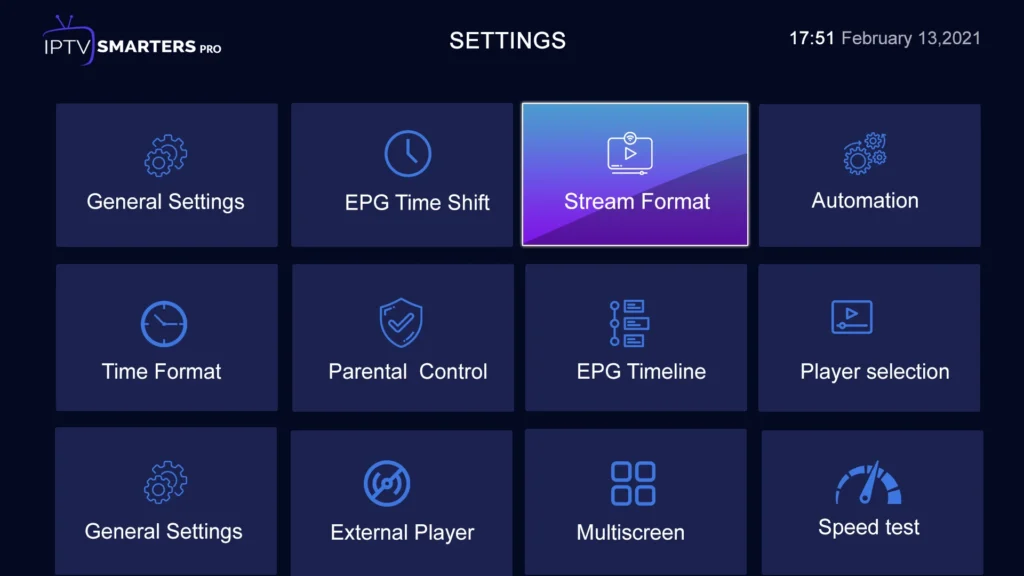
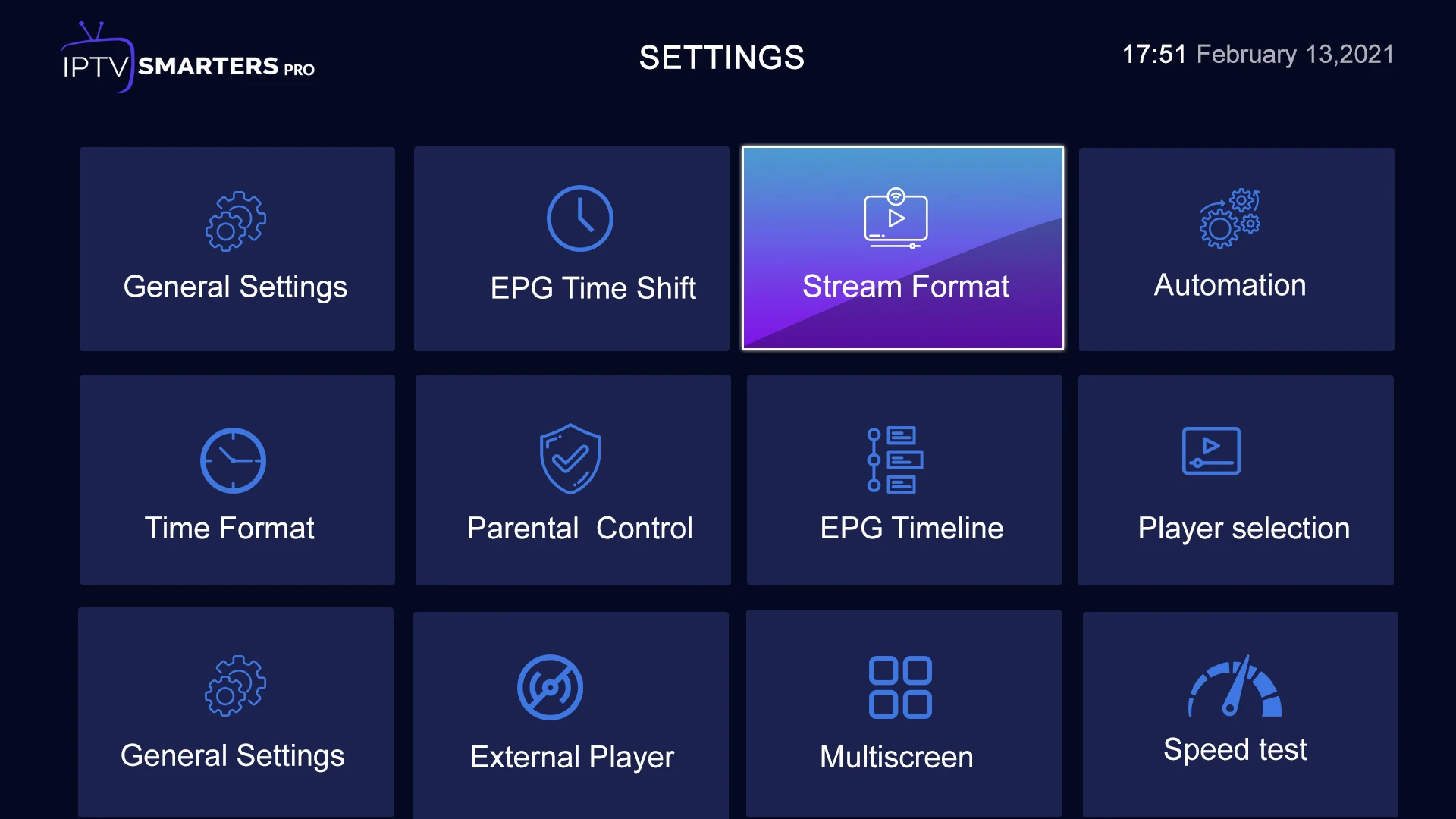
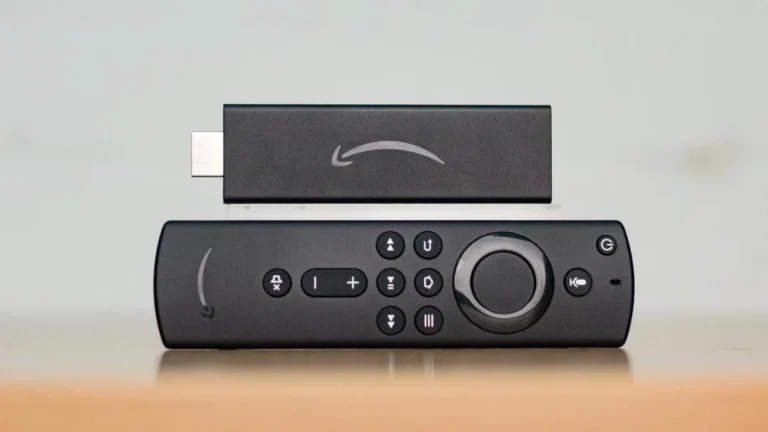

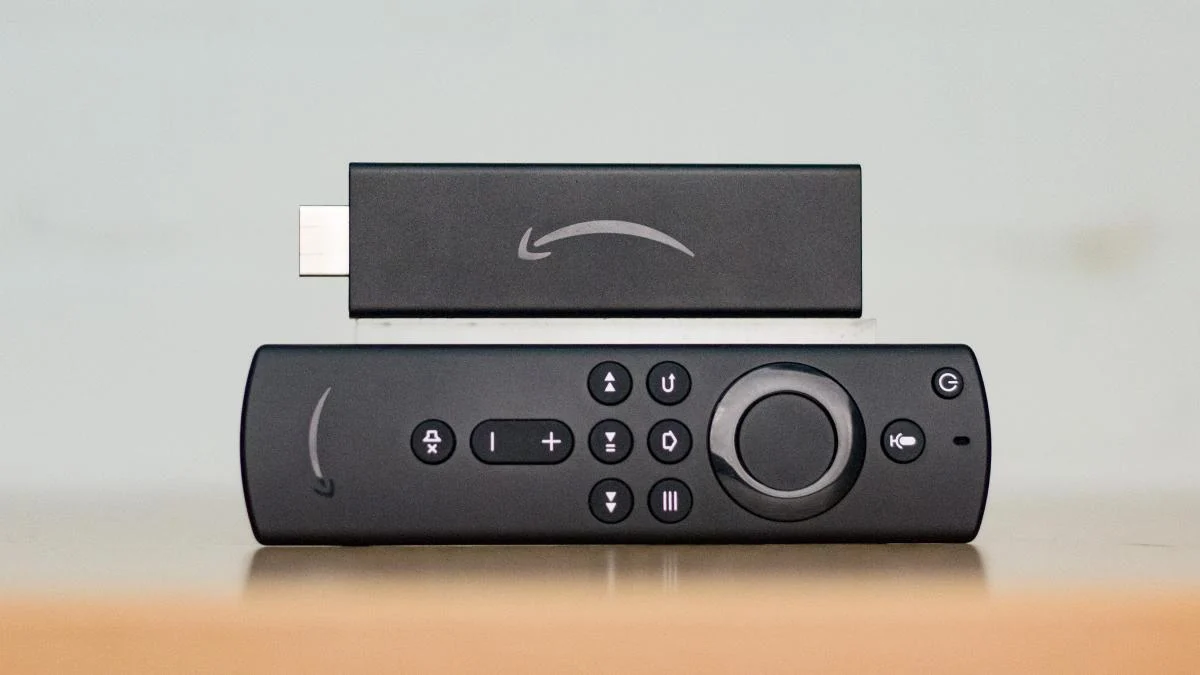

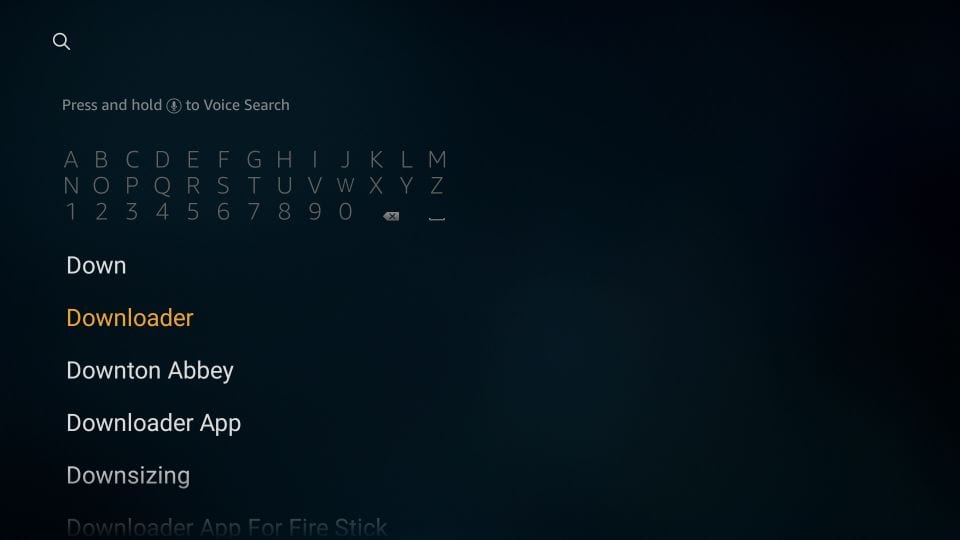
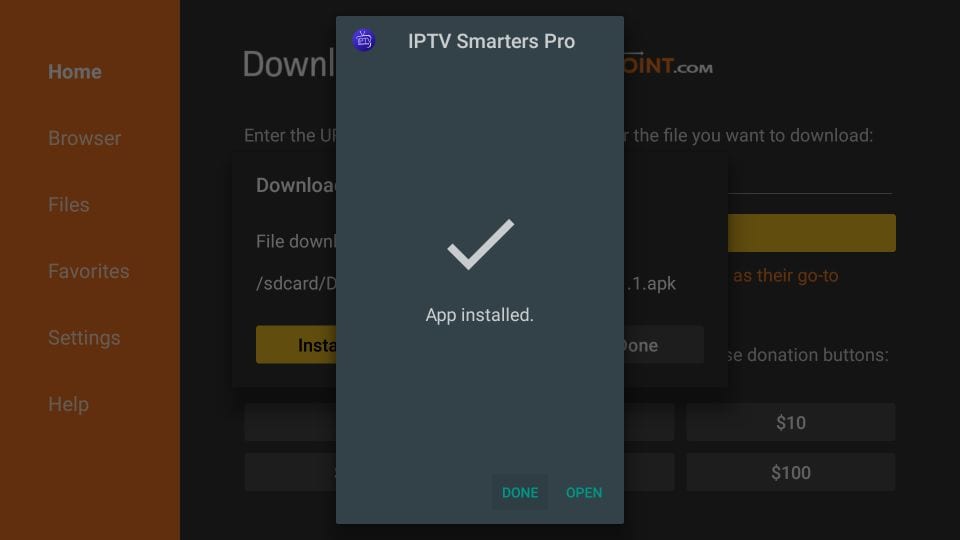
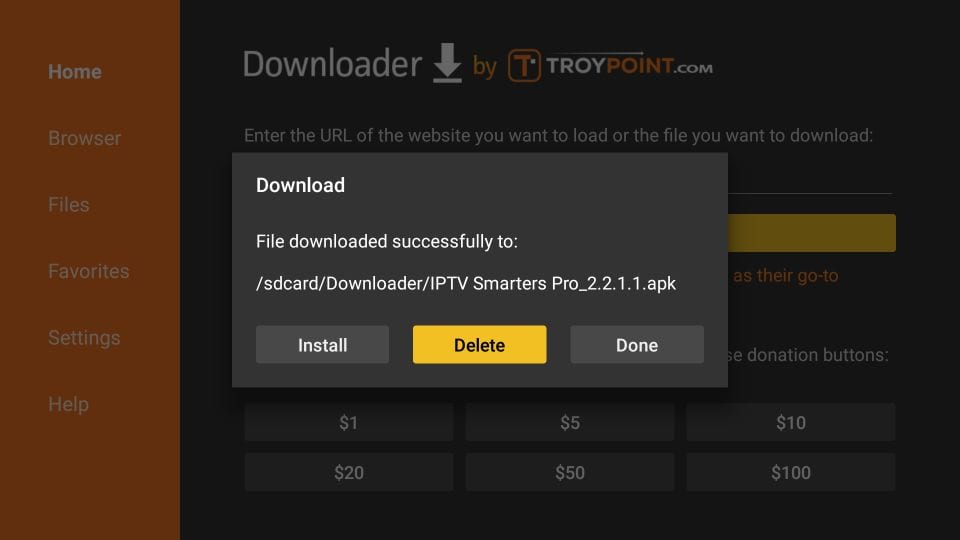
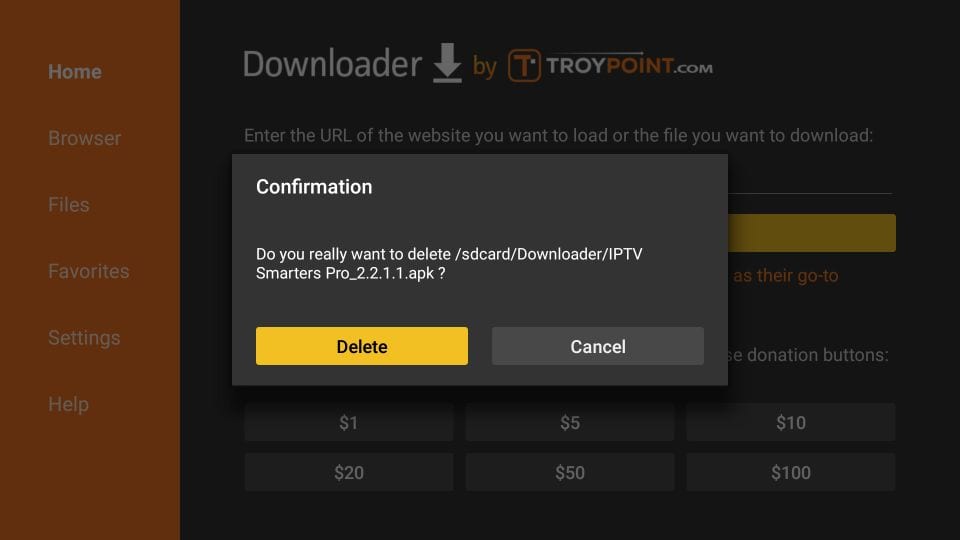


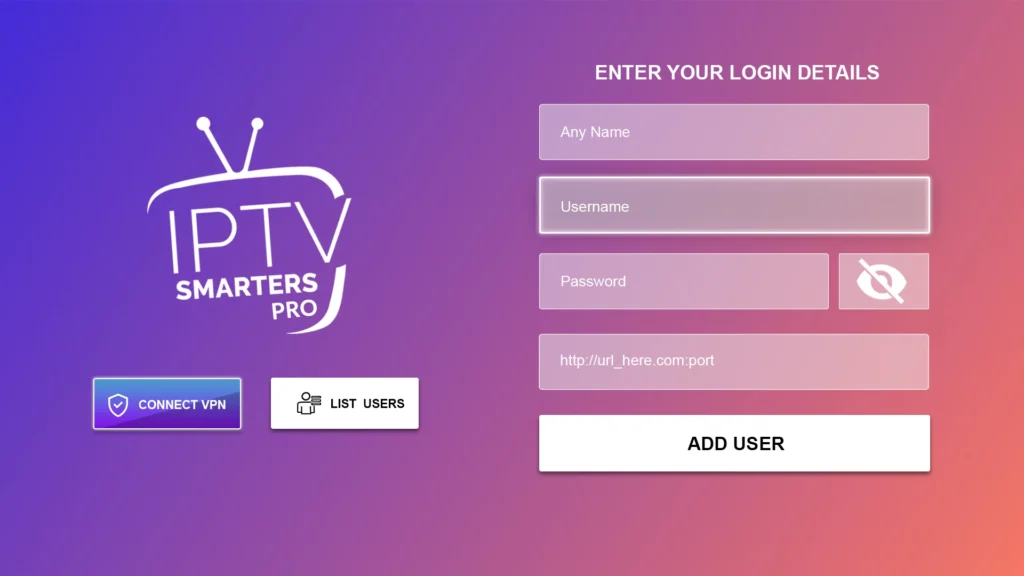
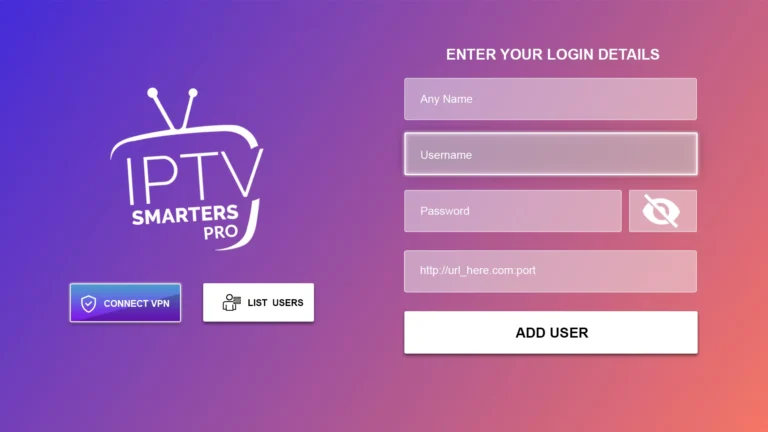
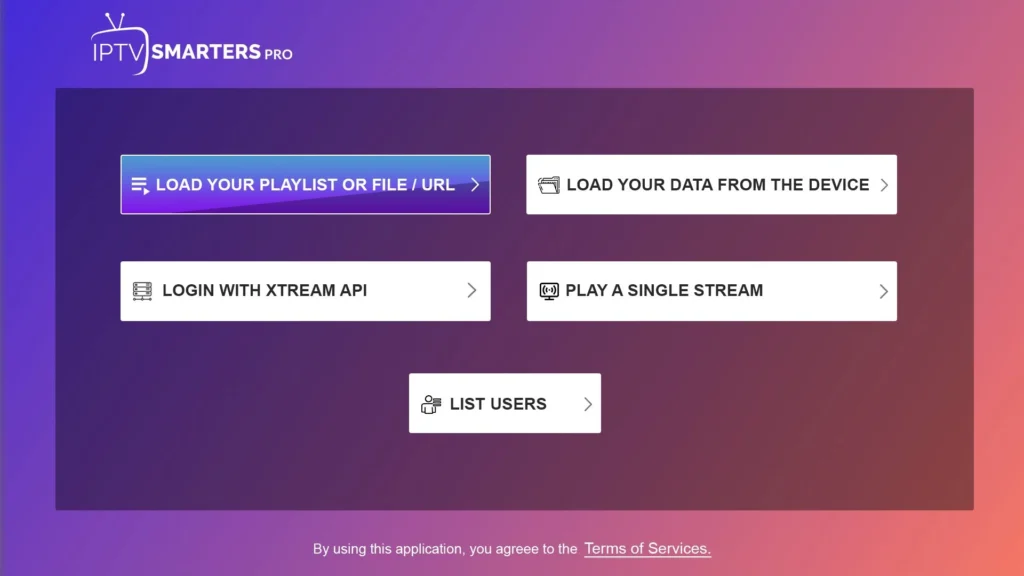





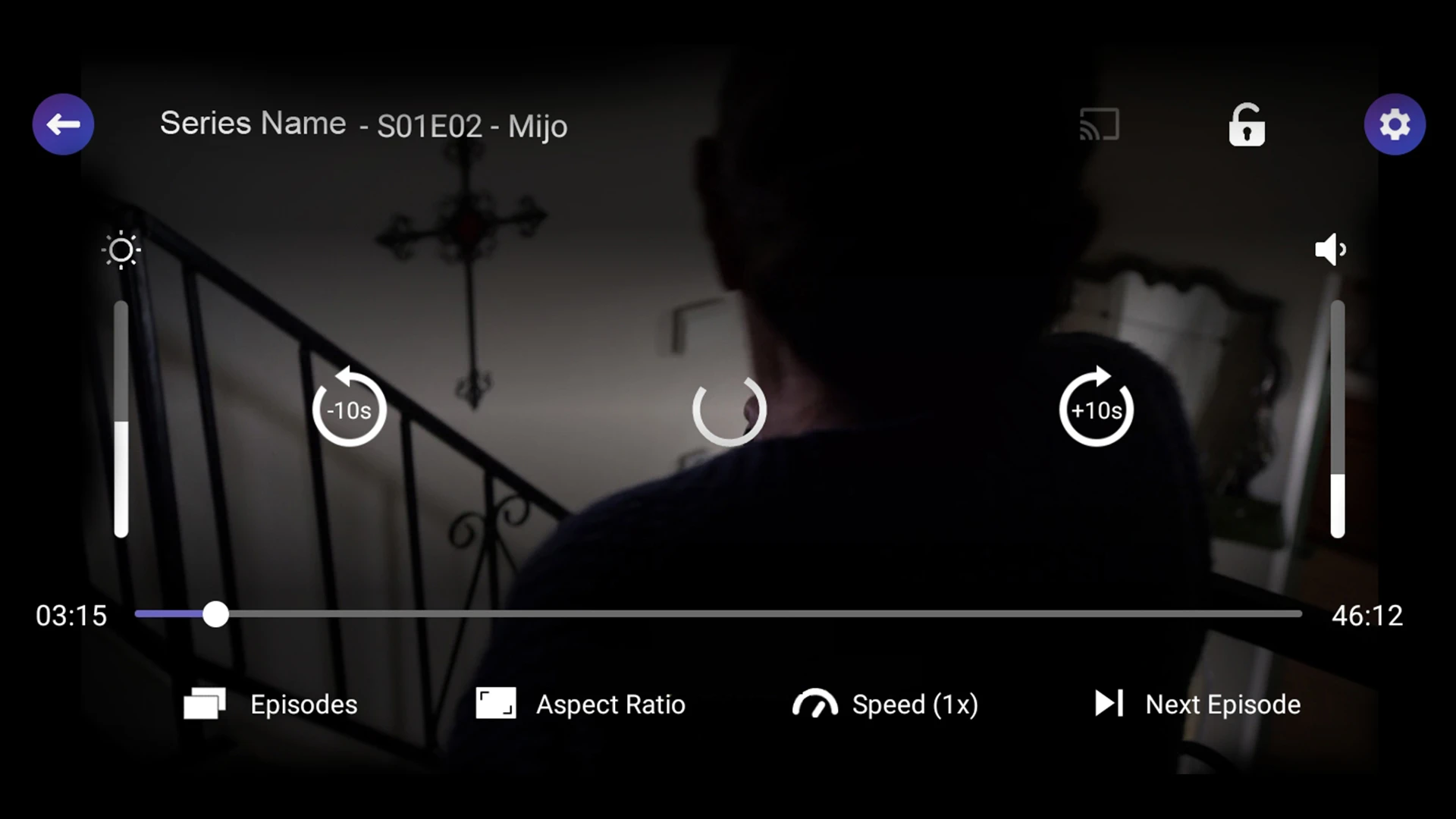

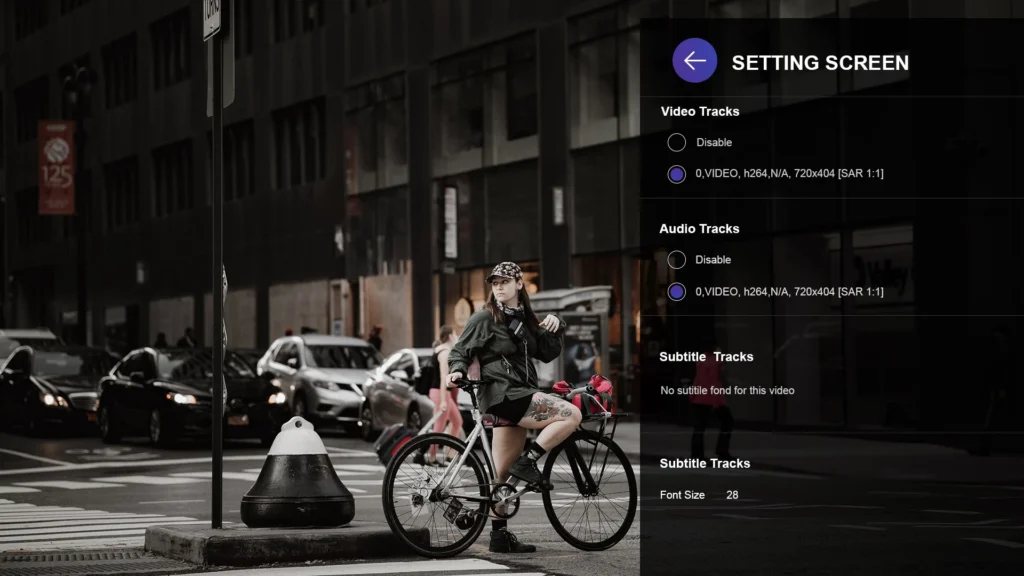
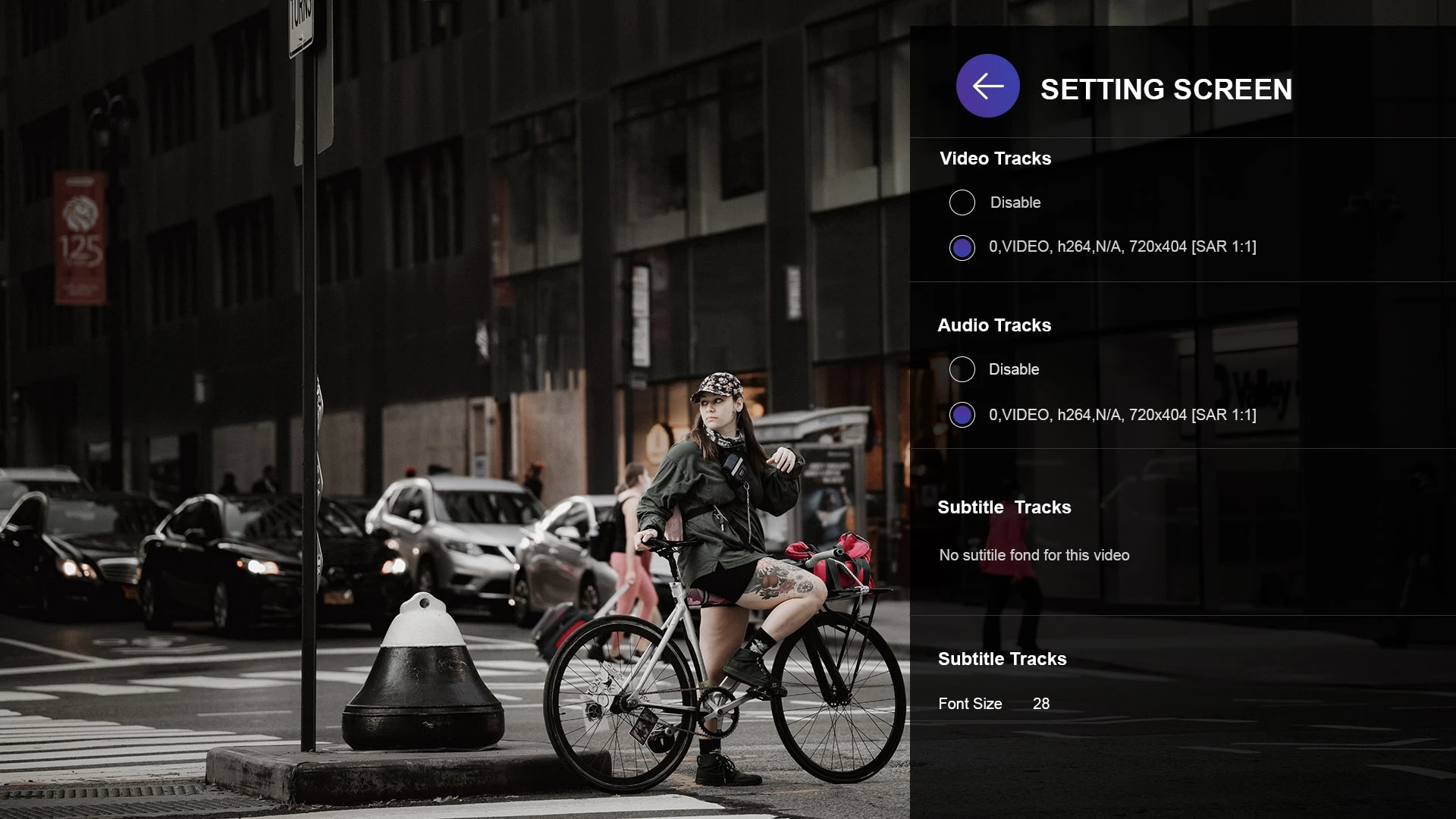
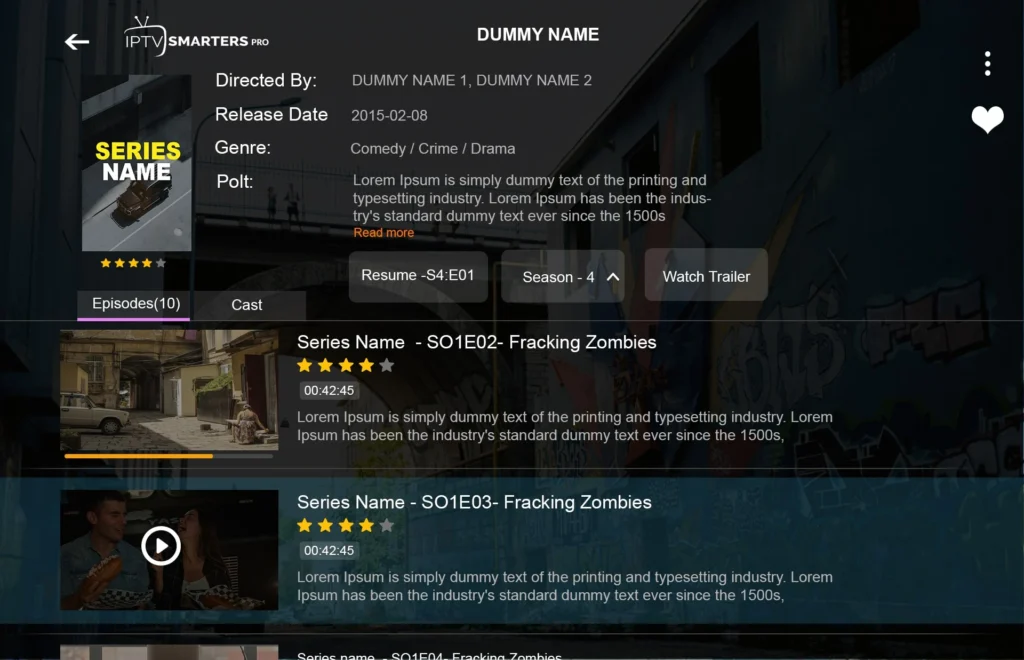





















Third-party names, marks and programme artwork remain the property of their owners. Their appearance identifies a category or interface example only; it does not claim affiliation, endorsement, rights ownership or guaranteed availability.
Every card now uses a different supplied source asset, a readable filename, explicit dimensions, surrounding context and useful alt text. Brand references remain nominative examples and never partnership claims.
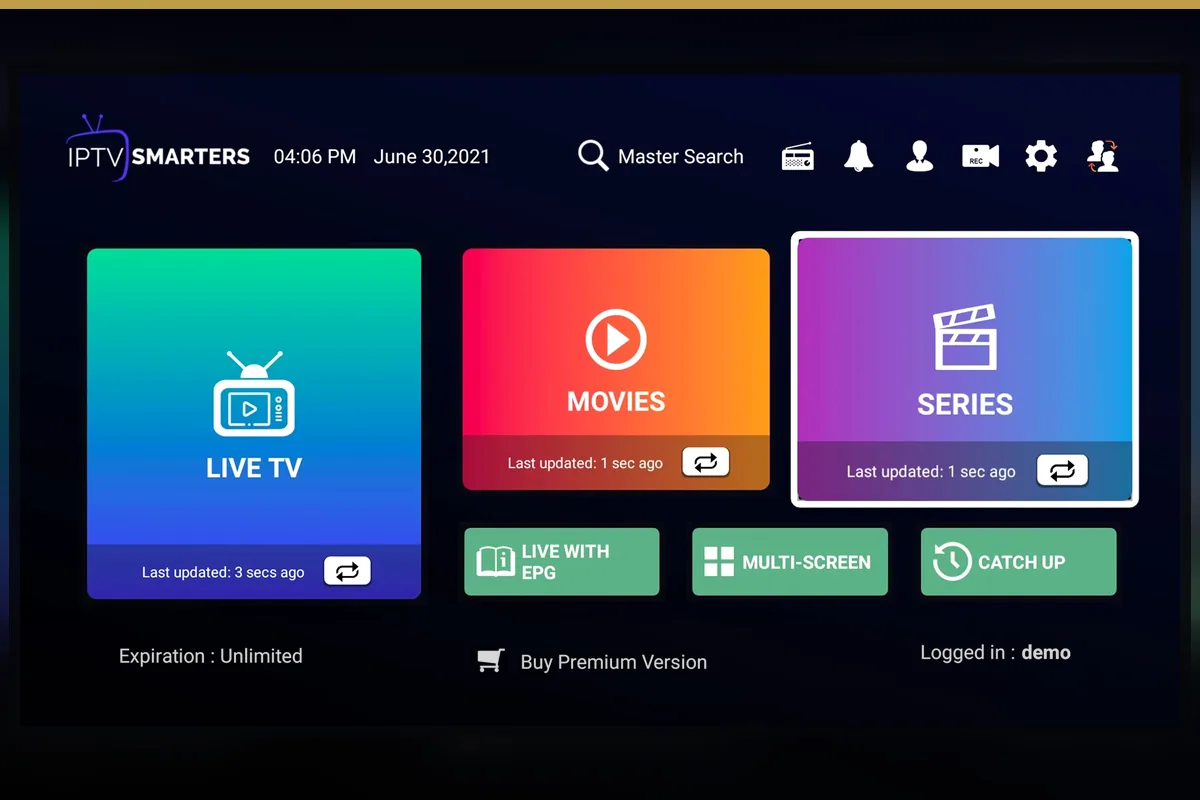
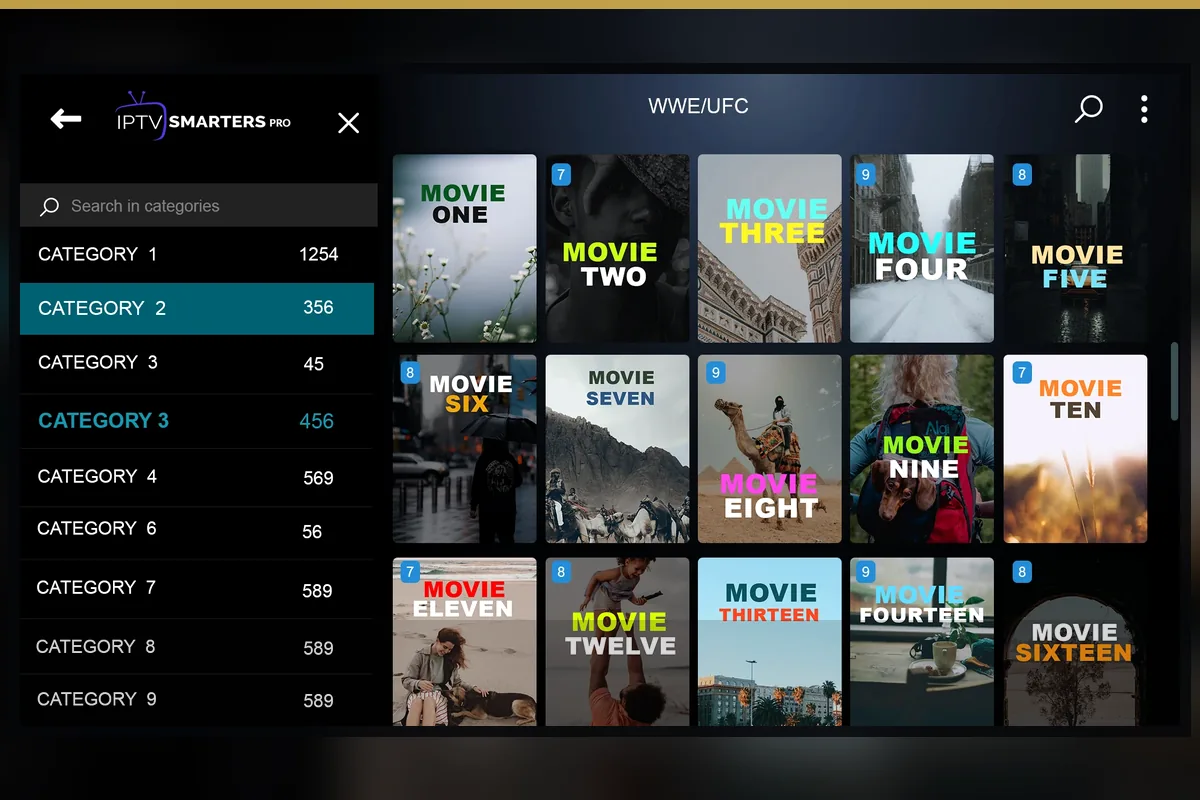
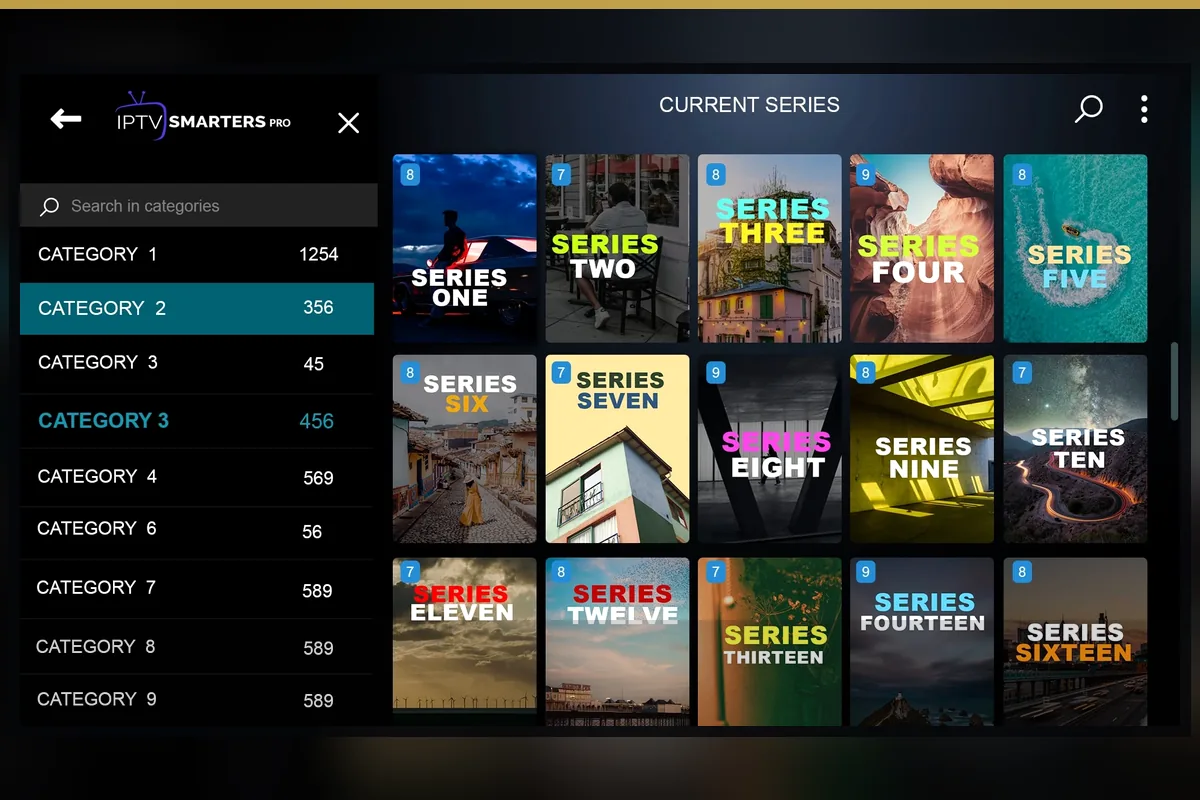
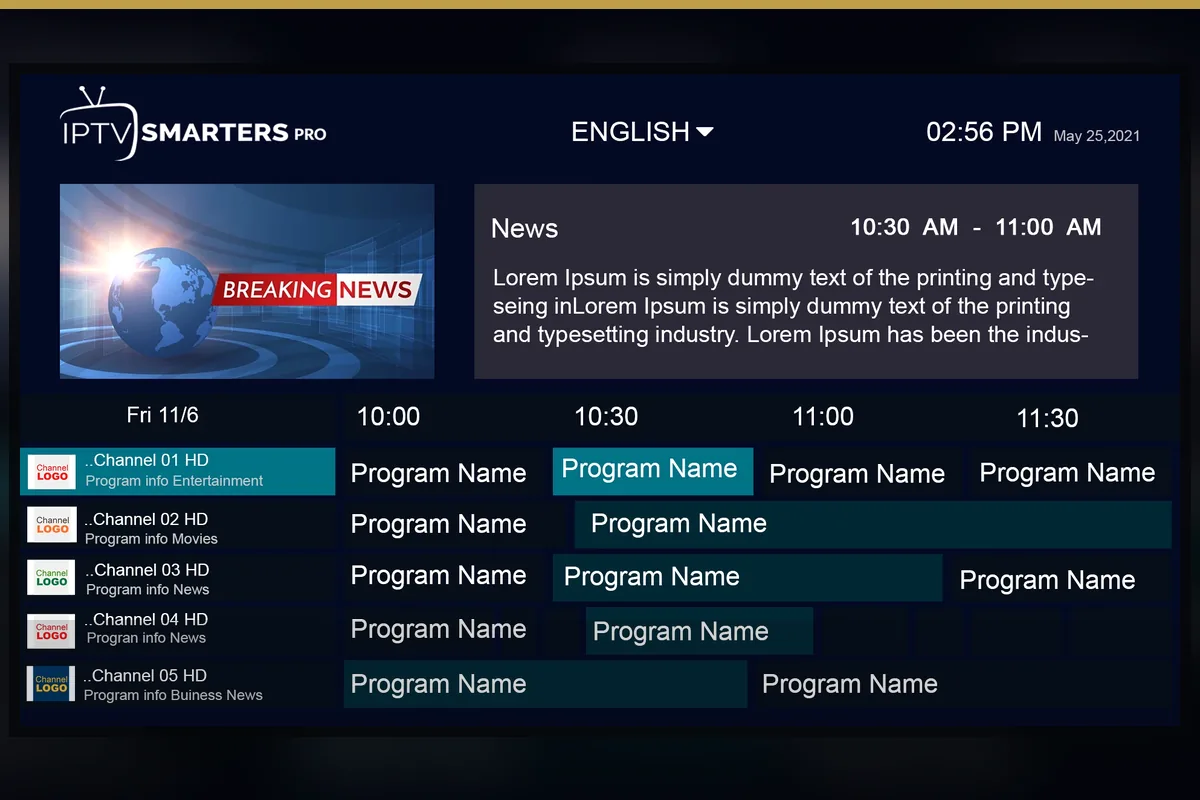
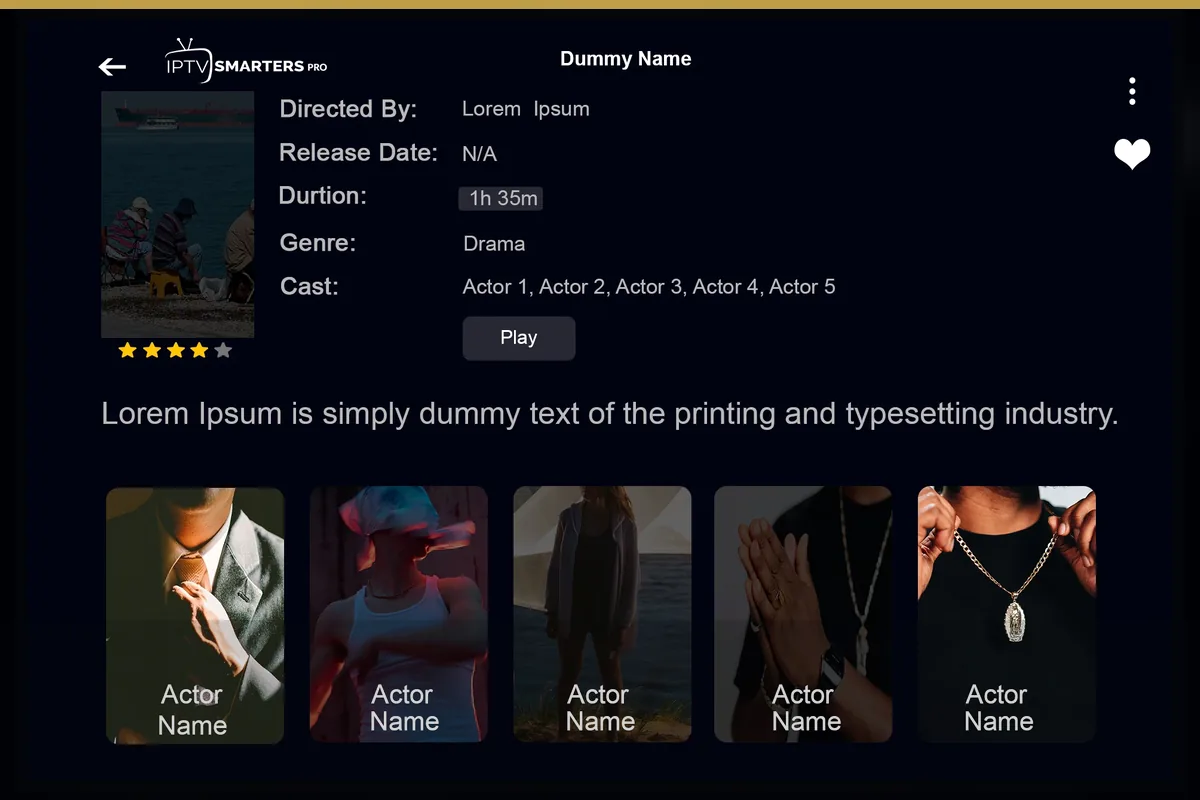
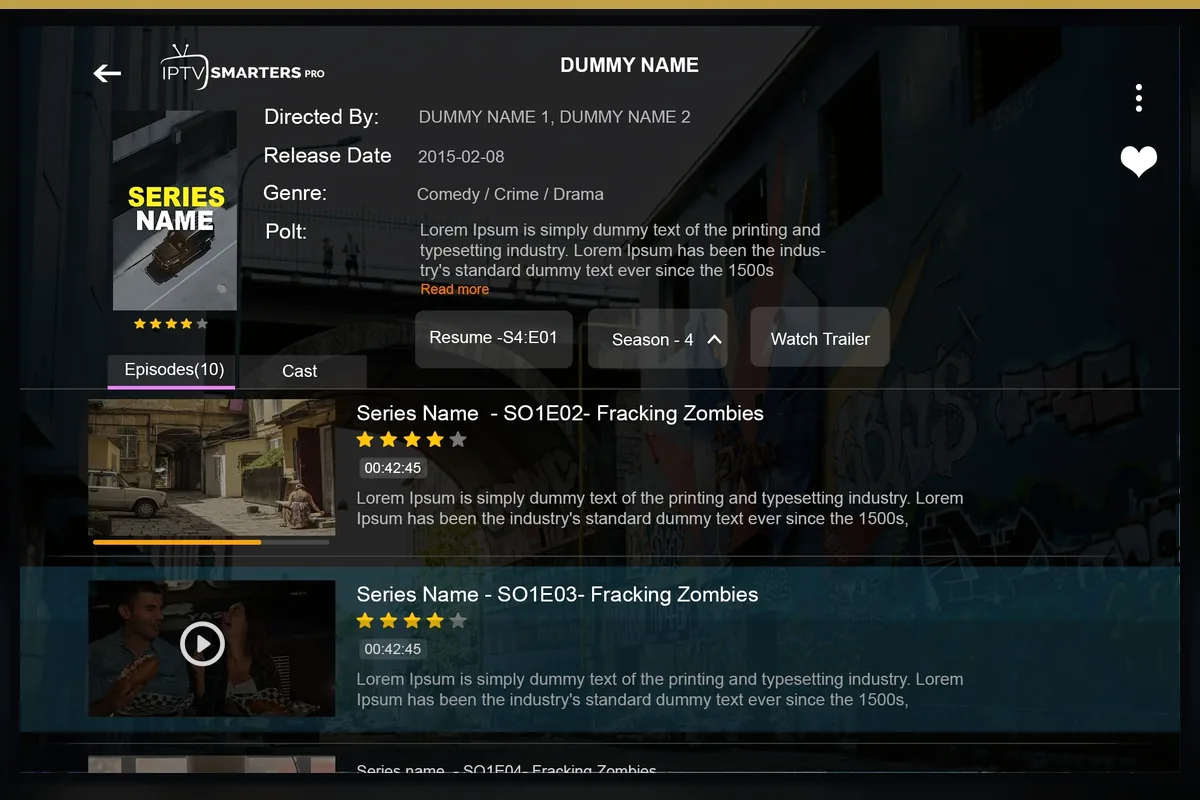
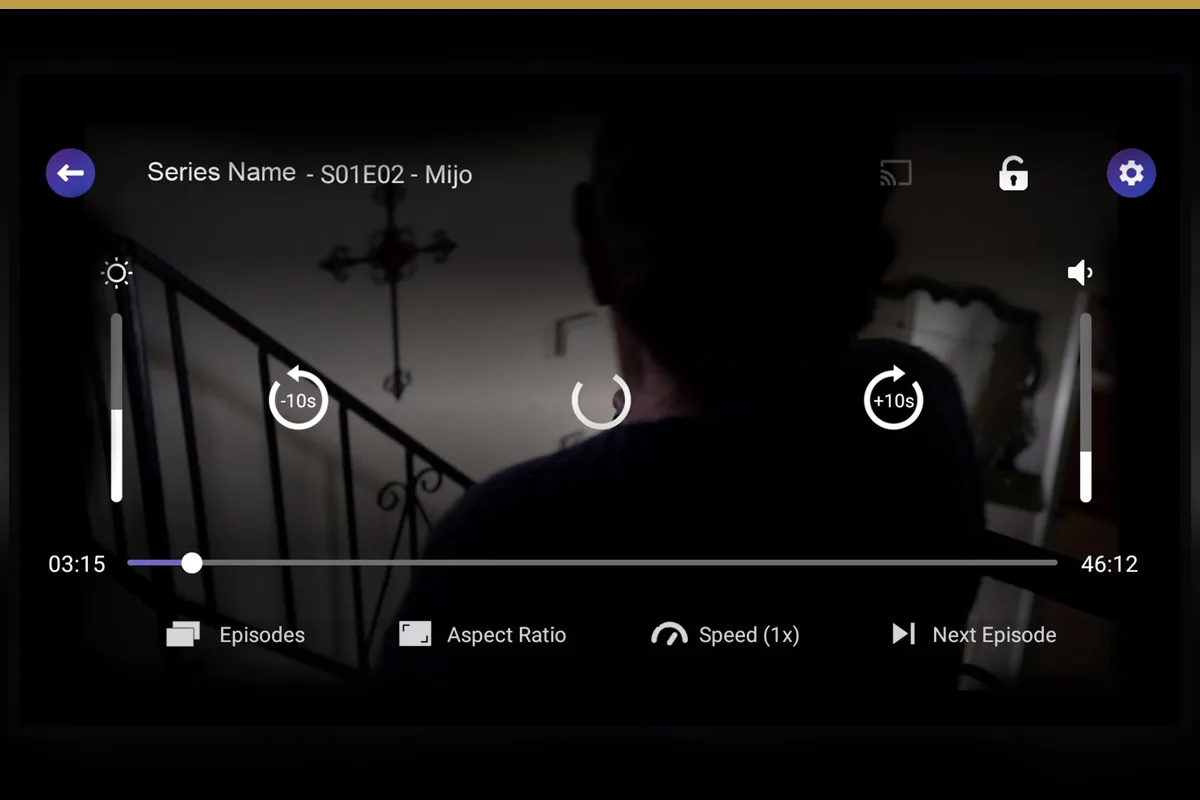
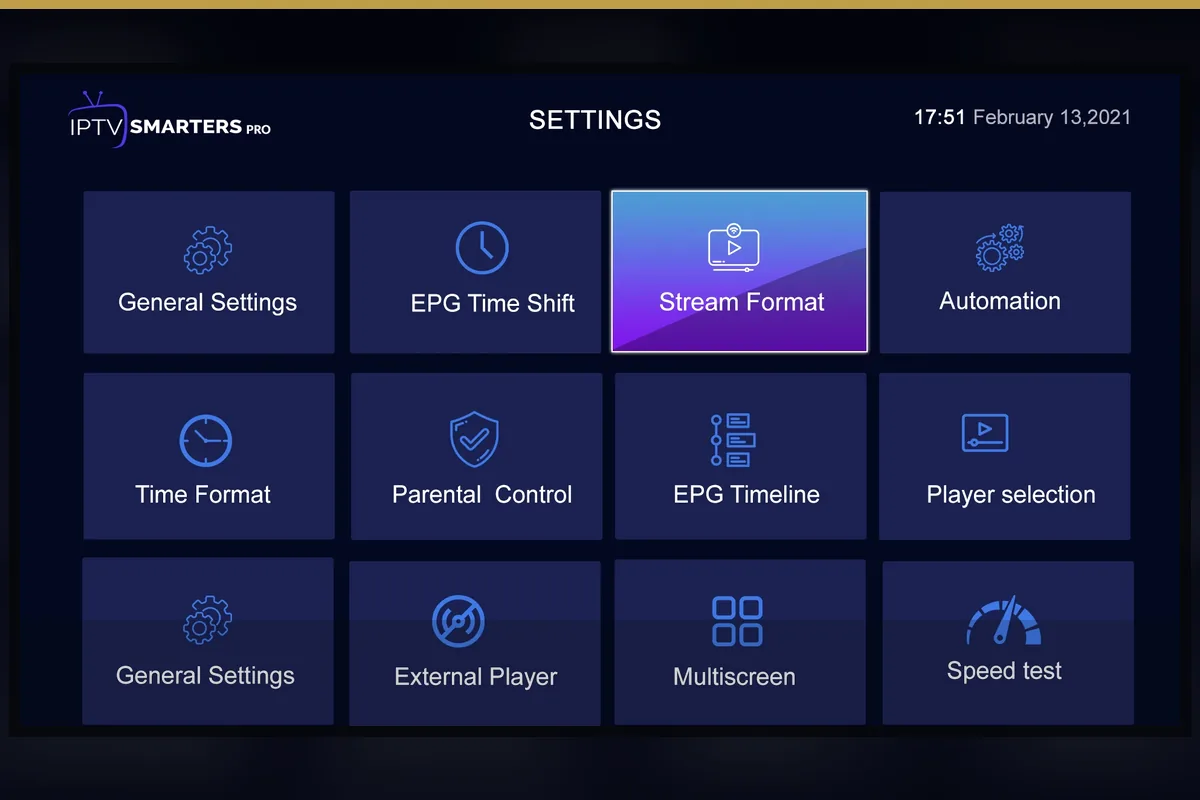









A name here tells you what to verify in the current catalogue. It does not guarantee availability and does not imply that Dream 4K IPTV is affiliated with the referenced broadcaster, league, studio or platform.
All names and trademarks belong to their respective owners. Availability changes by source, region and time. Confirm essential categories through the current service information before purchase.
The duration changes; the published device and setup route remains the same. Shorter terms reduce commitment while a setup is new.
Total listed USD price
Total listed USD price
Total listed USD price
Total listed USD price
Every total equals the number of credits multiplied by the listed per-credit price. Confirm allocation rules, expiry and panel access with reseller support.
Total listed USD price
Total listed USD price
Total listed USD price
Total listed USD price
These scenario cards show how different users can evaluate the service. They are workflows, not customer reviews or ratings.
“I use one Smart TV and want the simplest remote-friendly setup.”
“I watch live events and need to test network stability before the start time.”
“I switch between a phone, tablet and television and need app guidance for each.”
“I manage customer renewals and need transparent credit math and a secure panel routine.”
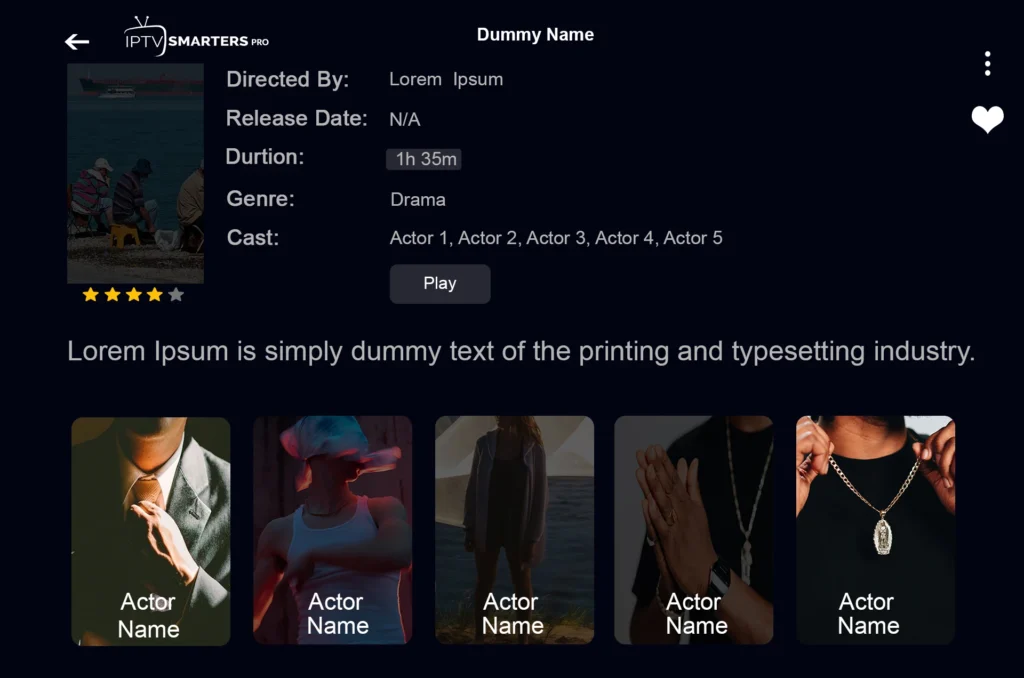
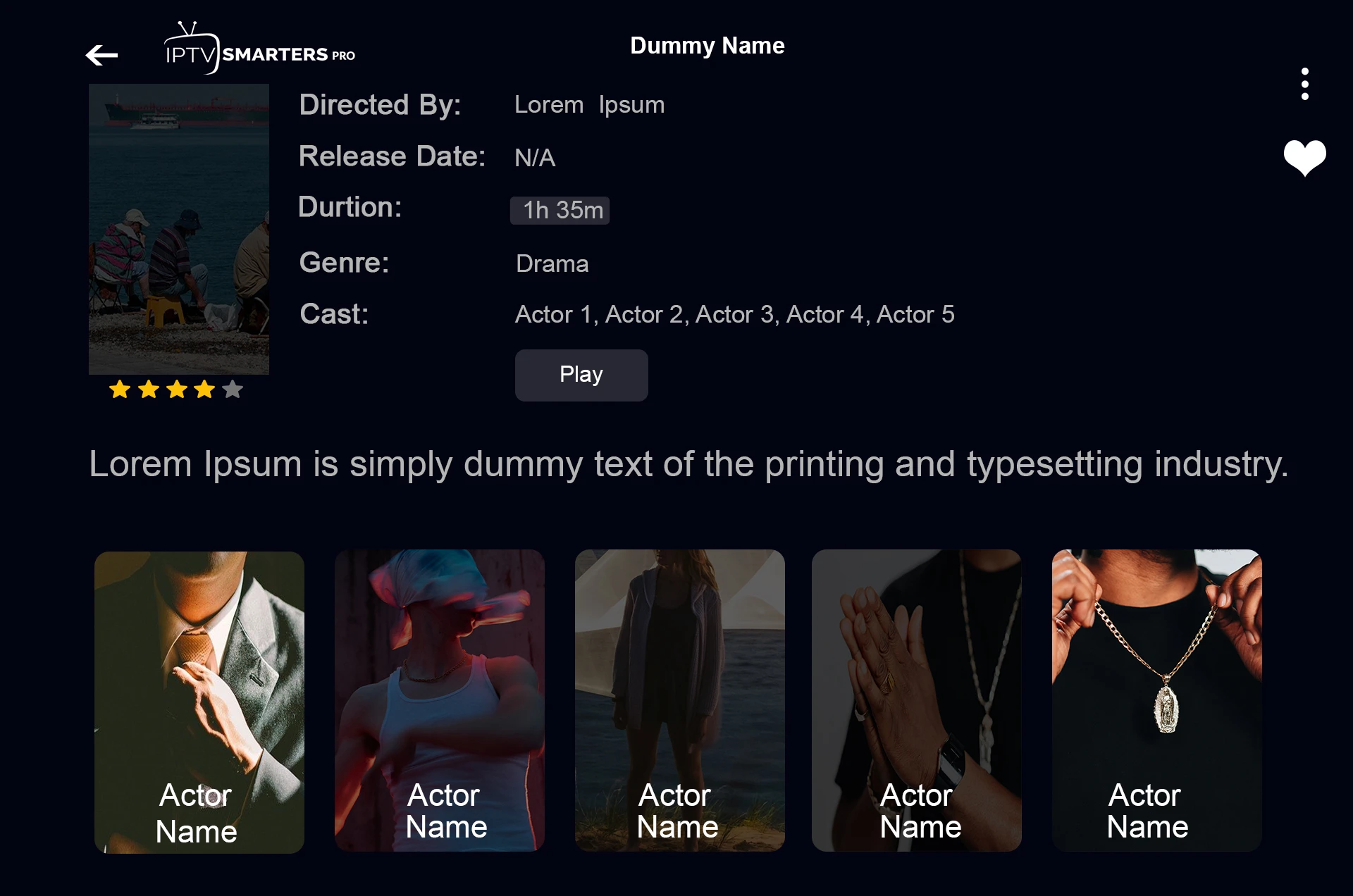
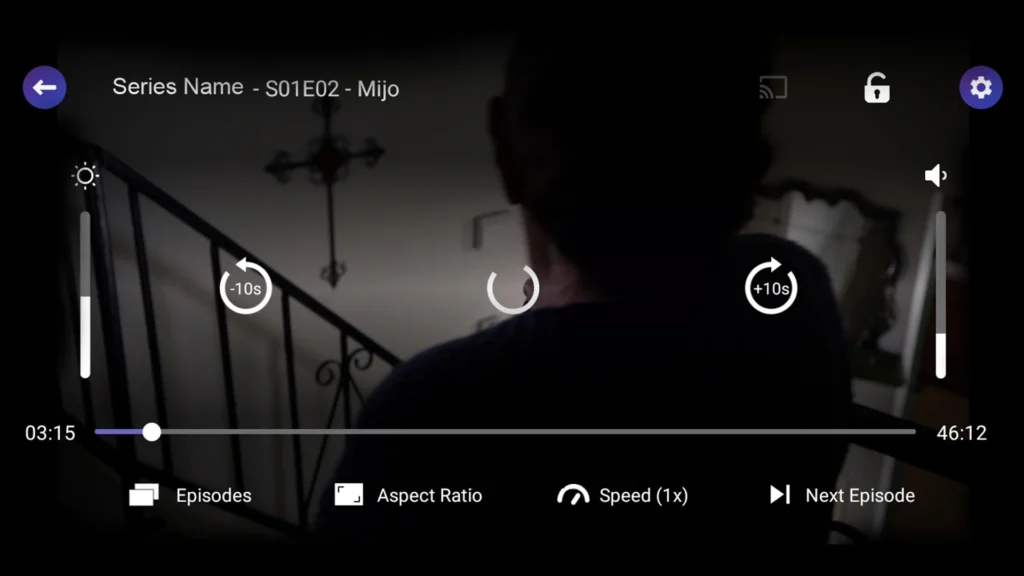
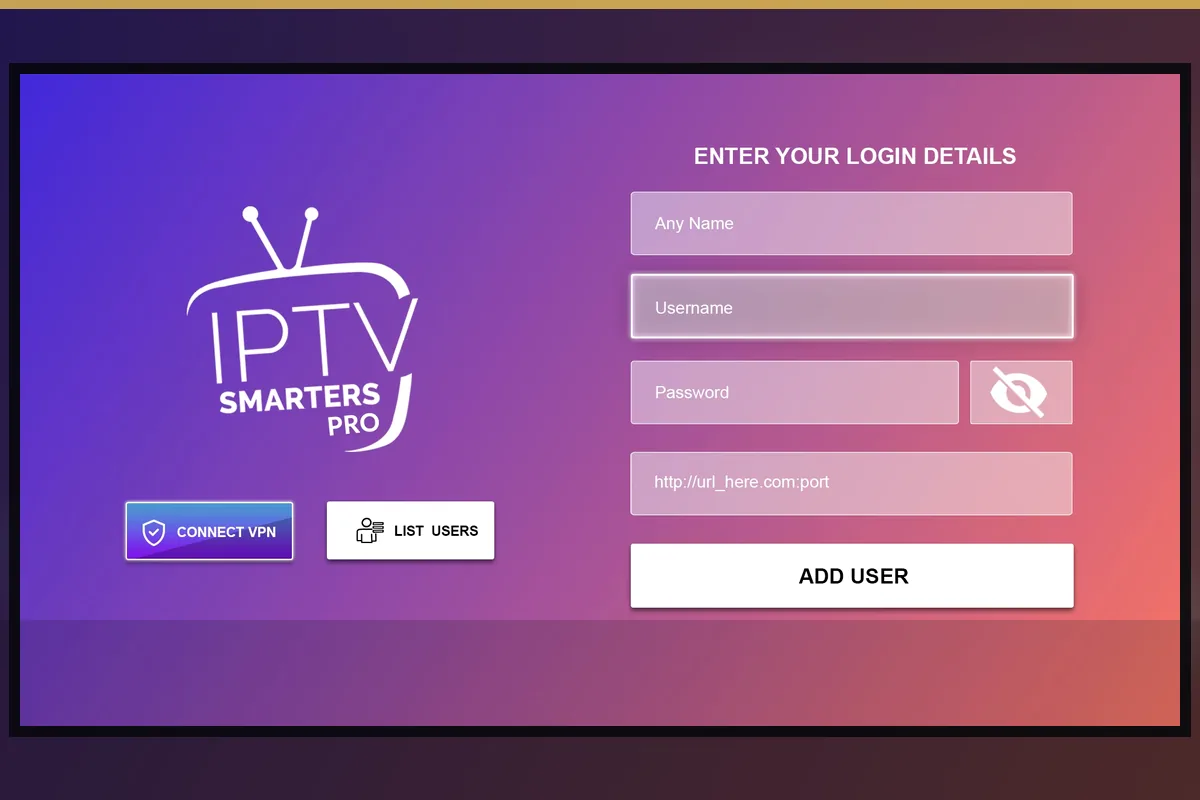
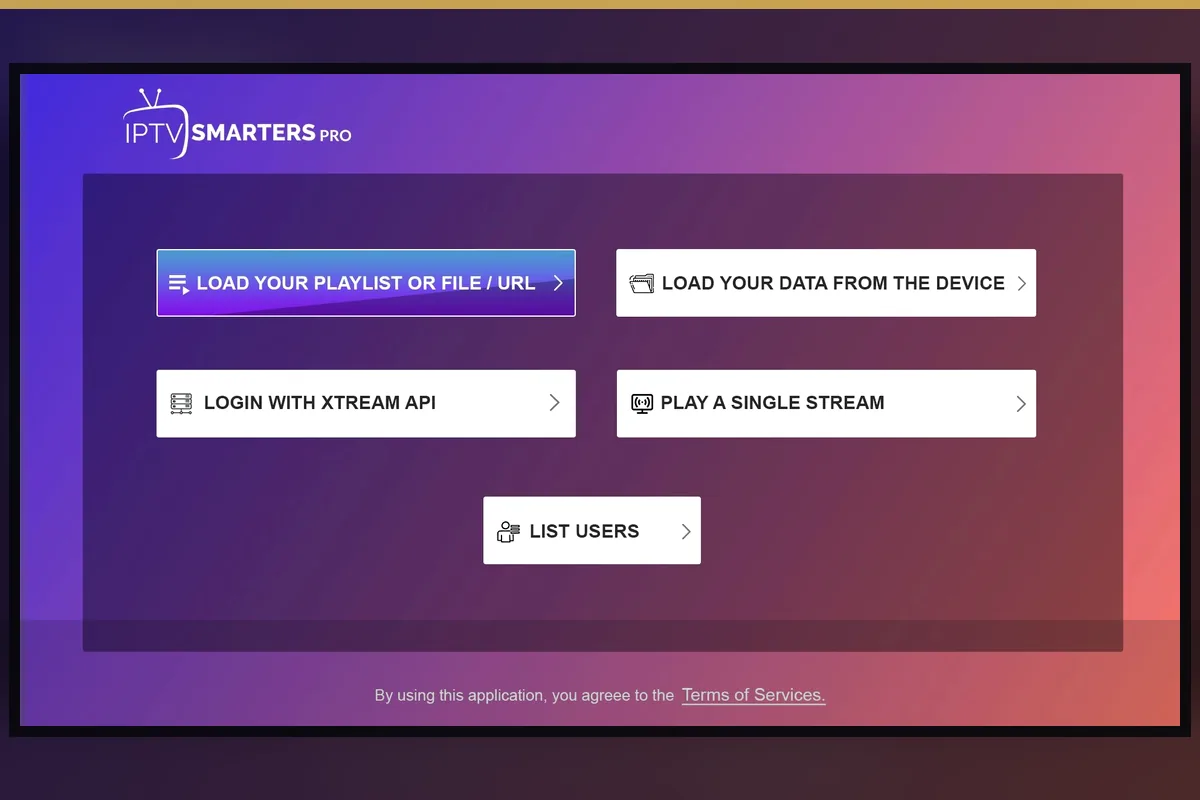
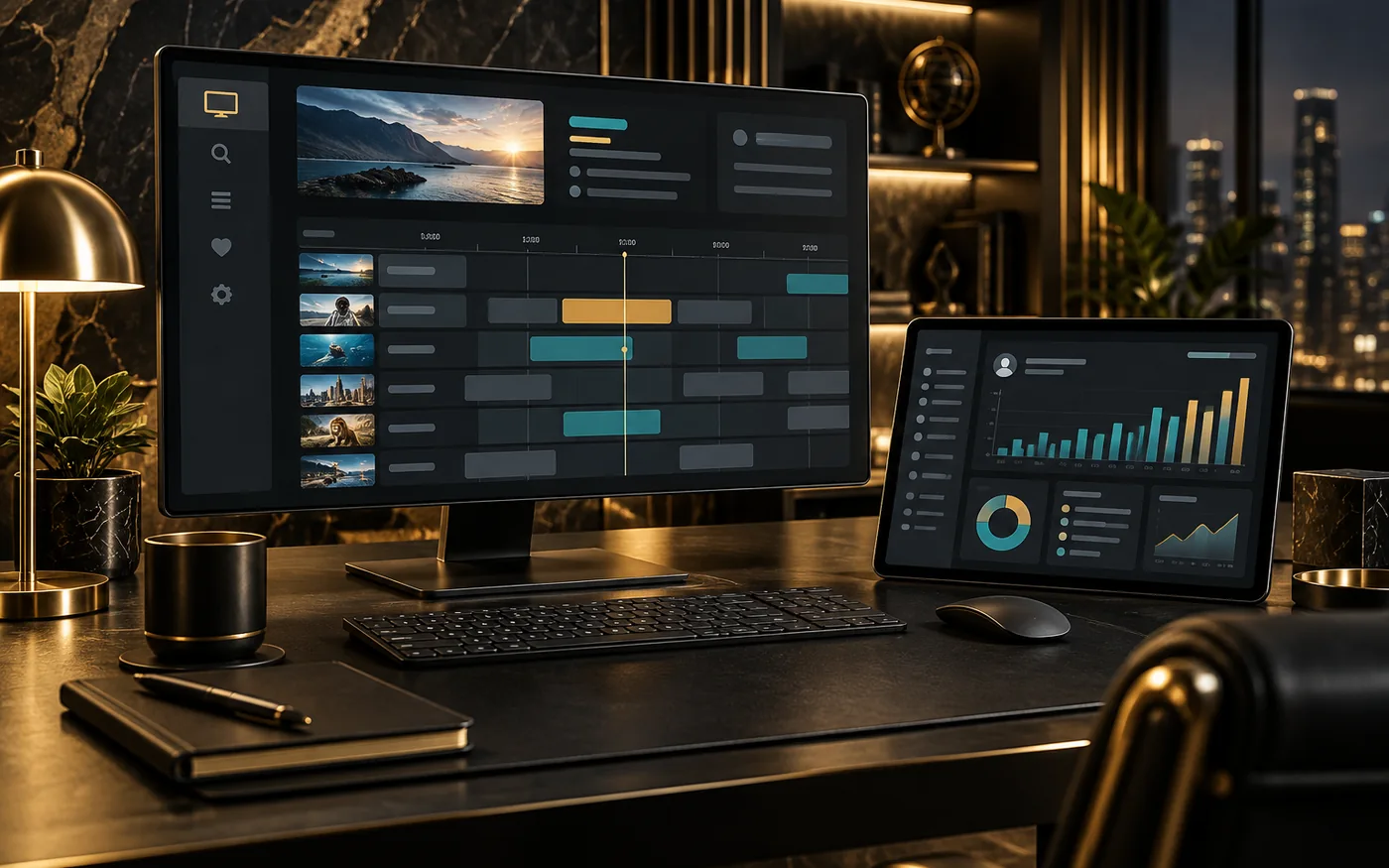 Original UI concept
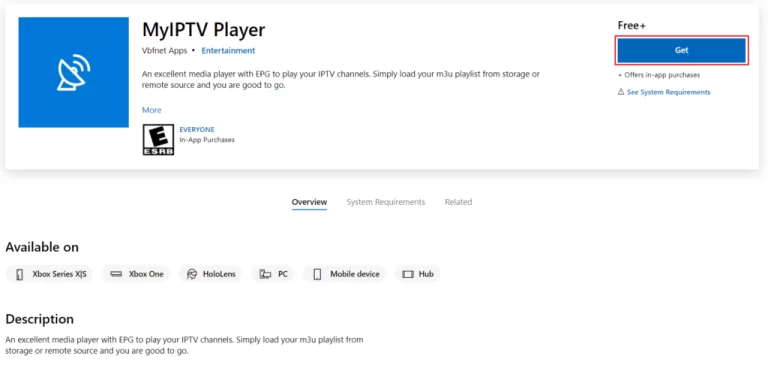
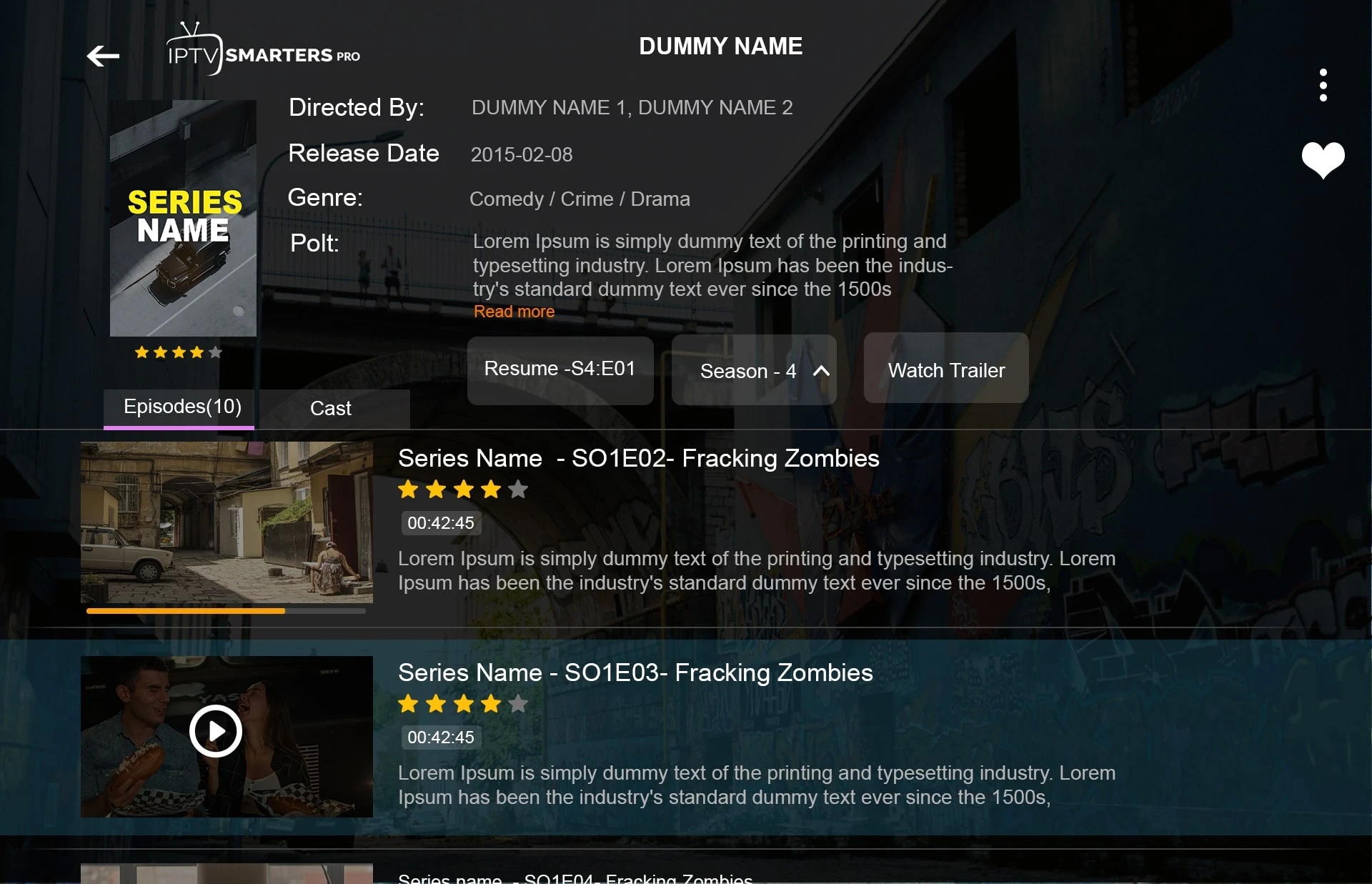
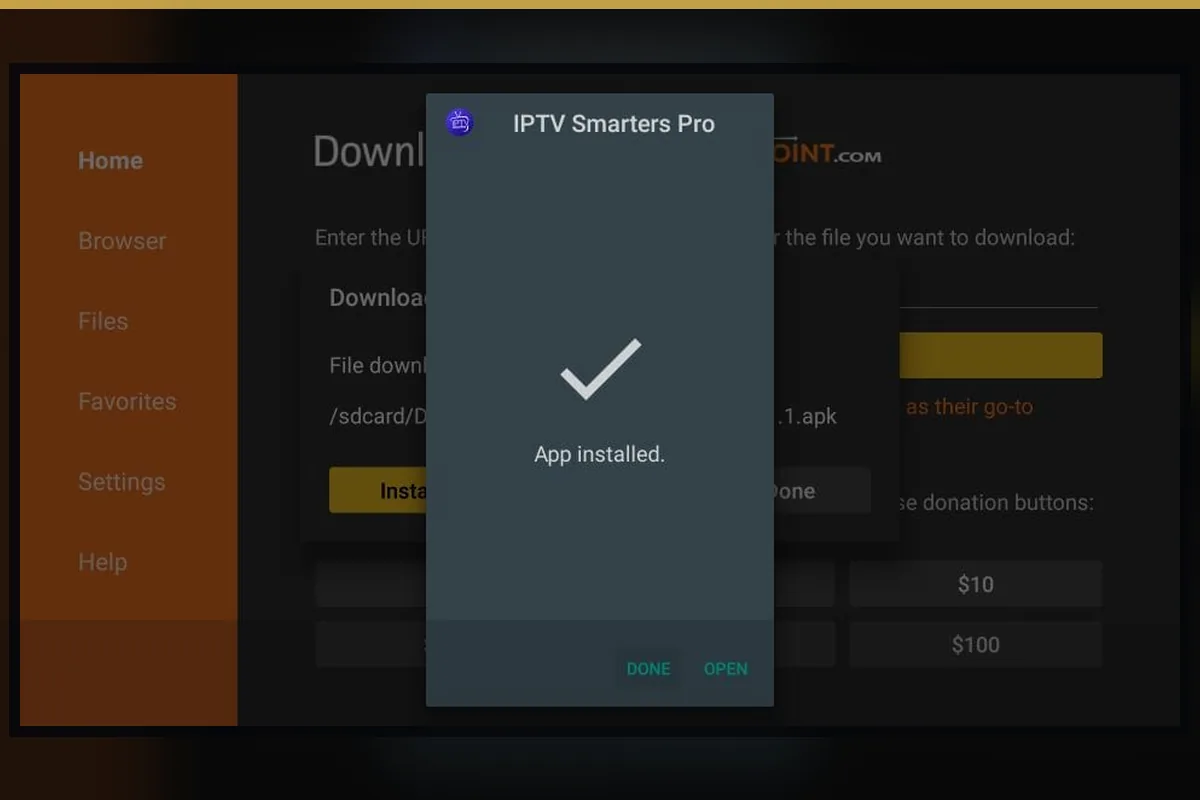
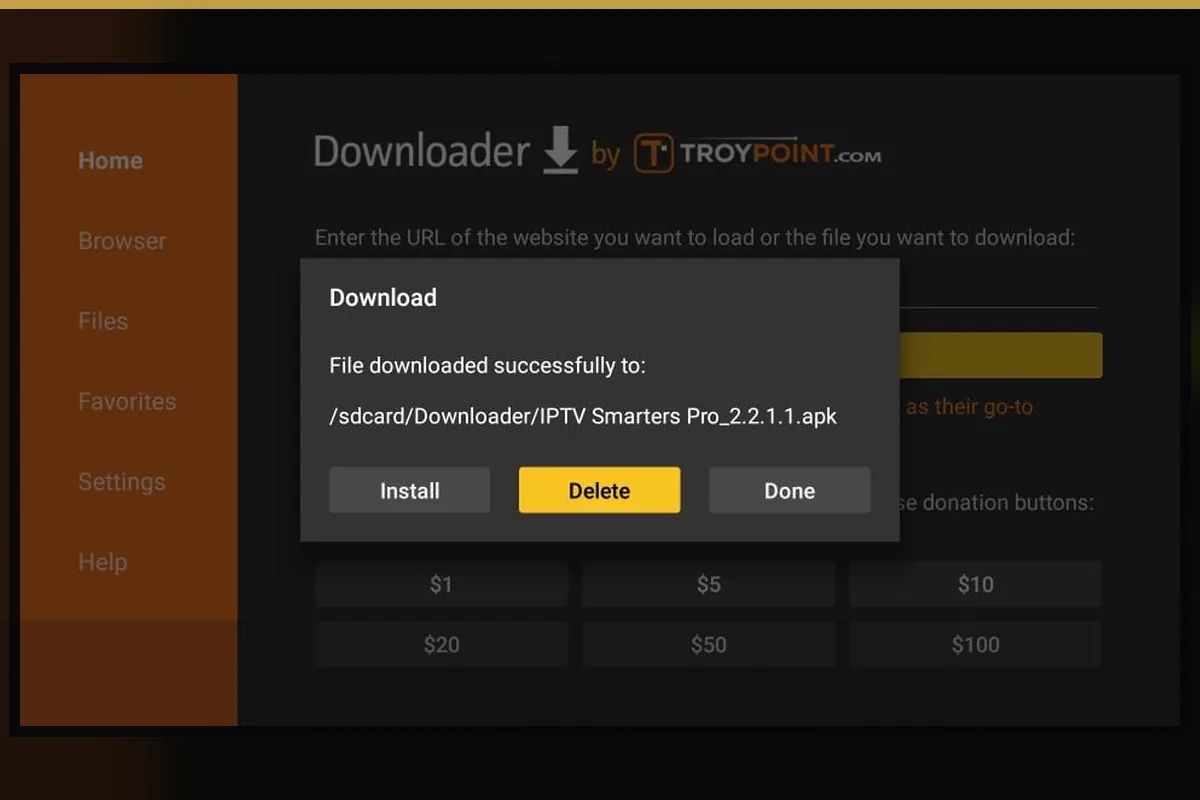
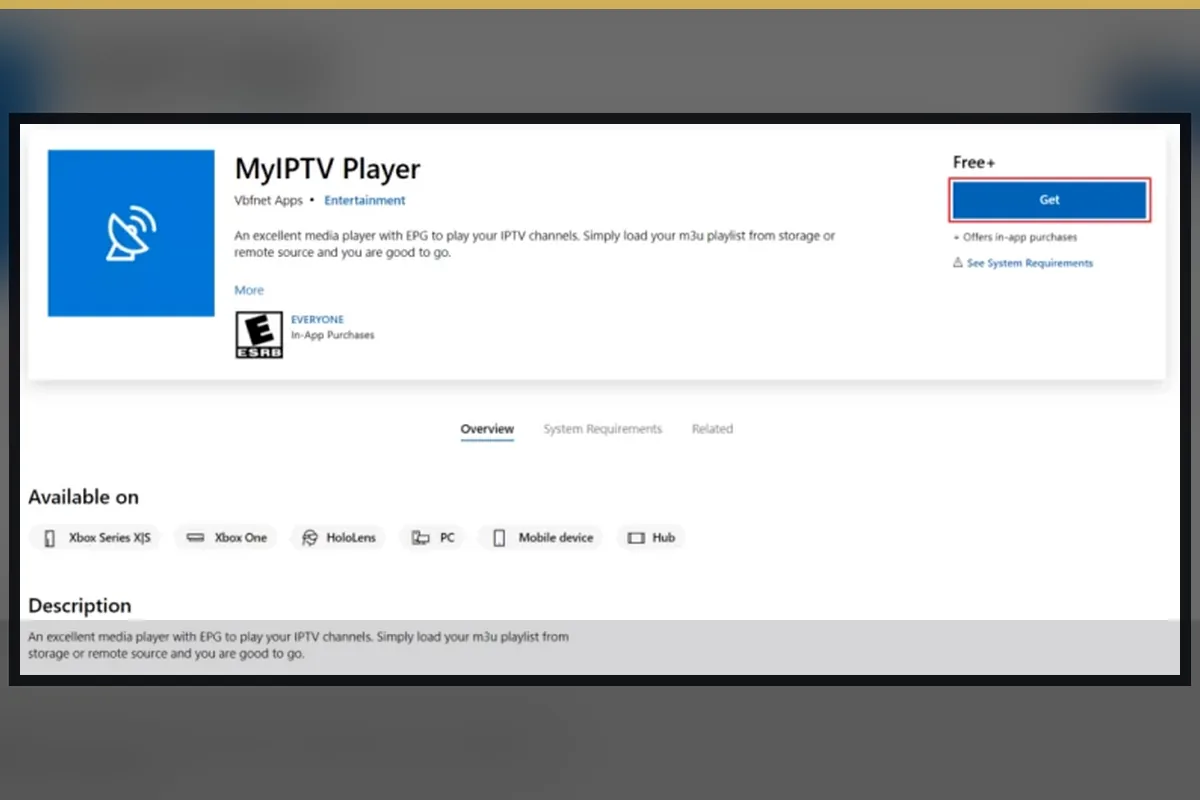
Choose a trusted compatible app for the device. A third-party player may charge its own fee and may use a different interface from the generic visual shown here.
Confirm whether the selected player accepts the account format supplied by support.
Television apps should be practical with directional buttons, not only touch input.
Do not enter service credentials into unsupported websites or public devices.
Understand delivery methods, compatible apps, devices, network requirements and the limits of any catalogue claim.
Read guide
Compare connection, hardware, navigation, contracts and practical setup without oversimplifying either option.
Read guide
Use a repeatable checklist for device compatibility, live categories, on-demand navigation, guide data and support.
Read guide
Match app availability, login method, remote navigation and optional app fees to your television or streaming device.
Read guide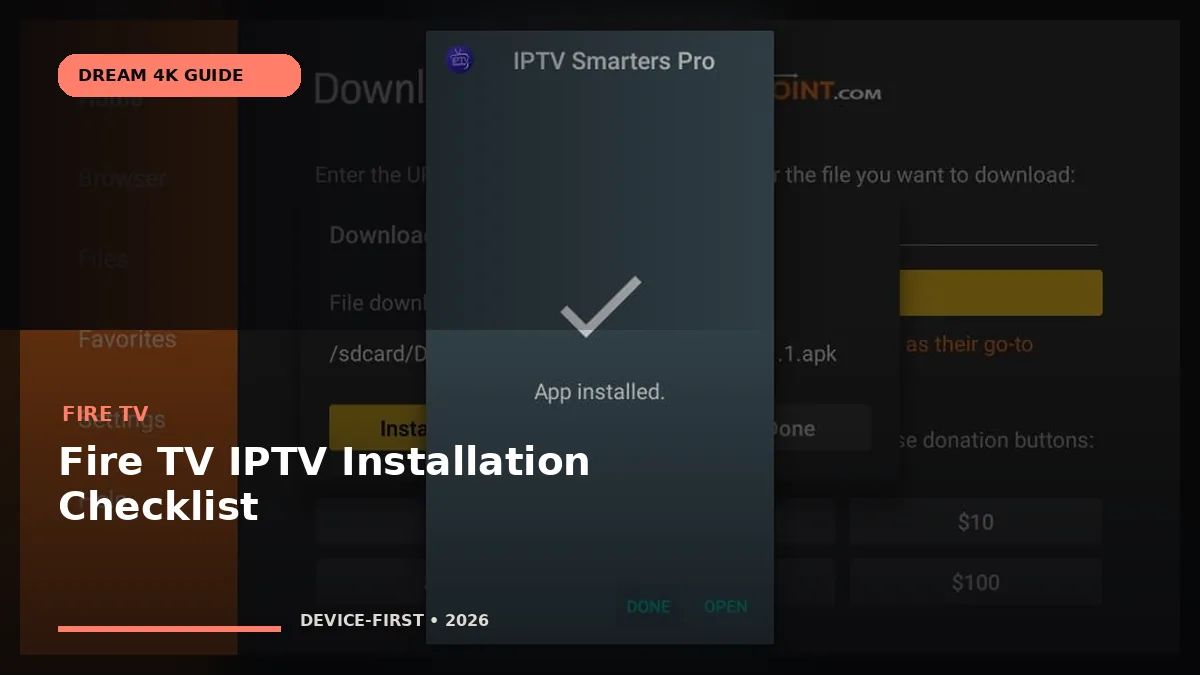
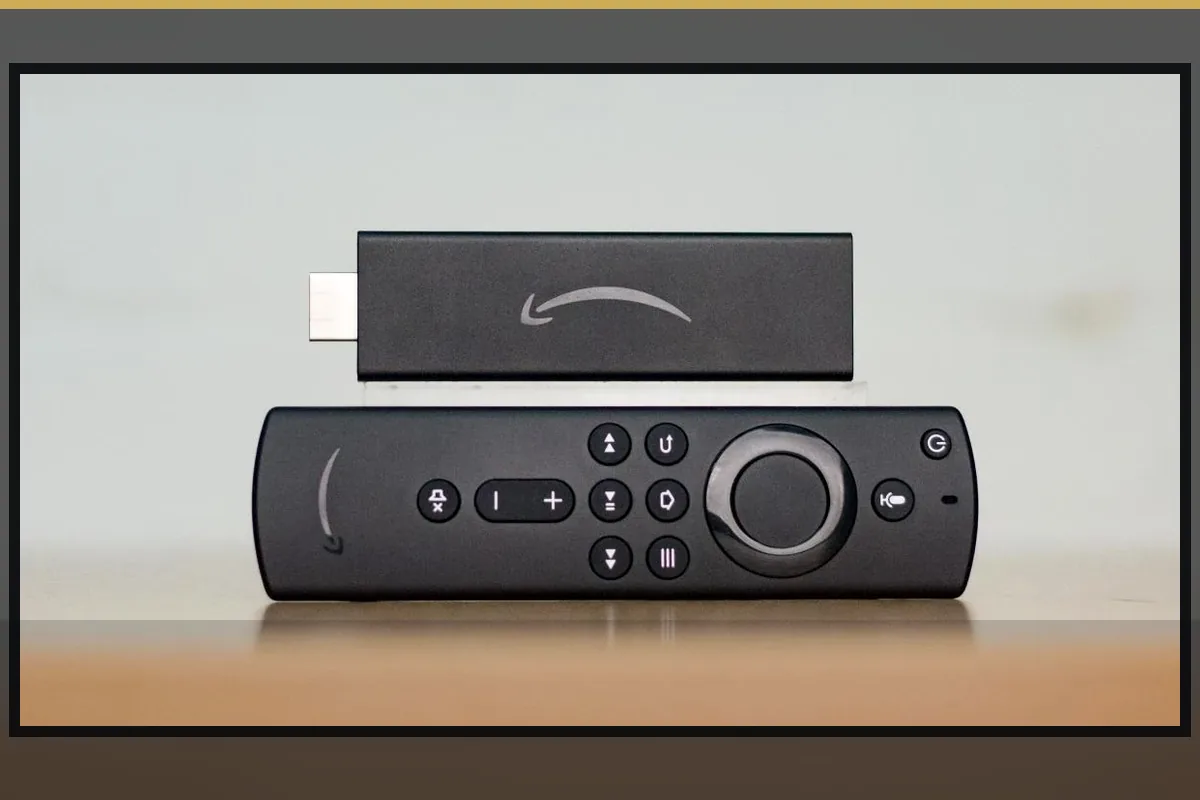
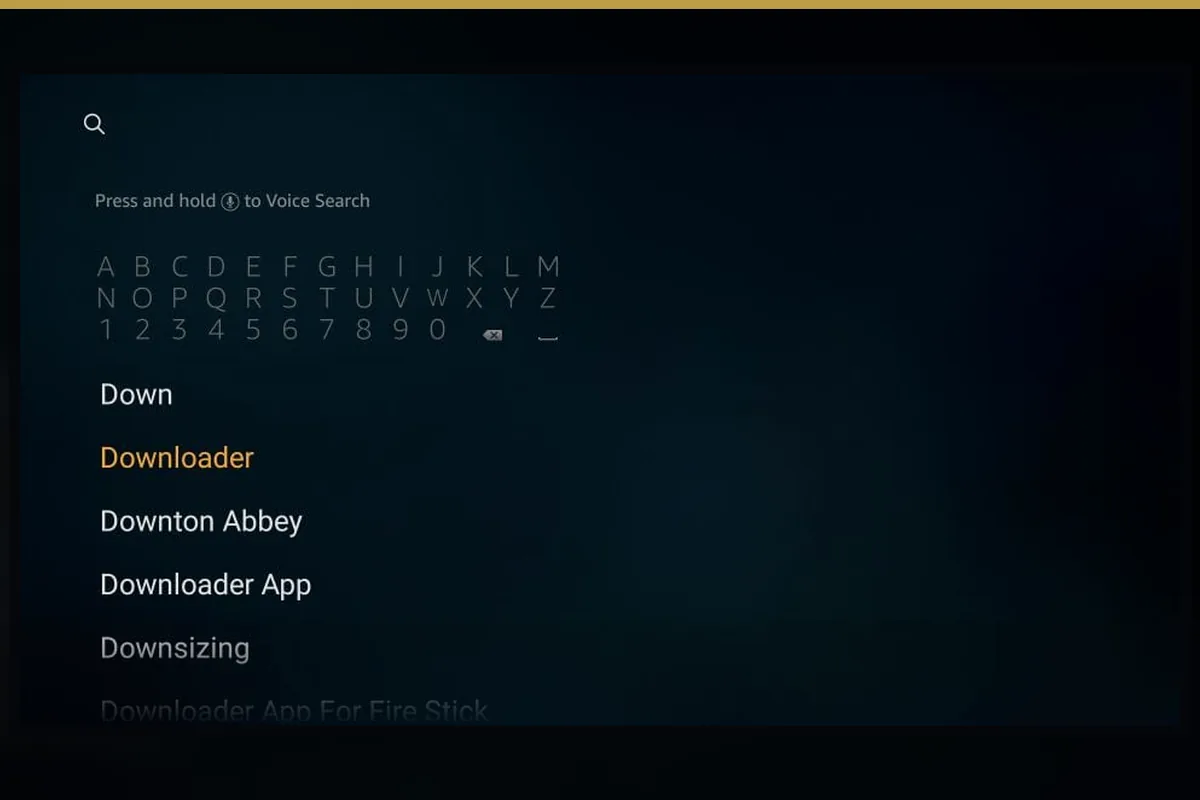
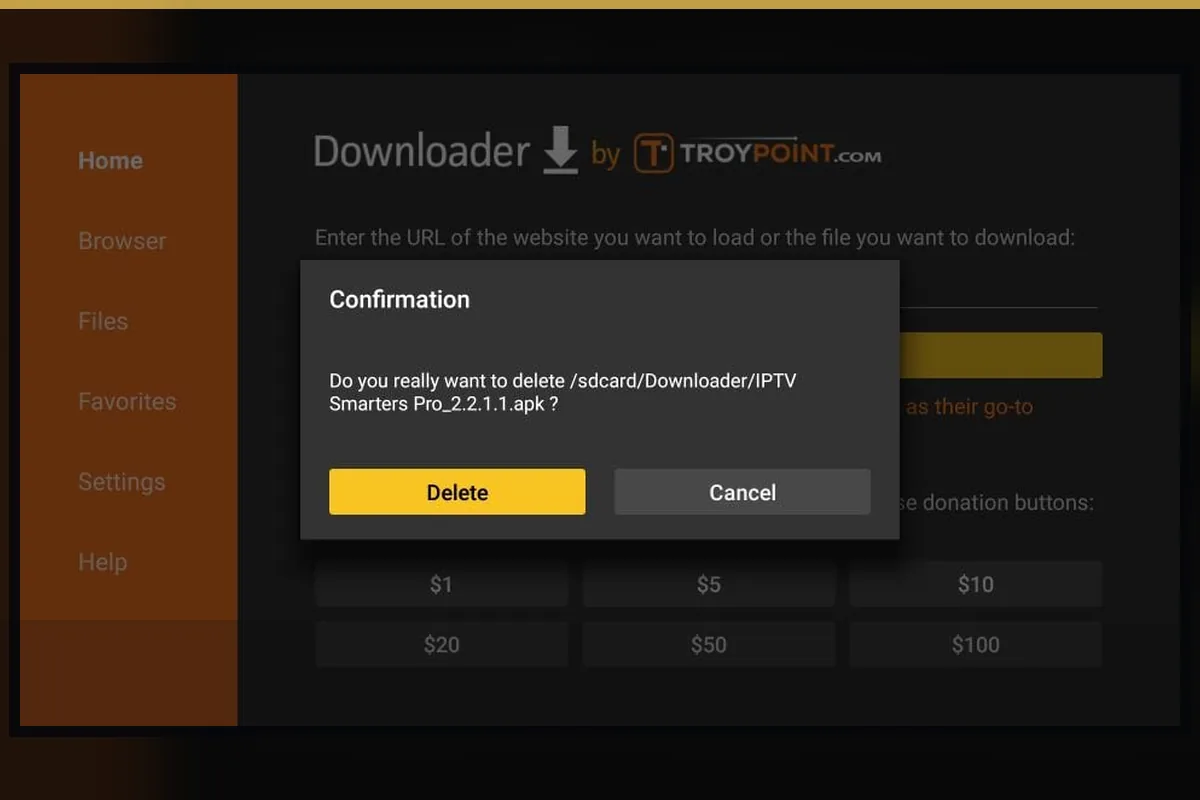
Prepare storage, app permissions, remote navigation, network strength and account details before activation.
Read guide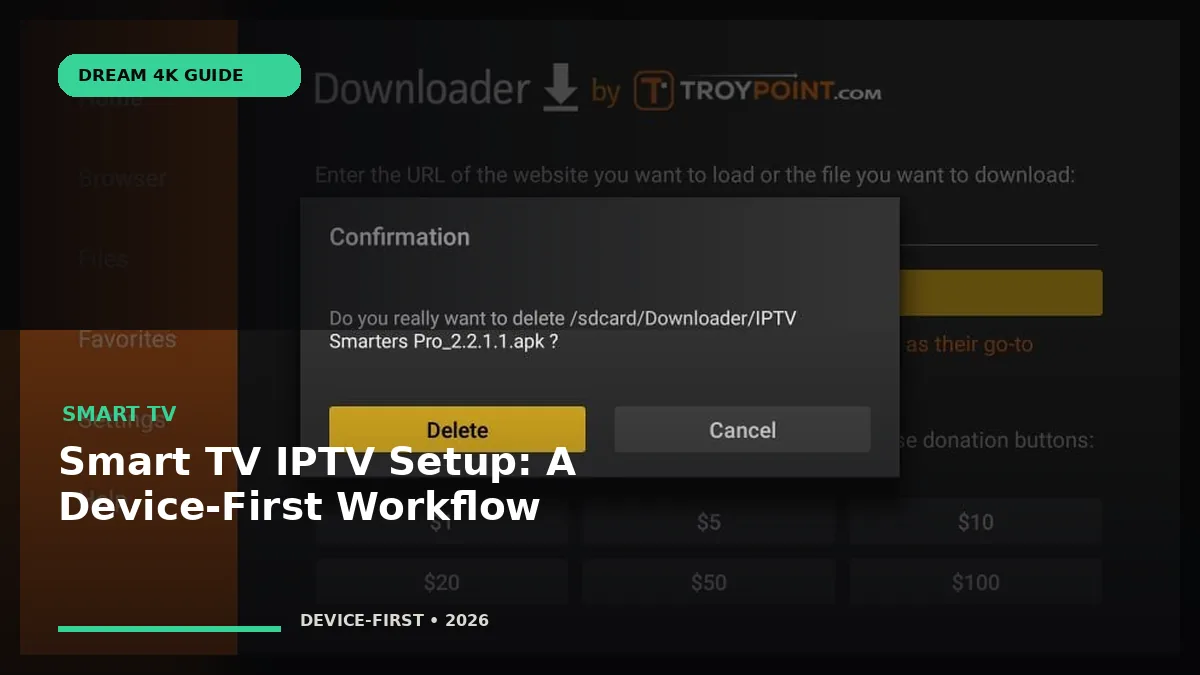
Choose a compatible player, confirm the login method and test the complete setup on the television you use.
Read guideThese are independent third-party destinations supplied for comparison. Links do not imply ownership, endorsement, partnership or identical service terms.
Dream 4K IPTV is presented as an internet television subscription and reseller service with device, app and setup guidance. Confirm the current catalogue, regional availability and terms before ordering.
The listed totals are $8.99 for one month, $23.99 for three months, $38.99 for six months and $49.99 for twelve months, all in USD.
The listed reseller packages are 60 credits at $1.59 each, 120 at $1.49, 300 at $1.39 and 600 at $1.29. The calculated totals are shown beside every order route.
The guidance covers major Smart TV platforms, Fire TV, Android and Google TV, Apple devices, Windows, macOS, MAG, Enigma2, Formuler, Nvidia Shield and compatible mobile devices.
No. The service subscription and player app are separate. Some third-party players charge their own activation or premium-feature fee.
No. 4K is available only where the supplied source, player, device, display and network support it. Lower quality options may be more stable on some connections.
No permanent channel, league, broadcaster or title guarantee is made. Availability changes and must be checked in the current catalogue or compatibility test.
Test the exact device, player, login method, connection, essential categories, guide data and support route. Review the price and terms before payment.
The reseller route is for partners who need customer account creation, renewals and credit management. It is different from a personal viewing subscription.
Choose a plan and complete the order-request form. It prepares a WhatsApp summary so support can confirm availability, the total and payment instructions.
No. The static order pages do not collect card numbers. Payment instructions must be confirmed through the official support route.
Use only services and content you are authorized to access, follow local law and provider terms, install trusted apps and keep account details private.
Include the device, player, country and type of help you need. Do not send passwords in the first message.
WhatsApp: +44 7532 814802
Email: [email protected]
Useful first message: “I use [device] with [player] in [country]. I need help with [plan/setup/problem].”
Tell support the exact device, player and country you will use. Confirm availability and current terms before payment.