Install your app, then WhatsApp us for a one-day free trial ↗
D24K Premium logoDREAM 4K IPTVMake room for more.
Player screenshots

Inside the supplied Dream 4K player

Explore the preserved Dream player splash, sign-in and navigation screens alongside setup guidance.

Dream 4K IPTVEnglish guide
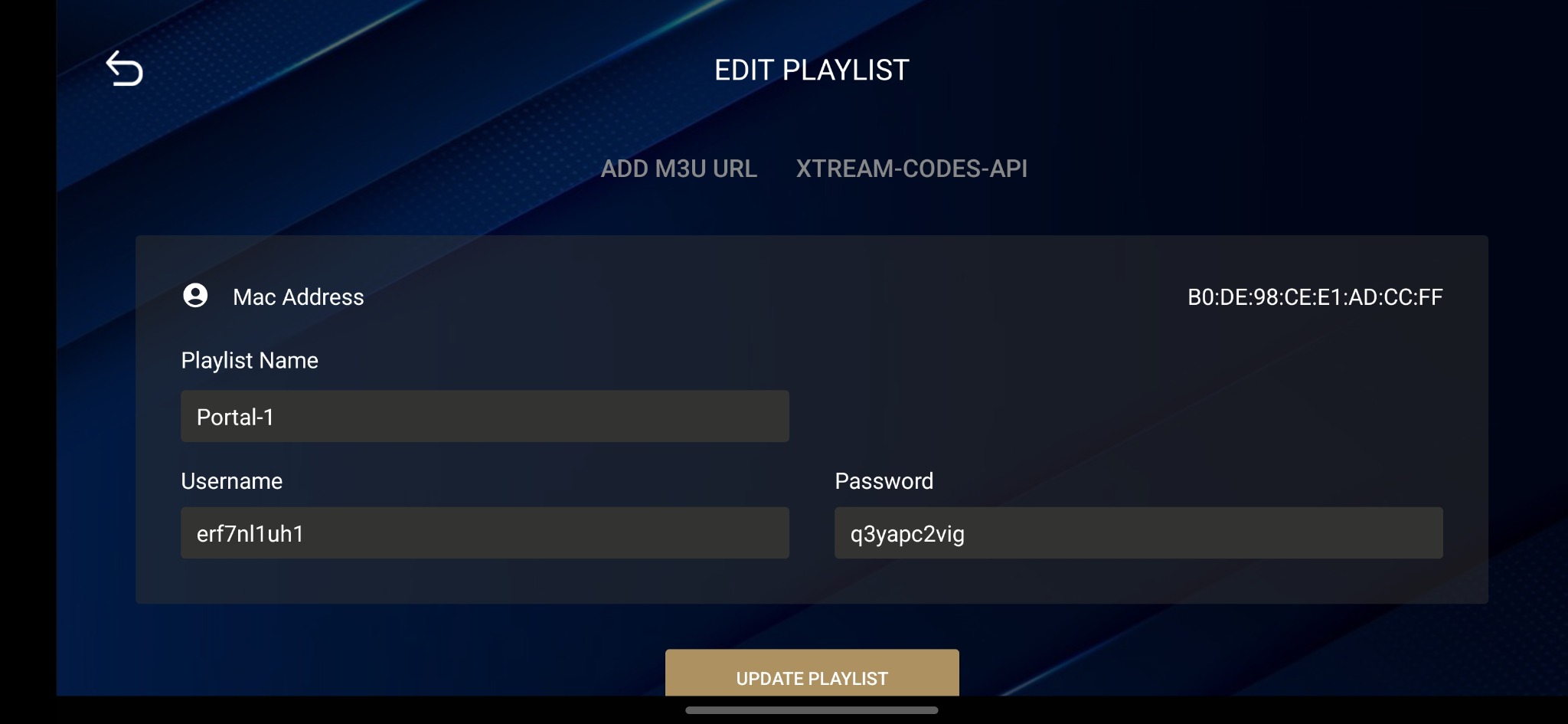
Dream 4K player supplied screen 3: account sign-in interface

Real supplied interface screens

Dream player screens

Dream 4K player supplied screen 1: brand splash
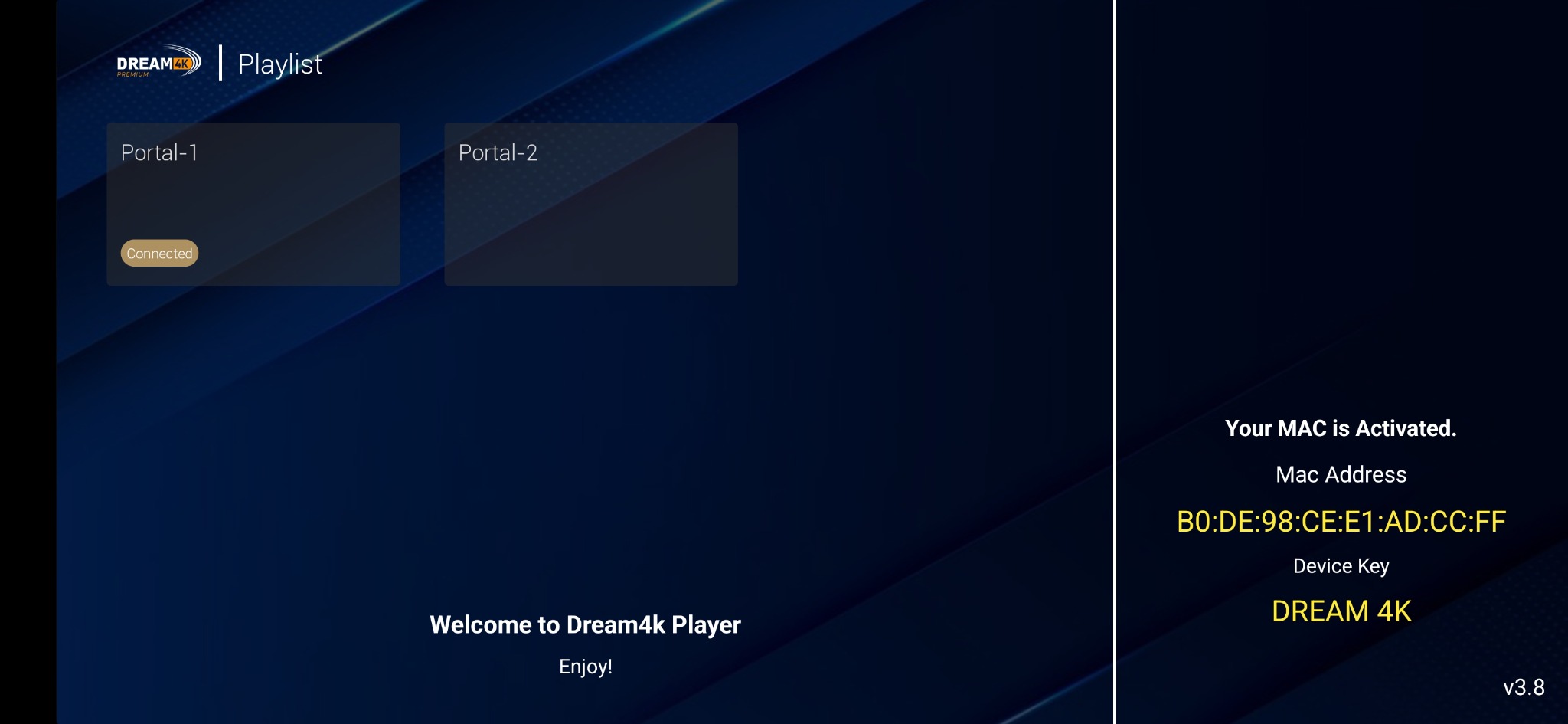
Dream player activation screen with device identifier and key masked
Dream 4K player supplied screen 3: account sign-in interface
Dream player account interface with device identifier, username and password masked
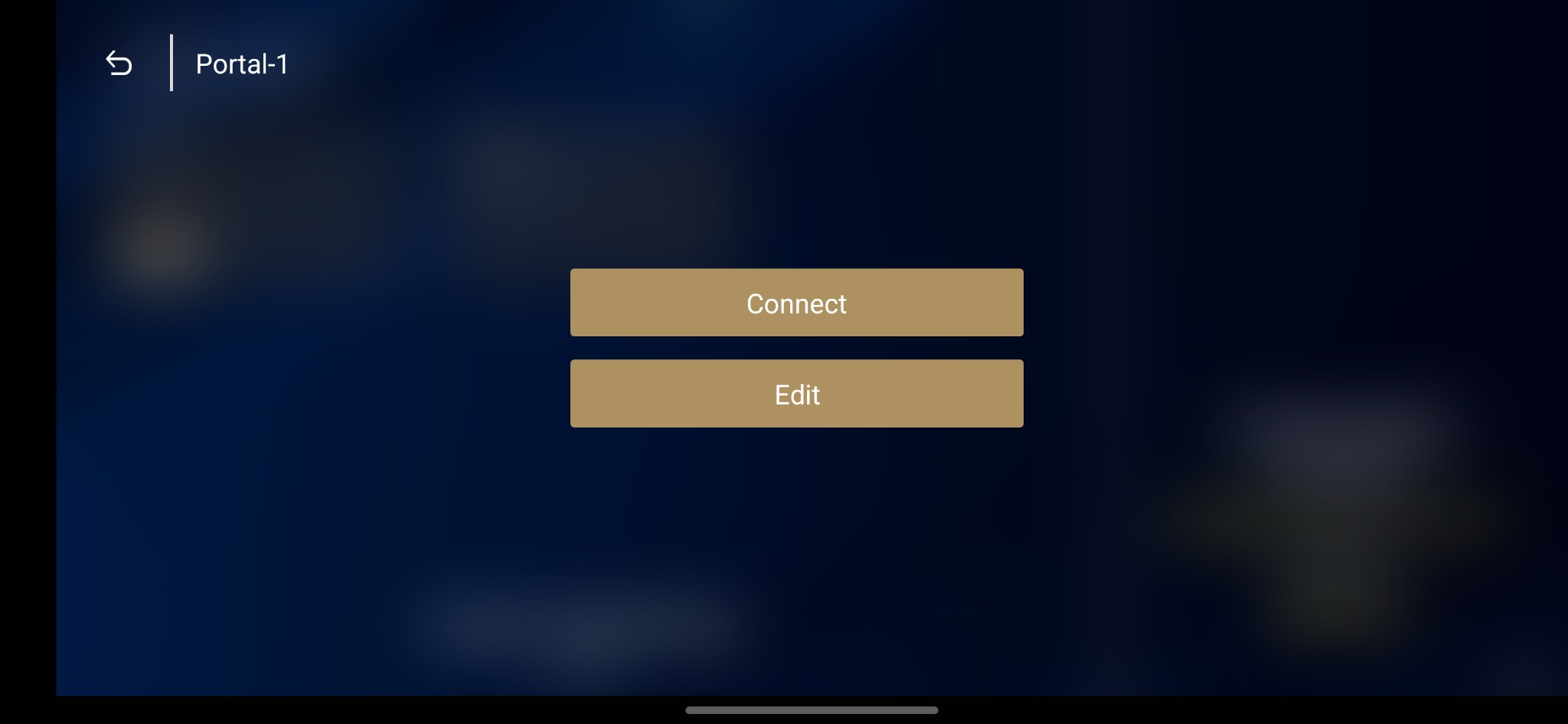
Dream 4K player supplied screen 5: startup view

These are the retained public player screens from the supplied site. A separate activation screen containing a device identifier is omitted from the public build. The screens illustrate the player family rather than every package in the download library.

Match the screen to your issued account

Use the fields shown by your installed application. If it requests a code, portal, playlist or separate credentials, ask support for that specific method. Keep device keys, identifiers and service credentials out of publicly shared images.

Your next screen starts here

Install. Explore. Make it yours.

Tell us your device and chosen app after installation. Request a one-day trial and check the programmes, languages and setup that matter to you.

Request your one-day trial ↗
WhatsApp support ↗↑